
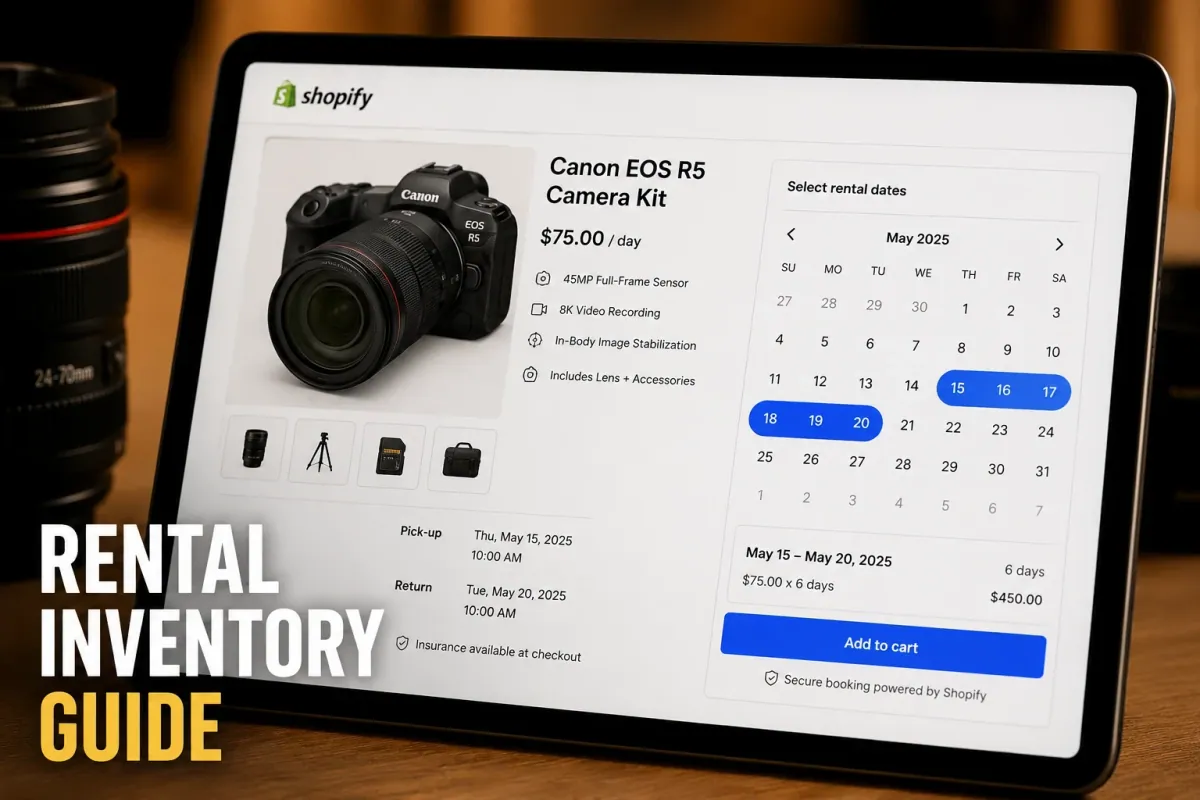
A camera gear rental business in Denver rents out RED Cinema cameras, prime lenses, and lighting kits. Every Friday, three different clients request the same 50mm lens for weekend shoots. Without an automated booking system tied directly to product inventory, staff spend two hours cross-referencing spreadsheets, checking return shelf conditions, and emailing customers to reschedule overlapping reservations. A single double-booked lens destroys a production schedule and costs $450 in lost rental revenue plus instant reputational damage.
Managing rental inventory on Shopify is fundamentally different from selling standard physical products. When you sell a t-shirt, inventory decreases by one and stays gone. When you rent a camera, an e-bike, or a party marquee, that item leaves your store, remains unavailable for a defined duration, requires a buffer window for cleaning or inspection, and returns to active inventory.
To run a profitable rental operation on Shopify, you need an app that transforms standard product pages into dynamic booking calendars, tracks serialized or non-serialized assets, automates security deposits, and prevents scheduling conflicts across online and point-of-sale orders.
This guide walks through the exact operational framework, setup steps, and software choices required to manage rental equipment inventory seamlessly on your Shopify store in 2026.
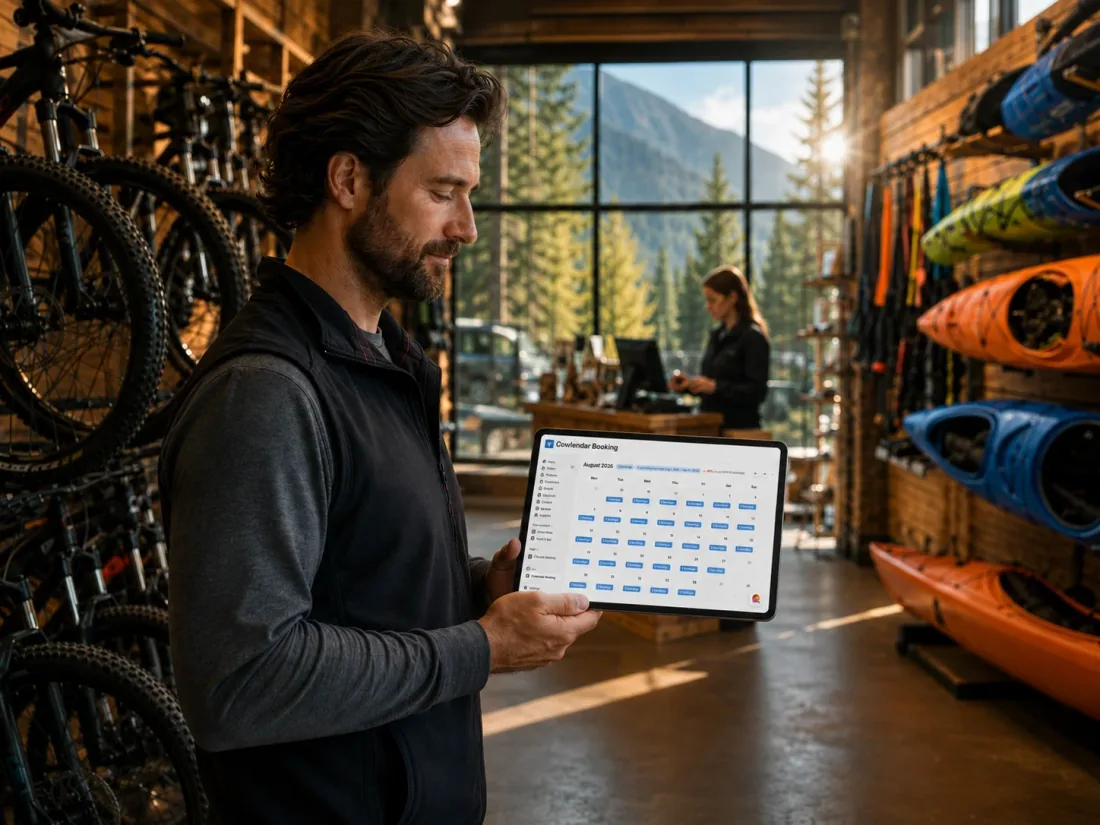
Why rental inventory management matters for Shopify merchants
Managing rental equipment inventory on Shopify requires tracking time-based availability rather than static stock counts. Standard Shopify inventory settings assume items are permanently subtracted upon checkout, which fails for multi-day rentals, hourly bookings, or tiered equipment packages.
When a customer orders a physical item on Shopify, the stock level drops from 10 to 9. When a customer books a $120/day mountain bike rental for four days starting next Tuesday, stock must drop by one specifically for those four dates, while remaining available for booking today, tomorrow, and the following weekend.
Attempting to manage this with native Shopify stock levels forces staff into manual workarounds. You end up creating separate product variants for individual dates or manually restoring stock levels when items are returned. According to equipment rental industry operations benchmarks, businesses relying on manual calendar management spend an average of 6.8 hours per week resolving inventory discrepancies and suffer a 12% higher rate of booking overlaps compared to stores using dedicated scheduling apps.
Automated inventory control connects your Shopify product database directly to live booking calendars. It prevents double bookings, enforces required maintenance windows between rentals, collects protective security deposits, and syncs rental orders across online channels and physical storefronts using Shopify POS.
Key challenges in tracking rental equipment on Shopify
Rental businesses face four primary inventory obstacles that standard e-commerce setups cannot solve without dedicated app integration.
Handling buffer times for maintenance and cleaning
Equipment rarely returns ready for immediate re-hire. A paddleboard needs washing and air-drying, a DSLR camera requires sensor cleaning and battery recharging, and construction machinery needs safety inspections.
If Client A returns a pressure washer at 10:00 AM and Client B books it for 10:30 AM, any minor return delay or necessary maintenance forces a service failure. Effective rental management apps allow you to define mandatory padding or buffer times before and after every booking block.
Managing serialized gear versus pooled stock
Rental businesses generally track inventory in one of two ways: pooled stock or serialized single-unit tracking.
Pooled stock works for identical, interchangeable items like 50 matching folding chairs or 30 identical medium helmets. You only need quantity-based cap limits per timeslot.
Serialized gear tracking is required for high-value assets such as individual vehicles, heavy machinery, or specific camera bodies with unique serial numbers. If a specific lens in your camera kit has a damaged front element, you must remove that exact physical unit from future bookings without disabling the entire product listing.
Collecting damage deposits without checkout friction
Renting high-value equipment creates financial risk. Standard e-commerce payments process the full transaction immediately, but collecting a $500 security deposit as a full upfront charge can cause cart abandonment.
Merchants need a system that supports temporary authorization holds or dedicated deposit add-ons that can be partially or fully refunded upon inspection after the item is returned.
Synchronizing online and in-store rentals
If you operate a brick-and-mortar storefront alongside your Shopify website, walk-in customers compete directly with online visitors for the same physical equipment inventory.
Without a unified calendar system, a walk-in customer might rent your last electric bike at 2:00 PM just as an online buyer checks out that exact bike for a 3:00 PM reservation.
What to look for in a Shopify equipment rental app
Selecting the wrong booking tool leads to broken calendar syncs, poor mobile checkout experiences, and manual administrative overhead. Evaluate prospective rental management tools against five operational criteria.
First, look for real-time two-way calendar sync. When a rental booking is processed on Shopify, the dates must instantly block out on your master master calendar. If you block out dates for repairs in Google Calendar, those dates must immediately lock on your Shopify storefront to prevent customer purchases.
Second, verify support for flexible booking durations. Your system should natively handle hourly rentals (e.g., 2-hour kayak rentals), daily rentals (e.g., weekend lawn aerator hire), and custom multi-day ranges with tiered pricing structures.
Third, look for custom intake questions and file uploads. Equipment rentals frequently require liability waivers, copies of driver's licenses, or experience verification before order confirmation. Collecting these details inside the booking widget eliminates post-purchase follow-up emails.
Fourth, check integration depth with Shopify native checkout. Avoid apps that redirect customers to external third-party domains to complete their rental schedule. Third-party redirects reduce checkout conversion rates by up to 18% and disrupt tracking pixels in tools like Klaviyo.
Fifth, evaluate pricing structure transparently. Some rental applications charge steep monthly fees combined with transaction percentage cut fees. Look for flat-tier pricing models that scale cleanly as your rental booking volume expands.
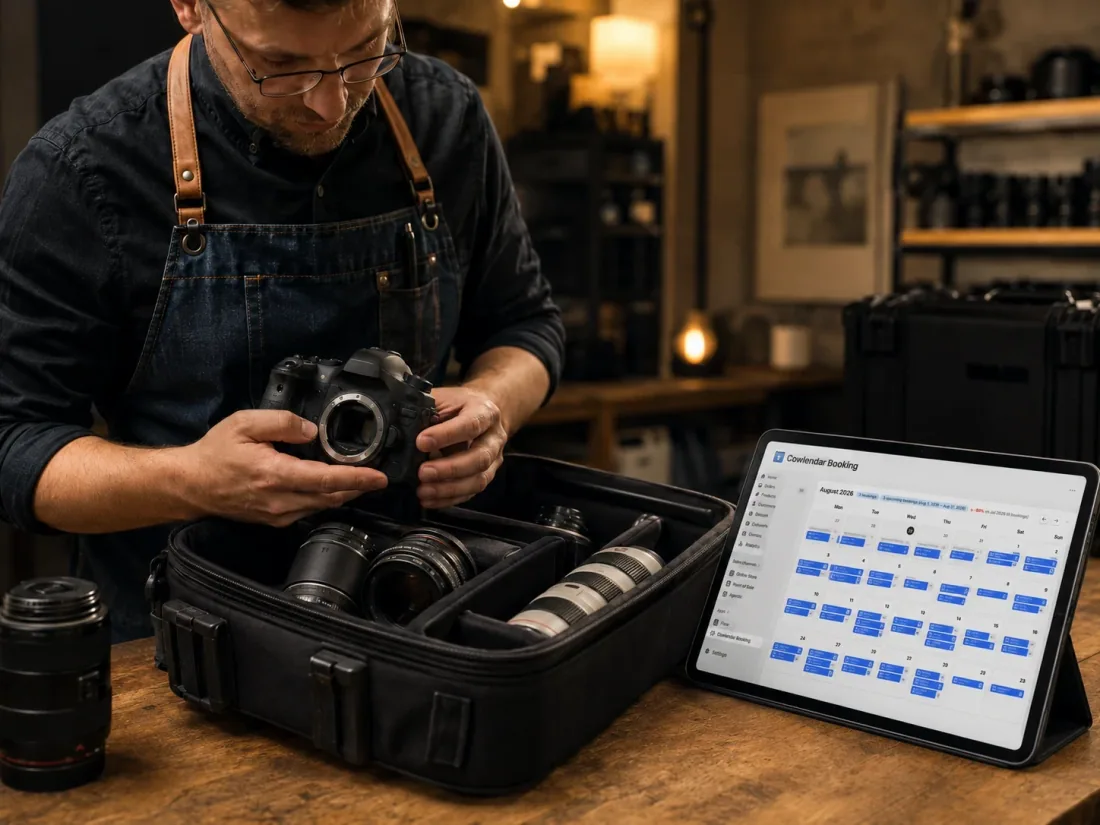
How to set up rental inventory on Shopify step by step
Setting up an automated equipment rental workflow on Shopify requires structuring your product catalog correctly before attaching booking logic.
If you want to see a step-by-step visual walkthrough of setting up calendar bookings on Shopify, this video tutorial provides a helpful baseline for understanding how booking widgets layer on top of standard product pages.
Here is the exact step-by-step process for configuring your store.
Step 1: Create the base product in Shopify
Navigate to your Shopify Admin and create a standard product listing for your rental item (for example, "Heavy-Duty Carpet Cleaner"). Set the product price to your base rental rate (e.g., $45 per day).
Under the Inventory section, check the box labeled "Track quantity." Enter the exact total number of physical units you own (e.g., if you own 4 carpet cleaners, set stock quantity to 4). Uncheck "Continue selling when out of stock."
Step 2: Install Cowlendar and select the product
Open Cowlendar from your Shopify Admin. Click Create Service or Rental and search for your newly created product. Select the item to attach the booking interface.
Select Multi-day / Daily Rental as your booking type. If your gear is rented by the hour, choose Timeslot / Hourly.
Step 3: Configure rental duration, stock limits, and buffers
Define your operational parameters inside the app settings panel:
Capacity per slot: Set this equal to your total physical inventory count for pooled gear (e.g., 4 units).
Buffer time: Enable a post-booking cleanup window (e.g., 2 hours or 1 day) to allow staff to inspect, clean, and re-stock returned equipment before it becomes available for the next customer.
Min/Max booking length: Set boundaries, such as a minimum 1-day rental up to a maximum 14-day hire period.
Step 4: Add custom intake fields and waiver requirements
Navigate to the custom form builder section within Cowlendar. Add required fields for your rental agreement:
Checkbox for liability agreement acceptance (with a link to your legal terms)
Text field for ID or driver's license number
File upload field if you require proof of insurance for heavy equipment
To protect your business legally and financially, review our guide on how to build a rental damage deposit workflow that protects you and learn how clear policies cut no-shows and cancellations in Shopify.
Step 5: Test the booking widget on your theme
Save your settings and view the product page on your Shopify store. The standard "Add to Cart" button will now display an interactive calendar picker where customers select their start and end dates.
Test the checkout process by placing a test order. Verify that the selected dates become immediately unavailable on the product calendar for subsequent store visitors.
Best Shopify apps for managing rental equipment inventory
Selecting the right rental app depends on your fleet size, booking complexity, and budget. Here is an honest comparison of the leading Shopify rental applications.
1. Cowlendar
Cowlendar is built specifically for Shopify service providers, rental stores, and appointment-based businesses. It embeds natively into any Shopify theme, transforming standard products into flexible booking assets without requiring custom liquid code.
Key features: Supports multi-day rentals, single-day bookings, and hourly timeslots. Features two-way Google Calendar and Outlook Calendar synchronization, custom intake form builder with file uploads, automatic buffer time padding, and native Shopify POS compatibility.
Strengths: All paid plans include ALL features identically. Unlike competitors that lock critical tools behind high tiers, Cowlendar tiers are based strictly on booking volume or revenue limits. Setup takes less than 10 minutes, and the widget loads blazingly fast without slowing down product page performance.
Limitations: While Cowlendar excels at inventory capacity caps and multi-day rental logic, highly complex serialized barcode tracking for large industrial fleets with hundreds of unique serial numbers is better handled by enterprise ERP integrations.
Pricing:
Free Plan: $0/month, all features; see current usage allowance on the pricing page.
Starter Plan: €13.99/month (Up to $1,000 revenue or 50 bookings)
Basic Plan: €29.99/month (Up to $3,000 revenue or 200 bookings)
Growth Plan: €59.99/month (Up to $10,000 revenue or 500 bookings)
If you are evaluating dedicated rental platforms, read our complete breakdown of the best Shopify apps for rental businesses in 2026 and our guide on how to manage multi-day rental bookings on Shopify.
2. BookThatApp
BookThatApp by Zuko Ltd is one of the oldest booking applications in the Shopify ecosystem, operating for over 15 years with a focus on rentals, accommodation, and activity bookings.
Key features: Offers complex resource allocation rules, multi-location equipment routing, real-time inventory lookup across physical stores, and automated SMS reminders via Twilio.
Best for: Large equipment rental operations that require advanced resource rules (e.g., booking a trailer along with a lawnmower as a paired asset).
Where it excels over Cowlendar: BookThatApp handles highly complex multi-resource dependency mapping where booking Asset A automatically reserves Asset B and assigns Staff Member C.
Limitations: The user interface feels dated compared to modern Shopify app standards, and configuring multi-layered booking rules requires a steep learning curve.
Pricing: Standard plans start from $19.95/month up to $299.95/month for high-volume enterprise users.
3. Sesami
Sesami is an enterprise-focused booking framework widely used by retail brands offering in-store appointments and gear rentals.
Key features: Sesami SDK for custom developer extensions, multi-language support, multi-practitioner assignment, and deep Shopify POS shop-floor integration.
Best for: Omnichannel retail brands that combine physical store rental desks with online scheduling.
Where it excels over Cowlendar: Sesami provides an extensible developer SDK that allows enterprise agencies to build custom bespoke booking portals on top of its API.
Limitations: Core features like advanced calendar sync and custom intake attributes are locked behind expensive higher-tier plans ($129/month and $299/month), making it costly for small to mid-sized rental operations.
Pricing: Small plan starts at $19/month, Pro plan at $129/month, and Premium at $299/month.
4. Meety
Meety is a lightweight scheduling application designed for simple appointment bookings, classes, and basic equipment hires.
Key features: Group class bookings, Zoom integration via Zoom, customizable email notifications, and quick calendar setup.
Best for: Solopreneurs and small businesses offering simple hourly equipment hire (e.g., tennis court or surfboard rentals).
Where it excels over Cowlendar: Meety offers an intuitive interface specifically tailored for simple time-slot class schedules.
Limitations: Lacks dedicated multi-day rental calculation engines and security deposit authorization workflows necessary for complex gear hire operations.
Pricing: Free tier available; paid plans start at $14/month.
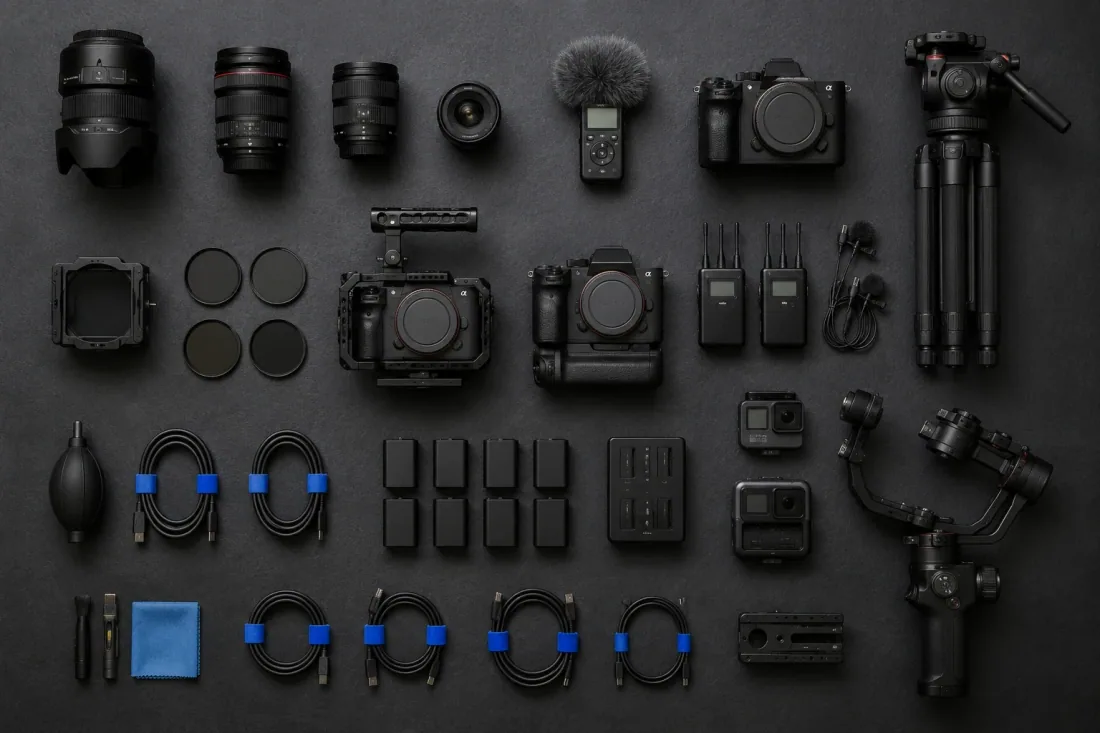
Operational tips for successful equipment rental inventory management
Deploying booking software is step one. Maintaining high fleet utilization and protecting your physical assets requires disciplined daily workflows.
1. Implement mandatory buffer windows
Never schedule back-to-back rentals with zero time between return and dispatch. Set a standard buffer time in Cowlendar (e.g., 3 hours for camera gear, 24 hours for heavy machinery).
This buffer accommodates delayed customer returns, unexpected maintenance requirements, and thorough cleaning protocols without forcing you to cancel subsequent customer bookings.
2. Upsell gear accessories during checkout
Boost your average order value (AOV) by offering complementary rental add-ons during the booking process. If a customer rents a mountain bike, offer a helmet for $10 extra, a bike rack for $25, or a repair kit for $15.
Learn how to configure these revenue-generating add-ons in our guide on how to upsell add-ons during a Shopify booking and see how adventure brands execute this in our article on how to boost adventure bookings with equipment add-on rentals.
3. Automated SMS and email reminders
Late returns are the single largest cause of inventory shortages in rental businesses. Set up automated email and SMS notifications through Klaviyo or native Cowlendar alerts.
Send a reminder 24 hours prior to the booking start date with pickup instructions, and a second reminder 3 hours before the return deadline specifying return location details and late-fee policies. Explore our full setup blueprint in Klaviyo and Cowlendar email flows for booking businesses on Shopify.
4. Leverage two-way calendar sync for internal maintenance
When an piece of equipment breaks or requires routine servicing, do not rely on memory to update your store.
Block out the maintenance dates directly on your synchronized Google Calendar. Cowlendar will instantly read the blocked dates and update your Shopify product availability, preventing customers from ordering out-of-service gear. Read our tutorial on how to fix double bookings with a Google Calendar two-way sync on Shopify.
FAQ
How do I prevent double bookings on Shopify equipment rentals?
You prevent double bookings by installing a dedicated Shopify booking app like Cowlendar that links live product inventory directly to an interactive calendar. The app locks selected dates immediately upon checkout and uses two-way synchronization with external tools like Google Calendar to remove booked stock from active store inventory in real time.
Can I charge a security deposit for rental equipment on Shopify?
Yes. You can charge security deposits on Shopify by adding a refundable deposit product variant or custom fee add-on during checkout. Alternatively, merchants use custom intake forms to capture authorization agreements, or use third-party payment workflows integrated with Stripe to place temporary pre-authorization holds on customer credit cards.
How does Shopify handle multi-day equipment rental pricing?
Shopify calculates multi-day rental pricing through dedicated rental booking apps that multiply your base daily rate by the number of days selected on the product calendar widget. Apps like Cowlendar allow you to set custom minimum and maximum rental durations, tiered daily discounts for longer rental periods, and mandatory buffer days between customer hires.
Can I manage rental equipment stock across both online and physical store locations?
Yes. By utilizing Cowlendar alongside Shopify POS at your physical retail store, walk-in equipment rentals and online website reservations draw from the same centralized inventory pool. When an item is rented over the counter, the system immediately updates online availability to prevent remote customers from booking the same asset.
Conclusion
Managing rental equipment inventory on Shopify does not have to mean wrestling with spreadsheets, apologizing for double bookings, or losing sleep over delayed gear returns. By replacing static inventory settings with a dedicated scheduling engine, you turn complex time-based availability into an automated, revenue-generating system.
Whether you rent high-end camera bodies, event furniture, or e-bikes, structuring your store with clear buffer times, automated customer reminders, and real-time calendar synchronization protects your physical assets and delivers a seamless booking experience.
Ready to automate your rental fleet on Shopify? Install Cowlendar today to launch flexible daily and multi-day equipment rentals on your store in minutes.
Originally published on the Cowlendar blog. This article keeps its original publication history; the page layout has been refreshed.
Originally published Jul 29, 2026.




 Built for Shopify


