

Imagine a salon owner who invests time preparing for each appointment—only to face frequent last-minute cancellations. Frustrated, they realize the issue is not just no-shows but unclear booking terms. Clients didn’t know what would happen if they canceled late or failed to show up.
After introducing transparent cancellation policies with deposits and clear communication, cancellations dropped dramatically. Clients felt informed, the salon earned consistent revenue, and staff regained trust in the booking process.
This is the power of setting expectations up front with the right Shopify booking app and communication tools.
Why Transparent Policies Reduce Cancellations
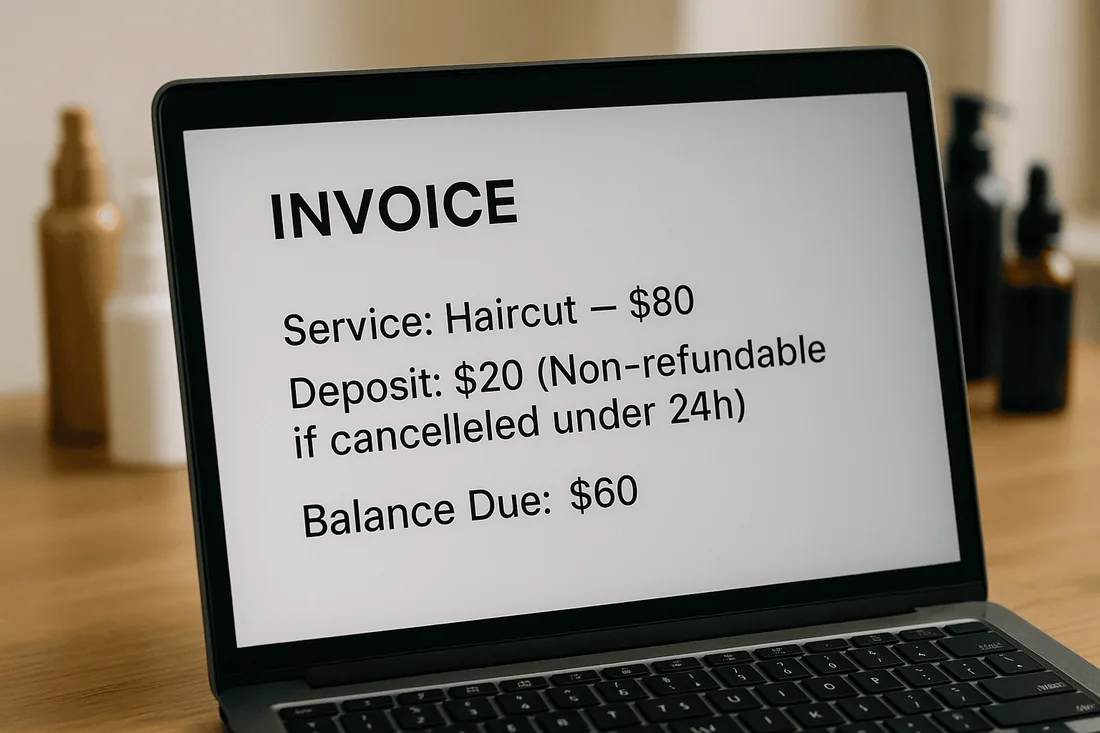
Transparent cancellation policies give clients clarity and confidence. When customers understand refund rules, rescheduling terms, and no-show consequences, they are less likely to cancel at the last minute.
A clear policy also helps businesses:
Protect revenue with deposits.
Reduce no-shows through accountability.
Build trust by setting fair expectations.
Streamline operations with fewer surprises.
Common Mistakes Businesses Make with Policies
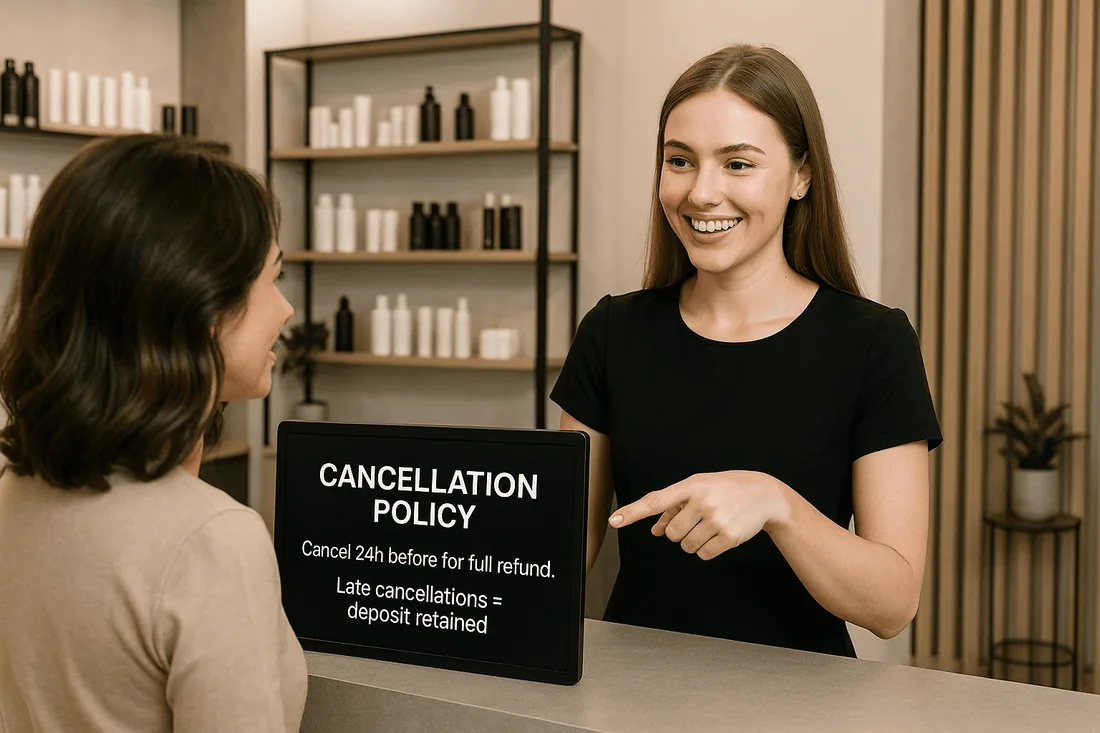
Policies hidden in small print
If terms are buried in fine print, clients may claim they “never saw them.”
Vague wording that confuses clients
Unclear language around refunds or credits can lead to disputes.
No mention of refunds, reschedules, or late arrivals
Clients need to know exactly what happens if they miss or change an appointment.
Inconsistent enforcement that reduces credibility
If rules are applied randomly, customers won’t take them seriously.
Key Elements of Transparent Cancellation Policies
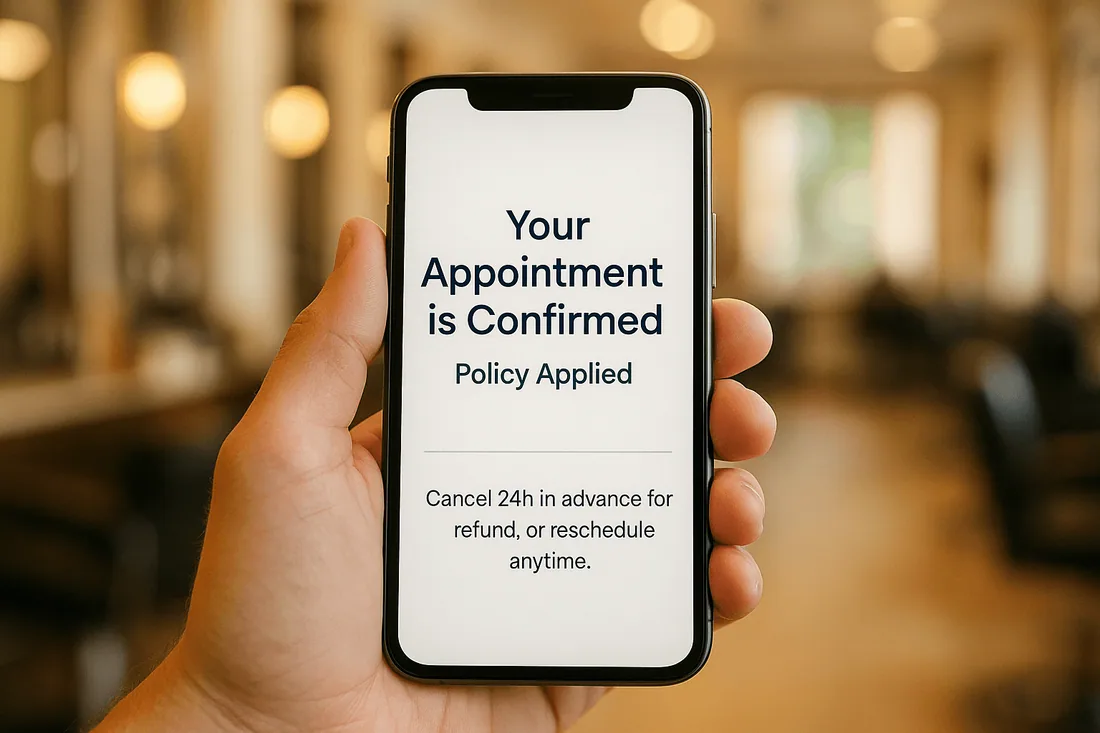
Clear refund or credit rules
State when refunds or credits apply, and whether deposits are refundable.
Defined cutoff times
Be specific: for example, “Cancellations allowed up to 24 hours before appointment.”
Fees or deposits communicated openly
Explain deposit requirements and potential late-cancellation charges.
Easy access to policies
Display policies in the appointment booking calendar, checkout page, and confirmation emails.
How to Communicate Policies Effectively
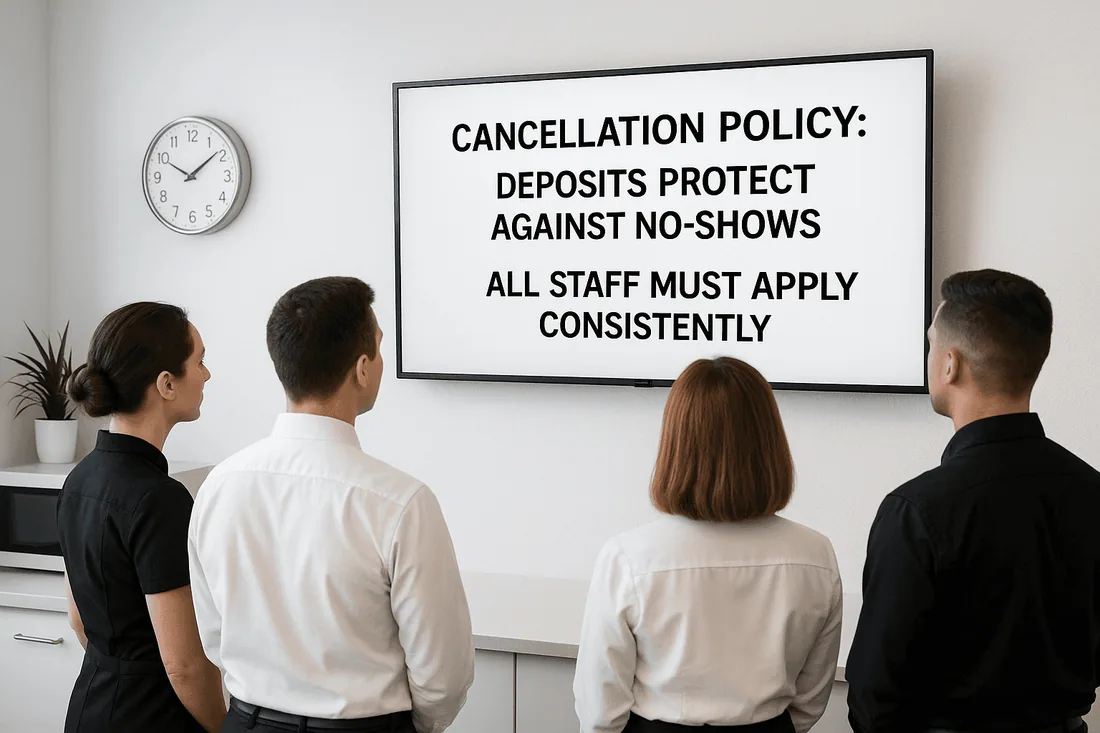
Place terms on the booking page, not just in hidden links.
Use simple, customer-friendly language.
Reinforce policies with instant booking confirmation emails or SMS reminders.
Ensure staff can explain rules consistently using the staff scheduling calendar.
This approach ensures clients know the rules before booking, reducing disputes.
How Cowlendar Helps with Transparency and No-Show Protection
The Cowlendar booking app is designed to support clear communication and reduce no-shows:
Accept deposits or pre-payments to secure bookings.
Refill cancelled slots automatically with a waitlist.
Send automated SMS/email reminders to clients.
Sync staff and resources with Google Calendar sync to avoid double bookings Shopify merchants fear.
Offer service availability in real time for client confidence.
Recommended Shopify Booking Apps
Cowlendar (Top Recommendation)
✅ Instant bookings without Shopify checkout
✅ Staff assignment, room/equipment logic
✅ Google Calendar sync per staff
✅ POS integration for walk-ins
✅ Admin calendar with staff filters
✅ SMS/email reminders
✅ Deposits, upsells, waitlists
✅ Multi-location support
✅ Mobile-optimized booking widgets
✅ Staff performance reporting
❌ Some features require a paid plan
Apntly (Appointly)
✅ Staff and class scheduling
✅ Google Calendar + POS + Zoom
✅ Custom forms
❌ No equipment/room support
❌ Onboarding unclear
Appointo
✅ Staff assignment, rooms, and rentals
✅ POS + Zoom
✅ Deposits and upsells
✅ Admin dashboard
❌ Setup complexity can be high
Easy Appointment Booking (Servicify)
✅ Basic staff logic
✅ POS + Zoom + deposits
✅ Easy setup for solo businesses
❌ No reporting or advanced filters
BookThatApp (BTA)
✅ Advanced staff/room logic
✅ POS, Zoom, forms, calendar tools
❌ Steep learning curve
❌ No upsells noted
Sesami
✅ Multi-location staff logic
✅ POS, Google Calendar, onboarding
❌ Limited customization
❌ No upsells
Feature | Cowlendar | Apntly | Appointo | Easy Appointment | BookThatApp (BTA) | Sesami |
|---|---|---|---|---|---|---|
Instant Booking | ✅ | ✅ | ✅ | ✅ | ✅ | ✅ |
Group / Event Booking | ✅ | ✅ | ✅ | ✅ | ✅ | ✅ |
Rentals / Equipment | ✅ | ❌ Unspecified | ❌ Unspecified | ❌ Unspecified | ❌ Unspecified | ❌ Unspecified |
Shopify POS Integration | ✅ | ✅ | ✅ | ✅ | ✅ | ✅ |
Google Calendar Sync | ✅ | ✅ | ✅ | ✅ | ✅ | ✅ |
Zoom Integration | ✅ | ✅ | ✅ | ✅ | ✅ | ✅ |
Email / SMS Reminders | ✅ | ❌ Unspecified | ✅ | ✅ | ✅ | ✅ |
Deposits Supported | ✅ | ✅ | ✅ | ✅ | ✅ | ✅ |
Upsells Supported | ✅ | ✅ | ✅ | ✅ | ❌ Unspecified | ❌ Unspecified |
Customizable Forms | ✅ | ✅ | ✅ | ✅ | ✅ | ✅ |
Embedded Widget | ✅ | ✅ | ✅ | ✅ | ✅ | ✅ |
Mobile-Responsive Design | ✅ | ✅ | ✅ | ✅ | ✅ | ✅ |
Admin Dashboard | ✅ | ✅ | ✅ | ✅ | ✅ | ✅ |
Onboarding Experience | ✅ | ❌ Unspecified | ❌ Unspecified | ❌ Unspecified | ❌ Unspecified | ✅ |
Complexity / Entry Barrier | ✅ Easy | ✅ Easy | ❌ High | ✅ Easy | ❌ High | ✅ Medium |
FAQ
1. What are cancellation policies in a Shopify booking app?
They are clear rules about refunds, reschedules, and no-show consequences shown during the booking process.
2. How do transparent policies help reduce no-shows?
Clients are less likely to cancel when they know deposits, fees, or rescheduling rules in advance.
3. Can I automate policy reminders with Shopify booking apps?
Yes. Apps like Cowlendar send instant booking confirmations and automated reminders.
4. How do deposits protect my business?
Deposits ensure financial commitment and help cover costs if a client cancels late.
5. Where should cancellation policies be displayed?
At checkout, in confirmation emails, and within the appointment booking calendar for easy visibility.
Conclusion
Transparent cancellation policies protect your revenue, reduce no-shows, and set clear expectations for clients. By combining upfront communication with automation, businesses can save time and build stronger customer trust.
👉 Reduce cancellations and build trust with Cowlendar, the booking app with built-in flexibility and no-show protection.
Originally published on the Cowlendar blog. This article keeps its original publication history; the page layout has been refreshed.
Originally published Aug 28, 2025.




 Built for Shopify


