

Our first pick is Cowlendar for a complete booking toolkit. Compare Meety, Apntly, Appointo, Easy Appointment Booking and BookX by the features you need and the plan you would actually pay for.
The top 6, at a glance
Our first pick is Cowlendar for service businesses that want appointments, classes, rentals and repeat bookings in one Shopify app. Its free plan includes all features, so you can evaluate the workflow you actually want to launch. If your main need is a low fixed price for straightforward appointments, Apntly deserves a close look. For feature-based upgrades, Meety, Appointo, Easy Appointment Booking and BookX offer different paths.
This is a shortlist by the Cowlendar team. We make the first app on the list. The order reflects our editorial recommendations for service businesses, not an independent benchmark or an official Shopify ranking. Product facts come from official listings and documentation checked September 22, 2026. Images below are published by the respective app developers.
| Rank | App | Our pick for | Free offer | Relevant monthly paid price |
|---|---|---|---|---|
| 1 | Cowlendar | A complete booking toolkit across service types | All features; usage allowance applies | $13.99 Starter / $29.99 Basic / $59.99 Growth, by booking revenue |
| 2 | Meety | A broad feature ladder and customer workflows | Basic bookings and team members | $14 Starter for bundles; $47 Enterprise for deposits/API |
| 3 | Apntly | Low-cost appointment scheduling | One service and one team member | $9 Pro for calendar sync, groups and deposits |
| 4 | Appointo | Unlimited basic services with paid upgrades | Unlimited services and bookings | $14 Pro; add the listed 2% subscription/bundle charge when relevant |
| 5 | Easy Appointment Booking | Workshops, event operations and packs | One event or service | $39 Pro Plus for packs/deposits; $99 Ultimate for Klaviyo |
| 6 | BookX | Teams, locations and seasonal rental pricing | One service and one team member | $19.99 Growth for deposits; $39.99 Business for two-way Google sync |
Prices are USD on monthly billing, before taxes, Shopify/payment charges and optional add-ons. These are useful feature tiers, not equivalent packages. A free plan with all features is different from unlimited free booking volume. Cowlendar's pricing page shows its usage allowances and revenue thresholds.
1. Cowlendar — best for a complete booking toolkit
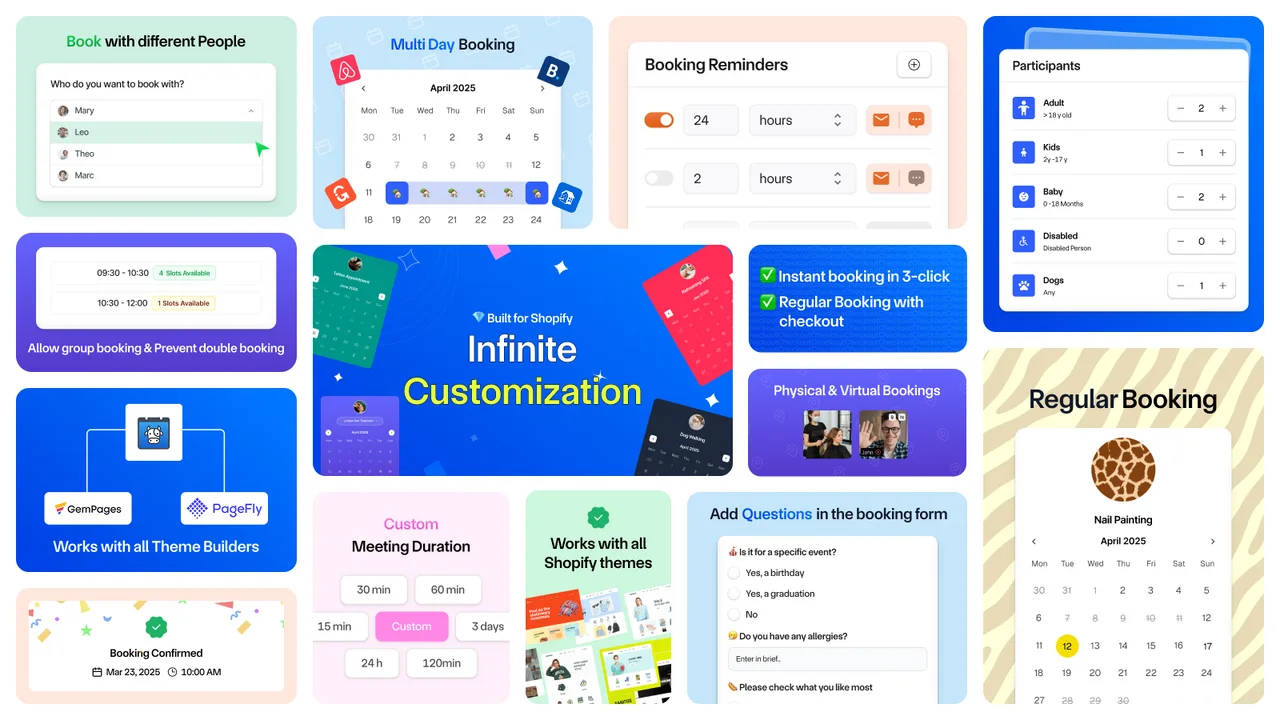
Best fitAppointments, classes, rentals and recurring services
Starting pointFree plan with all features
Paid modelBooking-revenue tiers
StandoutBundles, subscriptions, equipment and automation
A shop selling one-off consultations today may add a six-session coaching pack next month and a group workshop after that. Cowlendar is our recommendation when you want those offers to live in the same booking system. The feature set covers individual and group bookings, full-day and multi-day services, bundles, recurring subscriptions, deposits and prepayment.
The appeal is access to the real toolkit from the beginning. You can evaluate the booking format, calendar connection and payment workflow together instead of assembling a shortlist around several feature upgrades. The free plan includes all features; paid tiers increase the booking-revenue allowance.
The advanced details worth knowing
- Repeat visits: offer booking bundles and recurring service subscriptions rather than treating every appointment as a separate sale.
- Real availability: work with service, teammate or equipment availability and participant categories.
- Connected operations: the beta public API can read services and bookings, create a manual booking and attach it to a subscription credit.
- Useful events: beta webhooks include attendance changes and failed subscription billing, alongside booking lifecycle events. Signed payloads and delivery retries are documented.
What would you pay? At 20 bookings × $40, monthly booking revenue is $800: Starter is $13.99. At $2,000, Basic is $29.99. At $4,000, Growth is $59.99. The listed ceilings are $1,000, $3,000 and $10,000 respectively. Optional messaging charges and other applicable costs remain separate.
Check before choosing: the API is beta. API-created bookings do not create a Shopify order, and the current API does not offer available-slot lookup or booking update/delete endpoints. Use the API and webhook documentation to validate a custom integration.
Our verdict: the strongest starting point on this shortlist for a merchant who wants several booking formats, advanced functions and room to evolve the offer. Also: a cow named after a calendar is a pretty good conversation starter.
2. Meety — best for a broad feature ladder
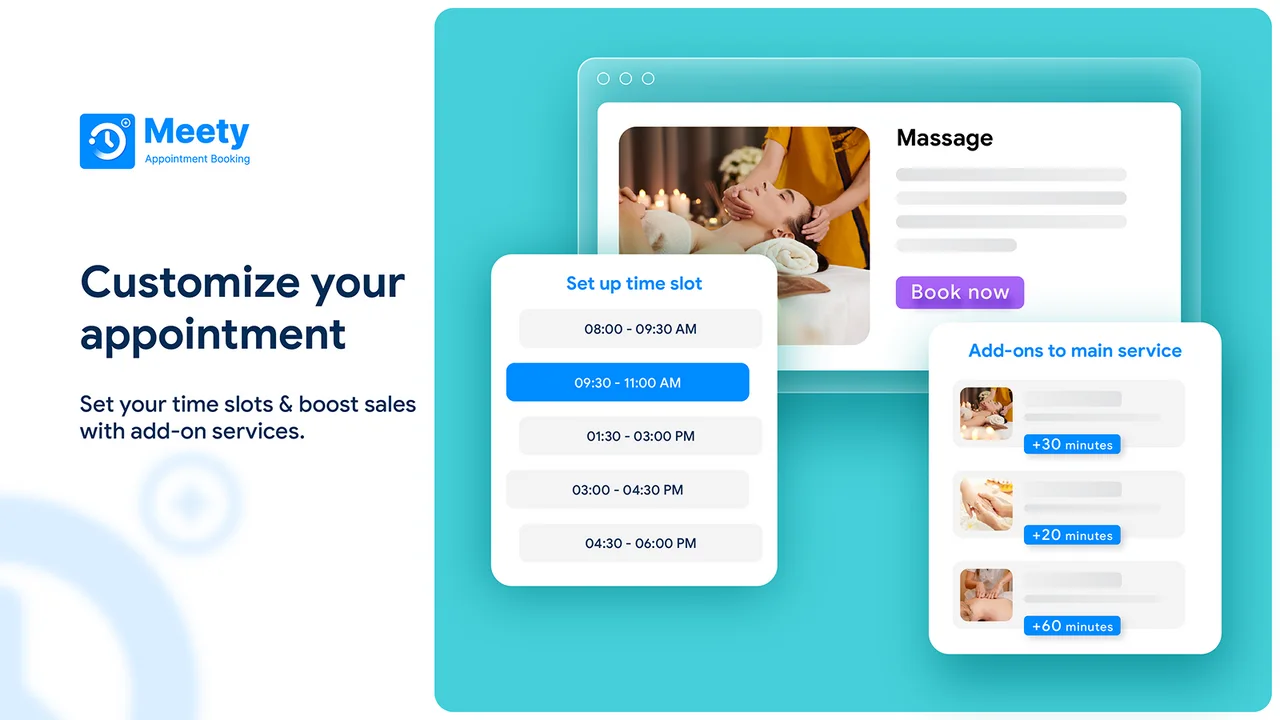
Best fitTeams choosing features one tier at a time
Relevant price$14 Starter / $27 Business / $47 Enterprise
Meety is worth considering when you like its customer journey and want to add capabilities through progressively higher tiers. It is a real contender for repeat-booking businesses: subscriptions and bundles are documented, and its official help center also describes webhook integrations.
The pricing distinction matters. Starter includes bundles, subscriptions, Google Calendar and Zoom. Business adds Outlook, waitlists and the team portal. The listing places deposits, Klaviyo, Zapier and API integration on Enterprise.
What would you pay? A merchant needing bundles and deposits should budget $47/month from the listed Enterprise upgrade, rather than the $7 entry plan. For the same requested features at $800 booking revenue, Cowlendar Starter is $13.99. At $4,000 revenue, Cowlendar Growth is $59.99, so Meety's fixed plan becomes less expensive in that scenario.
Check before choosing: Meety's webhook documentation uses the plan name “Premium,” while its listing uses a different tier structure. Confirm the current webhook entitlement and messaging charges directly.
3. Apntly — best for a lean appointment budget
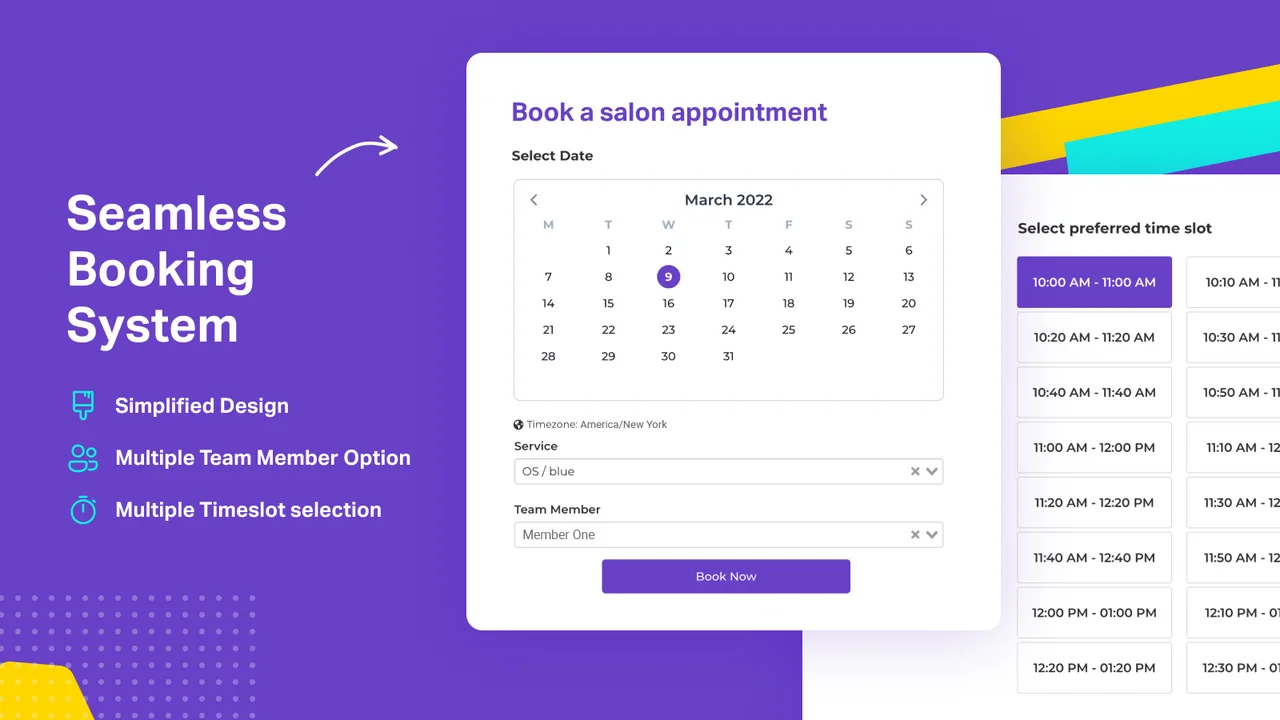
Best fitSimple appointment services
Relevant price$9/month Pro
Apntly makes a persuasive case when the brief is uncomplicated: customers choose an appointment, the team receives it and the monthly app cost stays low. The free offer covers one service and one team member. Starter expands the service and team setup, while Pro includes group appointments, calendar integrations, meeting integrations and deposits.
What would you pay? For calendar-connected appointments and deposits, the listed Pro plan is $9/month. That is below Cowlendar Starter's $13.99 in the $800 revenue example. If those capabilities are the entire requirement, Apntly is a reasonable budget choice.
Why still consider Cowlendar? When a business also needs recurring subscriptions, bundles, multi-day services or a custom API workflow, Cowlendar provides explicit documentation to evaluate those requirements. Those capabilities were not established for Apntly in the sources used here; that is a reason to ask, not to assume they are unavailable.
4. Appointo — best for unlimited basic services
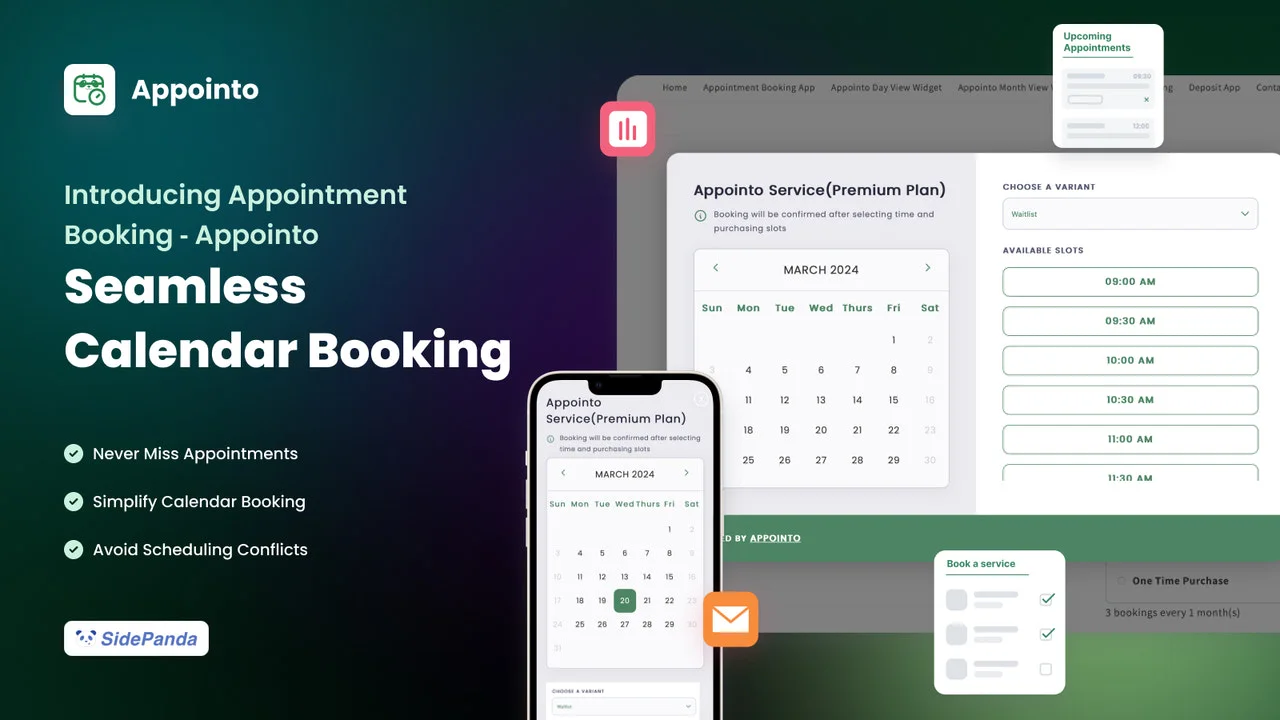
Best fitSeveral basic services before paid feature upgrades
Cost to rememberListed 2% subscription/bundle charge
Appointo's free tier is attractive for a merchant who needs unlimited basic services and bookings. Pro introduces reminders and calendar connections; Premium adds group appointments and waitlists; Advanced adds more sophisticated widgets and portals.
What would you pay? Pro is $14/month. If a qualifying subscription or bundle workflow generates $800 and the listed 2% charge applies to that revenue, the planning total is $30: $14 + $16. At $2,000 of that revenue, it is $54. These examples assume all the entered revenue is subject to that fee; SMS/WhatsApp and other relevant charges are separate.
Why consider Cowlendar? Revenue-tier pricing gives a different way to budget recurring and bundled bookings. Compare the final Appointo tier and usage charge with Cowlendar's applicable revenue tier, especially as repeat purchases become a larger part of the business.
5. Easy Appointment Booking — best for event operations
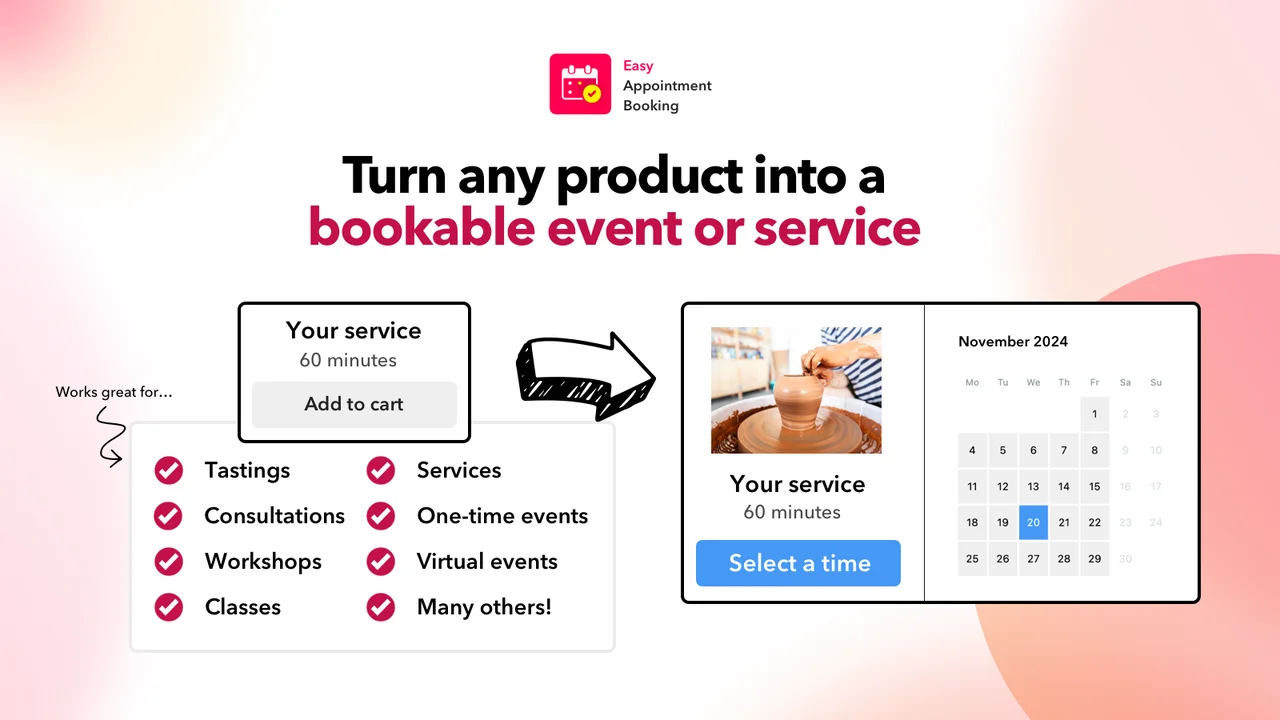
Best fitWorkshops, tastings and repeat-visit packs
Relevant price$39 Pro Plus / $99 Ultimate
For an experience-led store, evaluate more than the date picker. The attendee list, customer changes, waitlist and redemption of a booking pack all matter. Easy Appointment Booking's documented offerings make it a relevant candidate for those operations.
What would you pay? Pro Plus lists booking packs, deposits and waitlists at $39/month. The listing mentions Klaviyo and Shopify Flow on Ultimate at $99. Individual team logins are shown at $8 per staff member, so unlimited team members should not be interpreted as unlimited separate logins at no added cost.
Why consider Cowlendar? A store needing packs and deposits at $800 monthly booking revenue can compare that $39 plan with Cowlendar Starter at $13.99. Bring a real pack-redemption and cancellation example into both trials, then check the staff access your operation needs.
6. BookX — best for location-based growth
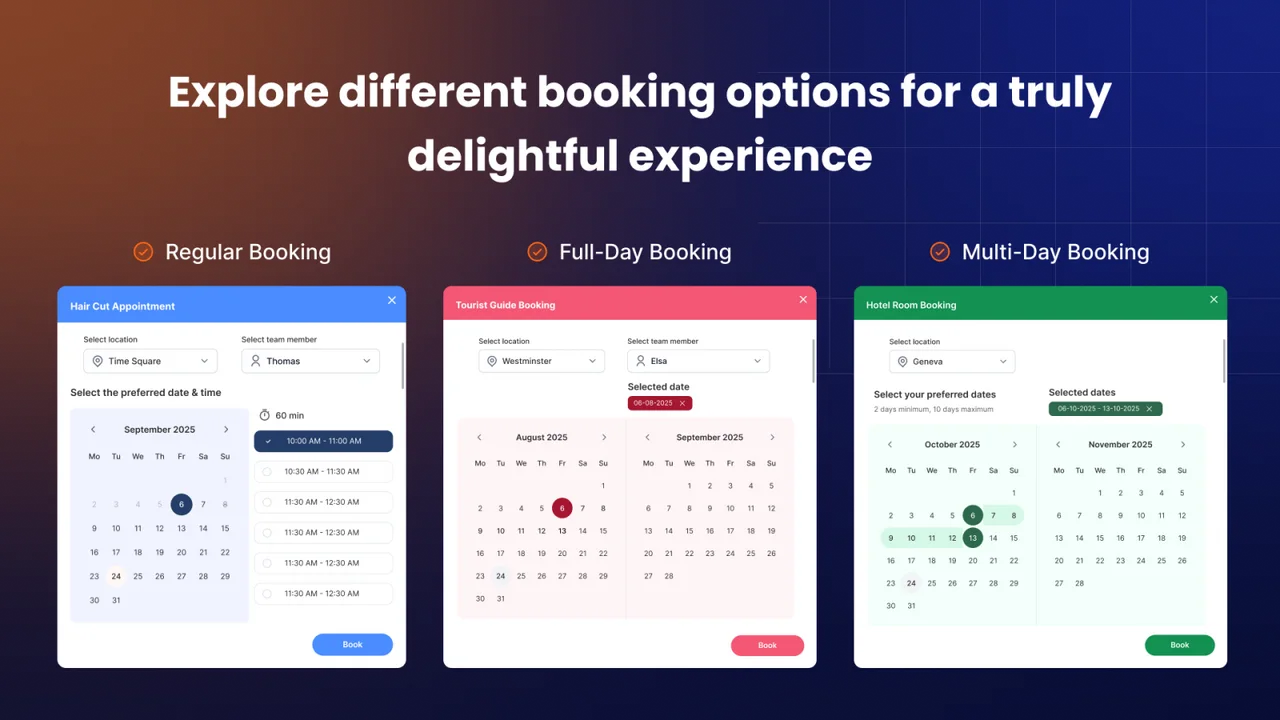
Best fitLocations, team capacity and seasonal rentals
Relevant price$19.99 Growth / $39.99 Business
BookX offers explicit location/team tiers and documents seasonal rental pricing. That makes it useful to evaluate when location count is a central planning constraint. Its Starter plan includes multi-day and bundle bookings; Growth adds deposit and seasonal-pricing features.
What would you pay? Bundles plus deposits point to Growth at $19.99/month. Two-way Google Calendar synchronization, Klaviyo and webhooks are listed on Business at $39.99. Do not budget the entry tier if incoming external calendar events need to block your availability.
Why consider Cowlendar? For a varied offer, compare Cowlendar's equipment availability, recurring subscriptions and beta API with your specific BookX tier. A good test is two services competing for the same resource, followed by a cancellation and rebooking. The result tells you more than a long list of integration logos.
How to choose the right Shopify booking app
Write the workflow before choosing the plan. List the services, staff, equipment, booking formats and payment rules you need. Specify whether a calendar connection must import busy time, export appointments or do both. Decide whether recurring customers buy separate sessions, a prepaid pack or a renewing subscription.
Price a normal month and a busy month. The comparison directory includes calculators for ten apps, with booking volume, average value and feature requirements. Keep app subscriptions separate from Shopify costs, payment processing, messaging and extra staff access. Use the service price calculator to check your own service economics.
Test the awkward booking. Fill the last seat, create an external calendar conflict, move an appointment and cancel a paid reservation. Confirm which emails fire and how the booking, order and refund records change. For an API integration, inspect the actual endpoints and event payloads.
Make the schedule realistic. Use our time slot generator to plan service duration and buffer time. Use the no-show calculator to put numbers on missed visits, without assuming that any app guarantees a particular improvement.
What about rental specialists and larger retail teams?
This top six focuses on general service businesses. IzyRent is another useful option for rental-first stores, especially when date-based rates and iCalendar connections matter. BookThatApp is worth considering for specialized resource and bond workflows. Sesami belongs on an agency-led retail shortlist when an SDK is part of the brief.
Explore Cowlendar vs IzyRent, Cowlendar vs BookThatApp and Cowlendar vs Sesami for their separate tradeoffs. The best selection is the app whose documented behavior matches the business you want to run.
Sources and how we keep this useful
The monthly prices, tier descriptions and product images in each entry link directly to the relevant Shopify listing. Advanced capabilities are checked against the vendor's documentation where available. We distinguish a confirmed limitation from a capability that was not established in those sources.
- Cowlendar: listing and pricing · API and webhooks
- Meety: listing and pricing · Webhook documentation
- Apntly: listing and pricing
- Appointo: listing and pricing
- Easy Appointment Booking: listing and pricing
- BookX: listing and pricing
- Shopify: selling services
Before installing, verify the current offer on Shopify. If a price or feature changes, the exact plan needed for your workflow can change too.
Common questions
What is the best Shopify booking app for service businesses?
Our first pick is Cowlendar when you need appointments, group sessions, rentals, bundles and subscriptions in one app. Apntly is a useful low-cost appointment option; Meety, Appointo, Easy Appointment Booking and BookX offer other feature and pricing tradeoffs. This is an editorial recommendation by the Cowlendar team.
Does Cowlendar have a free plan with all features?
Yes. Cowlendar’s free plan includes all features. Usage allowances apply; consult the pricing page for the free allowance, revenue thresholds and optional charges.
Can Shopify sell appointments without a booking app?
Shopify supports service products, but appointment availability and scheduling normally require a booking app or a custom integration.
Which Shopify booking apps support subscriptions or bundles?
Cowlendar, Meety and Appointo list subscriptions and bundles. Easy Appointment Booking lists booking packs, while BookX lists bundle bookings. Confirm the applicable tier and any transaction-linked charge.
Is the cheapest starting price the best comparison?
No. Compare the required plan for your calendars, deposits, bundles, staff access and integrations. Include usage charges and test both a typical and a busy month.
Written by the Cowlendar team. Recommendations reflect our editorial judgment; we make Cowlendar. App facts are based on the linked public documentation checked on September 22, 2026, not a claim of independent hands-on testing. Pricing and plan limits can change.
Originally published Jun 26, 2026.




 Built for Shopify


