
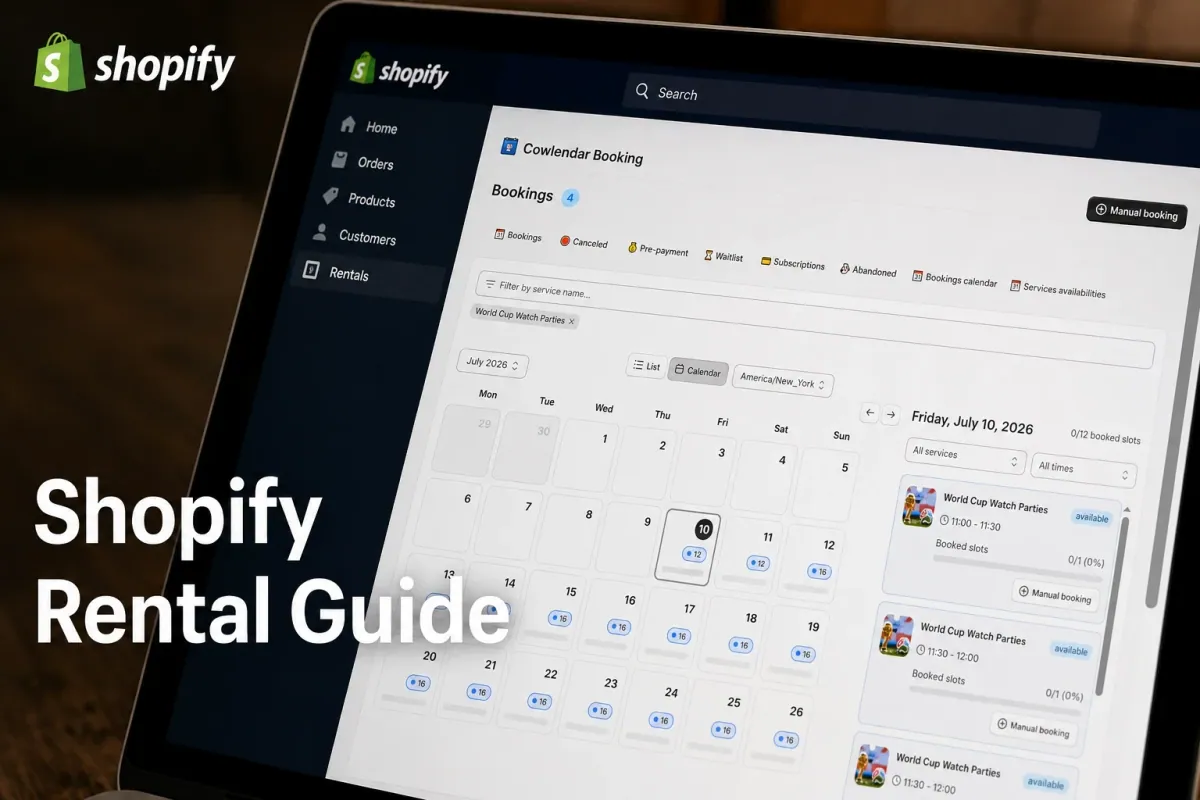
Running a rental or service business on Shopify sounds simple until a client tries to rent a premium mountain bike for three days while another schedules a one-hour private coaching session on the exact same afternoon. If you manage a fleet of 12 rental gear setups or run a busy wellness facility, manual calendar verification will drain your schedule. When your booking infrastructure is glued together with generic form builders or clunky third-party code overrides, you lose both revenue and customer trust. Integrating a specialized booking layer directly into your store converts casual store visitors into confirmed, paid appointments. This practical guide covers how to choose the right tools, optimize your booking flows, and eliminate calendar overlap for good.
Why booking and asset management matters for growth
Your store navigation should act as a high-speed highway that guides a client directly to an available time slot. When an individual lands on your page to reserve equipment or book an expert consultation, they expect to see exact, real-time availability. Any friction during this stage causes cart abandonment.
Data from specialized rental stores shows that updating to an interactive calendar widget raises checkout conversions by 15% to 30% compared to legacy contact forms. For example, a camera equipment store in Denver renting out cinema packages at $120 per day can save over 10 hours of manual back-and-forth emails every single week. Automating this process turns your website into a self-service asset channel that books orders while you sleep.
Key challenges when merging rentals and appointments
Managing time-based services alongside physical products creates distinct operational hurdles that standard checkout systems cannot handle natively.
Inventory tracking across durations
The primary danger for rental operators is accidental double allocation. If a customer books a specific wedding dress for a weekend formal event, that specific asset must be completely removed from the available pool for those exact dates. Standard retail platforms treat items as binary units: either in stock or out of stock. They fail to track blockout durations, which leads to angry phone calls when items are overbooked.
Complex security deposit workflows
Unlike basic retail sales, rental and scheduling operations require financial safeguards. You need a system that captures upfront booking fees or holds temporary authorizations for damage deposits. If a piece of equipment returns damaged or a client completely misses an appointment, chasing down additional fees manually via separate links rarely succeeds.
Timezone communication mixups
When booking virtual consultations or international tours, mismatched customer timezones cause missed slots. If your system does not display availability automatically in the local time of the visitor, people book the wrong slot. This fills your support queue with cancellation requests and requests to reschedule.
What to look for in a scheduling platform
A reliable app must feel like an extension of your existing storefront rather than a jarring software patch.
Your core platform should support multiple configuration types: single-day, multi-day, hourly, and group slots. Make sure the solution integrates with standard payment infrastructure so you can handle pre-payments or partial deposits at checkout. If your software requires customers to exit your domain to complete their booking, your abandonment numbers will spike.
Look for a system that updates automatically with external calendar feeds. This allows you to block personal days or track your employee shifts without logging into your store backend. If you are starting a new project, you can read our complete breakdown on How to Sell Services on Shopify in 2026: Complete Setup Guide.
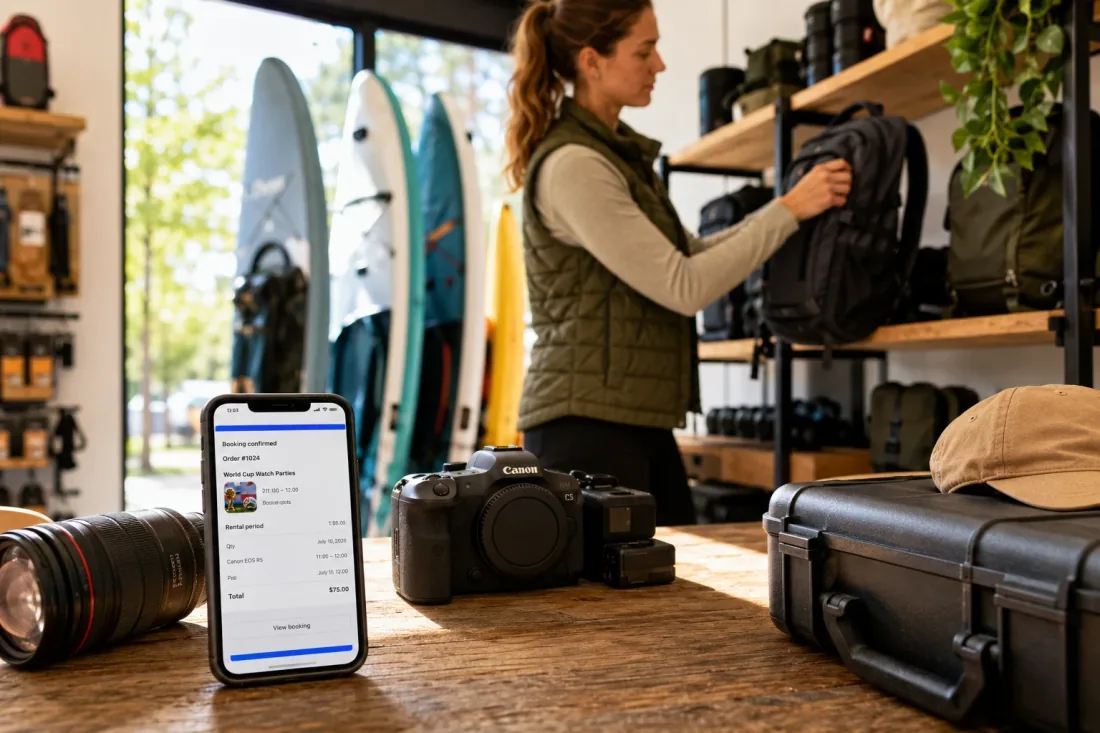
How to set up a booking system on Shopify
Setting up your rental or scheduling configuration takes only a short time if you follow a clean progression inside your dashboard.
First, identify the specific service or item you want to list. Navigate to your Shopify admin catalog and create a product page for it. Ensure your product pricing represents your baseline rate, whether that is an hourly consulting fee or a daily asset rental fee. Set your inventory tracking parameters to a fixed level to represent your maximum physical capacity.
Second, open your chosen booking app from your apps panel to link it to your newly created product listing. Select your desired time structure: opt for multi-day slots if you rent out equipment, or select fixed time increments for appointments. Define your operational parameters, including minimum notice requirements, daily cut-off boundaries, and mandatory cleaning buffers between individual reservations.
Third, customize your intake fields to gather essential customer details during the booking process. This allows you to collect required forms or list out important liability rules before the user proceeds to checkout. Save your settings and preview the layout on your storefront theme.
If you want to view a visual walk-through of this navigation setup, an experienced creator maps out the layout within 10 minutes in this video tutorial. It shows exactly how to link digital services to your storefront menus and keep your product layout look professional.
Best Shopify apps for scheduling and rentals in 2026
The software tool you implement decides your operational freedom and how much time you waste managing calendar updates.
Cowlendar
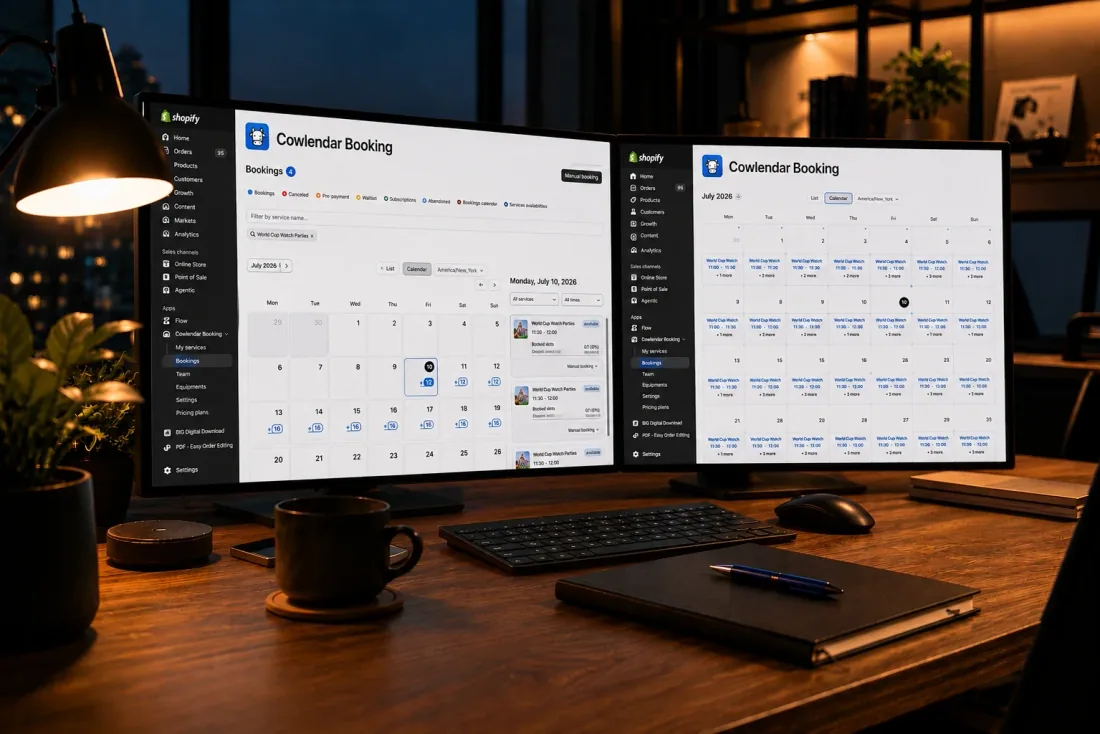
Our software is built specifically for Shopify merchants seeking a deep, native configuration without editing theme code. With Cowlendar, you can create pop-ups, inline calendars, or direct deep-links that handle instant, multi-day, or group bookings. All features are available from the free plan. Your specific subscription level is determined by your booking-revenue tier, meaning you never face gated features. For example, Starter is $13.99/month up to $1,000 in booking revenue; Growth is $59.99/month up to $10,000 in booking revenue. One disadvantage is that it lacks deep physical warehouse shelf-location tracking for merchants running massive enterprise logistics networks. It includes a free plan with all features; usage allowances apply.
BookThatApp
This application has provided solutions for over 15 years and shines when managing intricate multi-day rental assets with shared resource constraints. If you run a charter boat fleet or a party equipment business with variable inventory, its resource allocation logic ensures you never double-book. Its back-end admin configuration can feel dense and technical for beginners due to its expansive list of options. Subscriptions begin at $19.95 per month.
Sesami
This platform is highly rated for multi-practitioner service environments like spas, wellness centers, and hair salons. It features an excellent integration with Shopify POS for in-person check-ins. However, managing extended, multi-day physical equipment rentals is more complex compared to its excellent hourly service appointment configurations. Entry-level pricing starts at $19 per month.
Meety
This app is a solid choice for group training sessions, workshops, and recurring membership classes. It handles participant waitlists and user event updates reliably. It does not focus heavily on complex physical asset logistics or gear rental workflows, making it best suited for virtual or human-centered services. Paid tiers start at $14 per month.
Tips for success when running a booking store
To run an efficient scheduling operation, you must establish clear rules that protect your time and inventory.
Keep your booking buffers realistic. If you manage an adventure tourism company or rent out complex packages, give your staff an hour between slots to inspect returned gear. For hourly services, use shorter buffers to keep your day productive. You can study these strategies further in our dedicated guide on Why Every Shopify Service Store Needs a Booking App in 2026.
Always send automated text and email notifications. Sending a reminder 24 hours before an event reduces missed slots significantly. If you use external software, read our analysis on Why Calendly Doesn't Work Like a Shopify Booking App (2026) to see how native integrations keep your customer communications cohesive.
FAQ
Can I handle both hourly appointments and multi-day equipment rentals on the same Shopify store?
Yes, using a versatile native application like Cowlendar allows you to assign specific time properties to different product pages. You can set up your consultation products to load an hourly calendar grid while configuring your gear inventory to show a multi-day calendar date selector.
How do I protect my physical rental items from being double-booked?
Integrated Shopify apps check your live database before allowing a customer to add an item to the cart. Once a rental period is confirmed and paid for, those specific inventory items are blocked for those dates across your catalog, preventing double allocation.
Do native booking apps sync automatically with my personal smartphone calendar?
Yes, modern platforms link directly with external calendars including Google Calendar and Outlook. When a new reservation occurs on your storefront, the event uploads to your phone with your custom intake questions and customer details included.
Can I request a security deposit from clients during the checkout process?
Yes. You can use your app settings to capture full pre-payments, partial booking deposits, or set up custom checkout flows that mandate a security fee. This keeps your cash flow secure and ensures you are covered against property damage or late cancellations.
Conclusion
Building a functional rental and scheduling setup on Shopify removes the stress of manual scheduling and prevents costly double bookings. By selecting an integrated app that updates your active inventory in real time, you build a reliable channel for your service business. Install Cowlendar today to automate your client calendars, protect your rental assets, and optimize your entire checkout workflow.
Originally published on the Cowlendar blog. This article keeps its original publication history; the page layout has been refreshed.
Originally published Jul 10, 2026.




 Built for Shopify


