
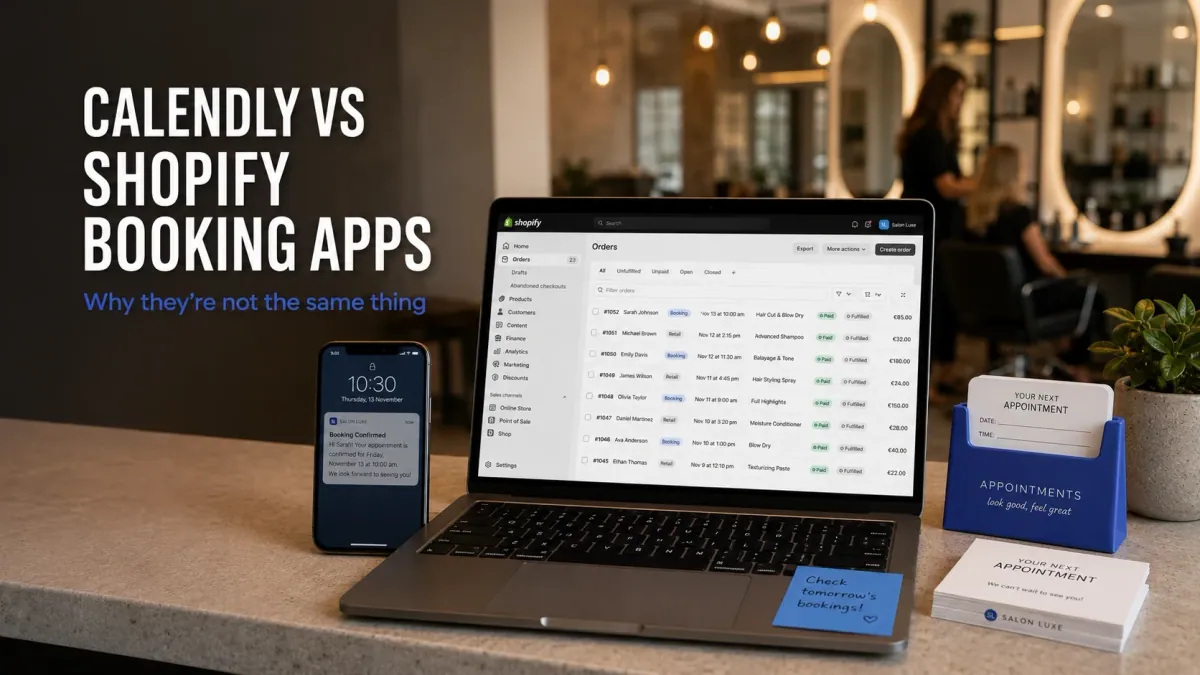
A massage therapist in Denver was using Calendly to take 60-minute bookings for $90. It worked fine on its own. Then she opened a Shopify store to sell massage oils and gift cards alongside her services. She embedded a Calendly link on a product page, and for a while that looked like it was working too. But her Shopify order report only showed the product sales. The massage bookings weren't in there. Her Klaviyo flows that fired when someone ordered from her store didn't trigger when someone booked a session. Her gift card codes didn't apply at Calendly checkout. And when a regular client bought both a gift card and a session in the same week, she had no way to see that from a single dashboard. The confusion isn't unique to her. Calendly and Shopify booking apps both show a calendar and take appointments. But they operate in fundamentally different layers of a business.
What Calendly is actually built for
Calendly is a meeting scheduling tool. Its job is to eliminate the back-and-forth of booking a call. You share a link. The other person picks a slot. A calendar event is created on both sides. That's the complete product for most of its user base: sales reps, recruiters, consultants booking discovery calls, and SaaS companies scheduling demos. For that use case, Calendly is excellent. It handles time zone detection, sends reminders, integrates with Zoom, and supports round-robin assignment across a team.
Calendly has over 20 million users globally and a pricing structure that starts free (one active event type, basic scheduling) and scales to $10 per seat per month on its Standard plan for multiple event types and Stripe payments. The Teams plan at $16 per seat per month adds routing forms and admin controls for larger sales teams. It's purpose-built for internal and B2B scheduling in a corporate context.
What Calendly doesn't do is interact with Shopify's data layer. When someone books through Calendly, the booking record lives in Calendly's database. It doesn't become a Shopify order. It doesn't add to the customer's Shopify order history. It doesn't trigger Shopify Flow automations, Klaviyo purchase flows, or anything else that's keyed to a Shopify order event. The customer who booked is invisible to Shopify unless they've also placed a separate product order.
For a B2B consultant who has no Shopify store, that's fine. For a service business running on Shopify, it creates two separate customer records living in two separate systems, which means reconciliation problems and data gaps that compound over time.
What a Shopify booking app actually does differently
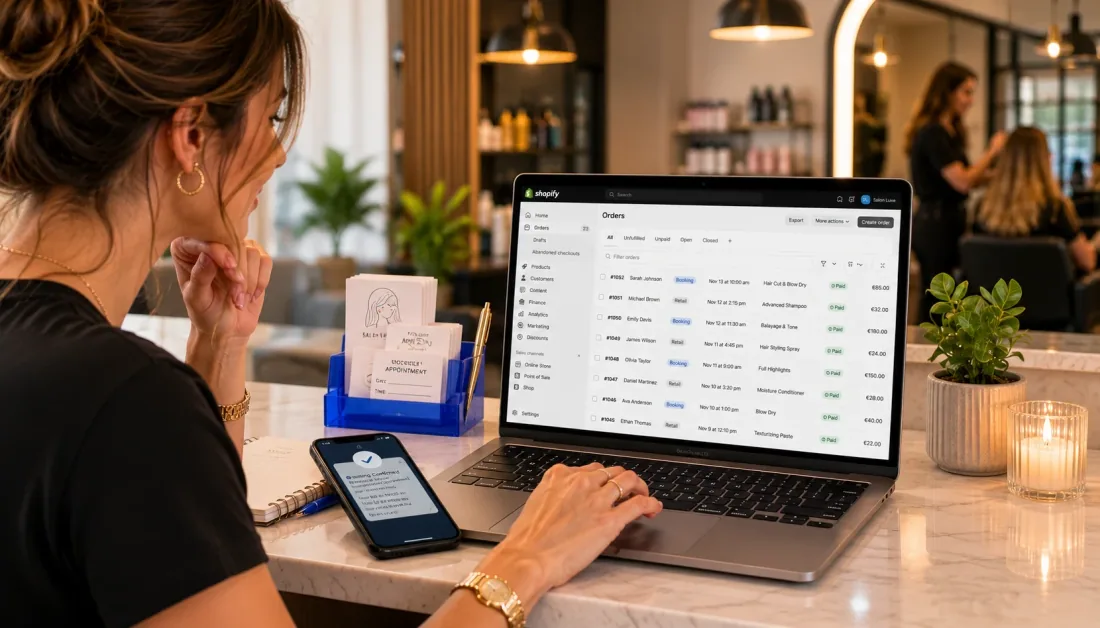
A Shopify-native booking app converts a Shopify product into a bookable timeslot. When a customer books a session through Cowlendar, that booking becomes a Shopify order. Not a calendar event stored externally. A real Shopify order, with an order number, revenue attribution, customer tagging, and all the downstream effects that come with it.
That difference matters immediately in practice. Discount codes work at booking checkout because the booking goes through Shopify's checkout. A client who received a gift card can apply it to their next session. Klaviyo picks up the order event and can fire a "thanks for your booking" flow with a rebooking prompt. The Shopify POS system recognizes the customer when they walk in for their appointment, because the booking created a customer record that POS already knows about.
This also means your bookings and your product sales are in the same revenue dashboard. A salon owner who sells both hair services and retail products can see the full picture of what a client has spent, across both categories, in one place. A consultant who books paid strategy sessions and also sells digital templates can see that a client bought both, and personalize accordingly.
The 5 things that work differently
1. Payment processing. Calendly's paid plan ($10/seat/month on Standard) integrates with Stripe or PayPal for collecting payment at booking. It works, but the payment goes through Calendly's payment flow, not Shopify's. This means no Shopify discounts, no gift cards, no BNPL options like Klarna or Afterpay, and no Shopify Payments' lower transaction fees if you're on that plan. A Shopify booking app collects payment through Shopify's native checkout, so every payment method your store already supports also works for booking appointments.
2. Customer data. Every Calendly booking creates a record in Calendly. It doesn't add to the Shopify customer profile unless the same person places a separate Shopify order. A Shopify booking app creates or updates the Shopify customer record on every booking, whether the session is paid or free. That means one customer lifetime value number, one order history, one email address to target, across both product purchases and appointments.
3. Marketing automation. Klaviyo, Shopify Email, and Shopify Flow all trigger on Shopify order events. A Calendly booking isn't a Shopify order event. It doesn't trigger anything. A Shopify booking creates an order, so a flow can fire "your appointment is in 24 hours" via Klaviyo, add the customer to a rebooking segment, or send a thank-you sequence that includes a prompt to rebook. For a business where rebooking rate is the main retention lever, this difference is significant. For more on how to build these flows, Cowlendar's guide to Klaviyo email flows for booking businesses walks through the full sequence setup.
4. Upsells and add-ons. Calendly doesn't have an in-session upsell layer. If you want to offer a client the option to add a service (a 15-minute add-on, a product to use during the session, a pre-session consultation) you can't surface that inside the Calendly booking flow. A Shopify booking app that integrates with Shopify's checkout can surface upsells during booking. Cowlendar's in-calendar upsell feature is exactly this: a yoga studio booking a 60-minute class can offer props or a post-class smoothie in the same checkout where the slot is reserved.
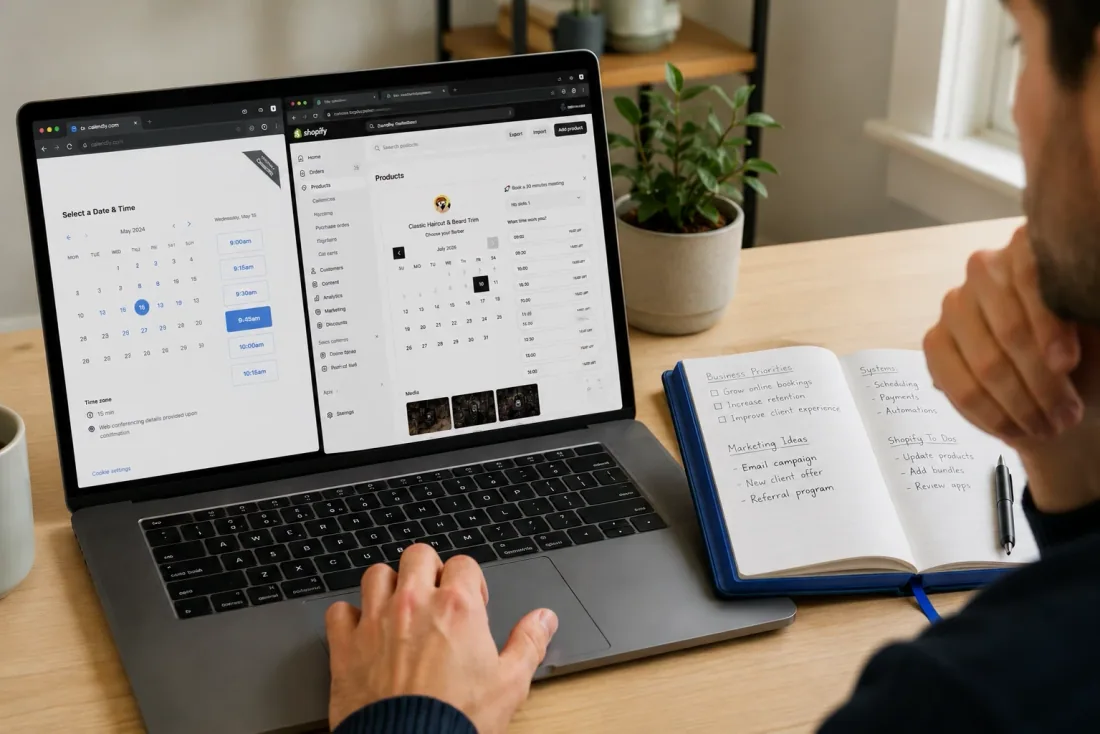
5. Brand consistency. When a customer clicks a Calendly link from your Shopify store, they leave your store and land on calendly.com. The visual environment changes. Your brand disappears. With a Shopify booking app embedded directly in your store, the calendar widget sits inside your store's theme, in your fonts and colors, and the customer never leaves your domain. For conversions and trust, keeping the customer on your site matters, and for bookings specifically (which are often more of a considered purchase than a $12 product), that context carries weight.
When Calendly is still the right call
Calendly genuinely makes sense in some contexts, even for Shopify merchants. Be honest about this.
If you offer a free initial discovery call as a lead generation step before someone becomes a paying client, Calendly's free plan handles that well. There's no payment to collect, the booking doesn't need to be an order, and you don't need it to connect to your Shopify data layer. A free call isn't a transaction. It's a sales touchpoint. Calendly is built exactly for this.
If you run a B2B business where appointments are internal sales meetings, not customer-facing service bookings, Calendly's team features (round-robin, lead routing, admin controls) are better than what a Shopify booking app offers. Shopify booking apps are built for consumer-facing scheduling, not internal corporate scheduling.
If you have multiple staff members who need to manage their own individual availability calendars without any connection to a Shopify store, Calendly's interface for individual calendar management is more mature.
Where Calendly falls short is when the appointment itself is the product being sold, when payment needs to happen at booking, or when the client relationship you're building lives primarily in your Shopify store.
Should I switch? A quick decision:
Keep Calendly if: you're booking free consultations, internal sales calls, or B2B meetings that have no payment attached and no need to appear in your Shopify order history.
Switch to a Shopify booking app if: you're charging for appointments, you sell products alongside services, you use Klaviyo or Shopify Email and want booking events to trigger flows, or your Shopify store is the primary way clients find and pay you.
When you need a Shopify-native booking app
A 5-chair nail salon in Austin running 80 appointments a week across 3 technicians needs every appointment in the same system where its retail products (gel kits, nail art supplies) are sold. The rebooking text that goes out 2 weeks after a gel set is done by Klaviyo querying the Shopify order date. That only works if the booking created an order. Calendly doesn't do that.
A private chef in Los Angeles who books 3-hour dinners for $350 wants clients to pay at booking (to confirm the slot), apply a gift card if they have one, and receive a Shopify order confirmation email that matches the visual style of his website. None of those three work with Calendly's external payment flow.
A yoga instructor in Melbourne who runs group classes needs capacity limits per timeslot, a waitlist, and the ability to sell a 5-class pack through the same checkout where single classes are sold. Cowlendar's group booking setup covers how all three work together. Calendly doesn't natively support capacity limits per timeslot the way a commerce-native booking app does.
The math here is also worth spelling out. A salon running 80 bookings per week at an average of $70 per session is doing $5,600 per week in appointment revenue. If 15% of those clients also buy a retail product (a nail kit, a cuticle oil) at $25 each, that's another $210 per week. A business at that scale needs its appointment data and product data in the same place to understand which clients are its best customers across both revenue streams. Calendly makes that impossible without custom data engineering.
The pattern: any service where appointment and payment happen together, and where the customer relationship is managed in Shopify, needs a Shopify booking app.
How switching actually works in practice
Moving from Calendly to a Shopify-native booking app doesn't require migrating historical data. Your existing Calendly booking history stays in Calendly. The switch affects new bookings going forward.
The main setup steps are: convert your service offering into a Shopify product (or connect the booking app to an existing product), configure your availability and timeslot settings, and set up the confirmation email and reminder sequence inside the app or via Klaviyo. For businesses with multiple staff members, per-team-member availability is configured inside the booking app itself.
One specific thing to check before switching: if you've been collecting intake form responses inside Calendly (medical history fields, pet size, skill level for a class), make sure your Shopify booking app supports custom intake questions as well. Most modern Shopify booking apps do, but the fields you need to recreate may be in different locations than where you set them up in Calendly.
Cowlendar has a free plan that covers the basic booking flow for testing before committing to a paid plan. The Pro plan at $13.99/month adds Google Calendar two-way sync, per-team-member scheduling, and custom email reminders. If you're currently on Calendly Standard at $10/seat/month per person on your team, the cost comparison changes quickly once you have more than one person taking bookings: Calendly charges per seat, Cowlendar charges per store regardless of how many staff members you assign.
The other decision to make at switching time: what to do with the Calendly link you've already distributed to clients. The simplest path is to keep the old link active for a transition period while you redirect new traffic to the Shopify-embedded calendar, then notify regular clients directly when you're ready to cut over entirely. Most clients don't care about the booking interface; they care that it's easy to schedule and that they get a confirmation. Both systems deliver that.
For the detailed head-to-head comparison of features and pricing, the Cowlendar blog's comparison of Calendly and native Shopify booking apps covers the specific feature gaps in more depth.

FAQ
Can I use Calendly with Shopify at the same time?
Yes, and many merchants do this during a transition period. Calendly can be embedded on a Shopify page via a link or widget, but bookings made through Calendly won't appear in your Shopify orders or customer records. For a unified view of your business, you'll eventually need all bookings going through a Shopify-native app or through Shopify's checkout.
Does Calendly create Shopify orders?
No. Calendly bookings live in Calendly's database and don't create Shopify orders unless you build a custom Zapier or API connection to sync them manually. A Shopify booking app creates a real Shopify order by default with every booking, paid or free.
Is Calendly free for Shopify stores?
Calendly has a free plan limited to one active event type, one calendar connection, and no payment collection. For a Shopify service business that needs multiple services, payments at booking, and custom reminder workflows, you'd need Calendly's Standard plan at $10 per seat per month. For comparison, Cowlendar's Pro plan at $13.99 per month covers unlimited services, unlimited team members, and Google Calendar two-way sync per store (not per seat), which changes the math quickly once you have more than one person on your team.
What happens to my existing Calendly bookings if I switch?
Your historical Calendly bookings stay in Calendly. The switch only affects new bookings going forward. Most merchants transition by keeping Calendly active for a period while setting up the Shopify booking app, then notifying regular clients about the new booking link when they're ready to fully cut over.
Which Shopify booking app is most like Calendly to use?
Multiple Shopify booking apps are explicitly positioned as "Calendly for Shopify," including Cowlendar, Appointo, and BookX. All three offer a similar scheduling interface (calendar widget, timeslot selection, confirmation email) but with Shopify order creation underneath. The main differences between them involve pricing structure, team management features, and which capabilities are unlocked at each tier. If the Calendly interface is what you're used to, the transition to any of these apps is small in terms of the customer-facing booking flow. What changes is everything happening behind the scenes: the order creation, the customer record update, and the downstream integrations.
Conclusion
Calendly and Shopify booking apps both show a calendar and let someone pick a time. That's where the similarity ends. Calendly is a meeting scheduling tool that lives outside your commerce stack. A Shopify booking app converts a timeslot into a Shopify transaction, connects it to your customer record, and makes it visible to every other tool in your Shopify ecosystem. For a service business that runs on Shopify, the distinction matters from the first appointment you sell. Install Cowlendar on its free plan and book a test appointment through your store to see the difference in practice.
Originally published on the Cowlendar blog. This article keeps its original publication history; the page layout has been refreshed.
Originally published Jun 22, 2026.




 Built for Shopify


