
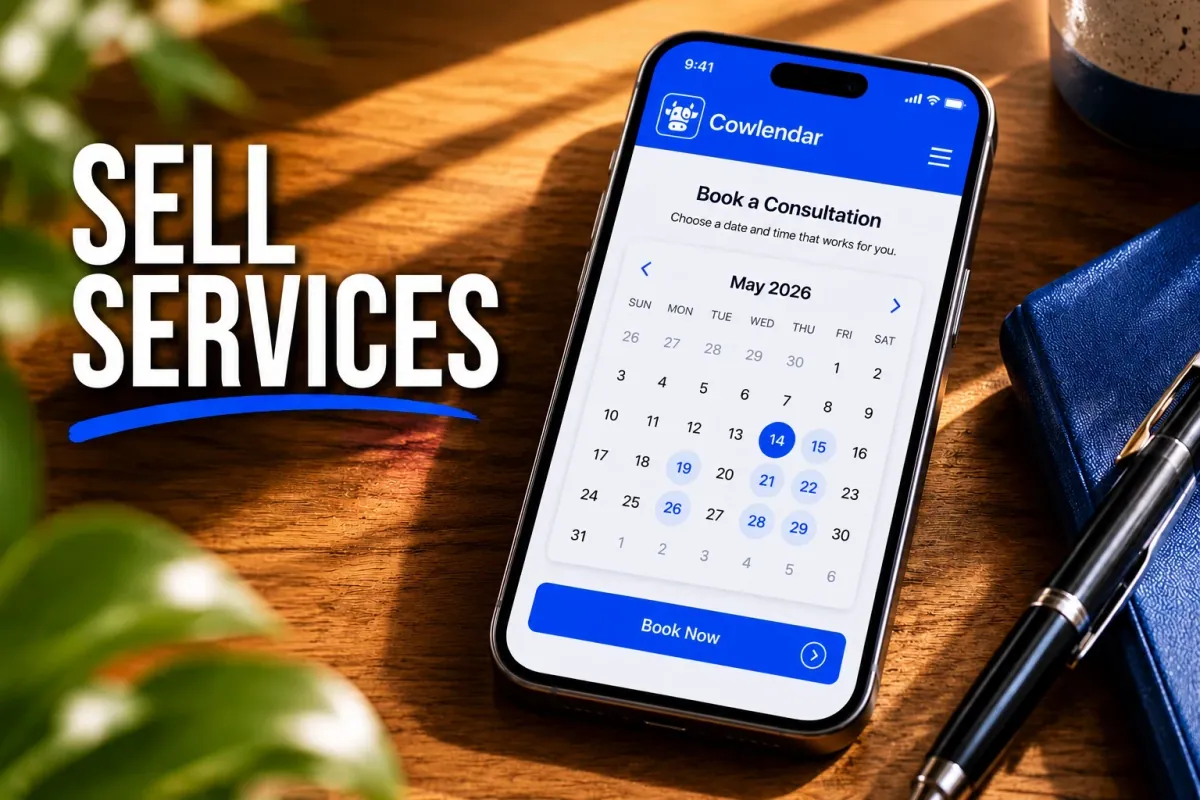
A surprising number of Shopify merchants aren’t selling products at all. They’re selling hair appointments, consulting sessions, photography packages, fitness classes, pet grooming visits, and private tours.
The problem is that Shopify was originally built for ecommerce. If you try to sell services using a standard product page, you’ll quickly run into issues. Customers can’t choose appointment times, your calendar isn’t connected, and you’re left manually emailing people to confirm bookings.
A business coach running 15 discovery calls per week can lose hours every month coordinating schedules. A photography studio booking 20 shoots per month can accidentally double-book weekends if availability isn’t synced correctly.
The good news is that Shopify can handle services extremely well when it’s set up properly. By the end of this guide, you’ll know exactly how to sell services on Shopify, accept bookings, collect payments, and automate scheduling.
Why Selling Services on Shopify Makes Sense
Shopify works well for service businesses because it combines marketing, payments, customer management, and booking functionality in one place.
Instead of sending customers from your website to a separate scheduling tool, you can keep everything on your own domain. That means fewer drop-offs during checkout and a more professional experience.
Consider a career coach charging $150 per session. If they book 10 sessions per week, that’s roughly $78,000 per year in service revenue. Every extra step between discovery and booking creates friction that reduces conversions.
Service businesses also benefit from Shopify’s built-in checkout, customer accounts, discounts, gift cards, and integrations with tools like Klaviyo.
Unlike a standalone scheduling platform, Shopify gives you a complete commerce system that can sell services, digital products, memberships, and physical products from the same storefront.
The Biggest Challenges When Selling Services on Shopify
Selling services on Shopify is absolutely possible, but there are a few challenges you’ll want to solve early.
Managing Availability
Availability is the first thing that breaks.
A massage therapist offering six appointments per day needs customers to see only available time slots. If the calendar isn’t connected properly, double bookings become inevitable.
That’s why many merchants eventually implement two-way calendar synchronization. If you’re dealing with scheduling conflicts already, our guide on How to Fix Double Bookings with Google Calendar Sync covers the setup process in detail.
Collecting Payments Before the Appointment
Many service providers still invoice customers manually after a booking request.
That creates unnecessary administrative work and increases no-shows.
A better approach is collecting full payment or a deposit during checkout. A wedding photographer charging $2,500 for a package may require a $500 deposit upfront. This secures the booking while protecting calendar availability.
Managing Different Service Types
A business rarely offers just one service.
A yoga studio might sell:
Private sessions
Group classes
Workshops
Monthly memberships
Each booking type requires different availability rules and capacity settings. Your booking system needs to handle those differences without creating operational complexity.
What to Look for in a Shopify Service Booking App
The best Shopify booking apps solve operational problems before they happen.
Calendar Synchronization
Two-way calendar sync should be near the top of your list.
If a consultant uses both Shopify and Google Calendar, availability needs to update automatically in both directions. Otherwise, manual calendar management becomes a daily task.
Multiple Booking Types
Many businesses evolve beyond simple appointments.
A pottery studio might offer private lessons on weekdays and group workshops on weekends. The same booking platform should support both models.
If you’re planning to run workshops or classes, our article on How to Offer Group Bookings on Shopify explains the capacity and waitlist considerations.
Automated Communication
Confirmation emails are helpful.
Automated reminders are essential.
Industry benchmarks regularly show reminder workflows helping reduce missed appointments, particularly when sent 24 to 48 hours before the appointment date.
Upsell Opportunities
Every booking is a chance to increase average order value.
A dog groomer charging $65 for a grooming appointment could offer nail trimming for an additional $15. With 20 appointments per week and a 30% upsell conversion rate:
20 appointments/week × $15 upsell × 30% conversion = $90/week extra revenue = $4,680/year
That’s from a single add-on.
For more ideas, see How to Upsell Add-Ons During a Shopify Booking.
How to Set Up Service Bookings on Shopify Step by Step
The simplest way to sell services on Shopify is to combine Shopify products with a booking application that manages scheduling.
Step 1: Create Your Service Products
Create a Shopify product for each service.
Examples:
60-Minute Consultation
Family Photography Session
Personal Training Session
Pet Grooming Appointment
Each service becomes a bookable product.
Step 2: Install a Booking App
A booking app adds scheduling functionality that Shopify doesn’t provide natively.
Look for:
Calendar management
Availability controls
Payment collection
Reminder automation
Calendar integrations
Step 3: Configure Availability
Define:
Business hours
Appointment duration
Buffer times
Blackout dates
Staff schedules
For example, a three-chair barbershop handling 40 appointments per week may allow simultaneous bookings while assigning each booking to a specific barber.
Step 4: Connect Your Calendar
Connect your preferred calendar platform.
Most merchants use Google Calendar because it’s already part of their daily workflow.
This prevents availability conflicts and keeps schedules centralized.
Step 5: Automate Confirmations and Reminders
Customers should receive:
Booking confirmation
Calendar invitation
Reminder email
Rescheduling instructions
If you want to build advanced post-booking communication, our guide on Klaviyo and Cowlendar Email Flows walks through practical automation examples.
If you’d like to see a complete service-booking setup from start to finish, the team at Learn With Shopify covers appointment booking workflows in this tutorial: https://www.youtube.com/watch?v=EDgKMzDyxKA. It complements the process above and shows how merchants structure service-based storefronts.

Best Shopify Apps for Selling Services in 2026
Several booking apps can help you sell services on Shopify. The right choice depends on your business model.
Cowlendar
Cowlendar is a strong option for merchants who want appointments, classes, group bookings, deposits, intake forms, calendar synchronization, and Shopify-native booking management in a single system.
Pricing starts with a free plan, followed by paid plans beginning at $13.99/month. Cowlendar is particularly useful for consultants, coaches, salons, photographers, wellness businesses, and service providers who want scheduling to feel like a native Shopify experience.
One advantage is flexibility. The platform supports regular appointments, group bookings, multi-day bookings, deposits, and booking-related upsells.
Sesami
Sesami starts at $19/month and is well known for larger service businesses with multiple staff members and more complex operational requirements. Its workflow tools and resource management are especially useful for multi-location businesses.
The tradeoff is pricing. Many small businesses won’t need the advanced functionality available in higher-tier plans.
Meety
Meety offers a free plan and paid plans starting around $14/month. It supports appointments, subscriptions, waitlists, and booking management features that appeal to growing service businesses.
For simpler booking scenarios, it’s often an affordable option. More complex resource allocation requirements may require additional evaluation.
BookThatApp
BookThatApp has been part of the Shopify ecosystem for more than a decade and is particularly strong for rentals, tours, and businesses managing complex booking rules. Pricing starts with a free plan and scales based on booking volume.
Its biggest advantage is flexibility. The tradeoff is that new users sometimes face a steeper learning curve because of the depth of configuration options.
Tips for Running a Successful Service Business on Shopify
The most successful service merchants treat booking optimization the same way product merchants treat conversion optimization.
Use professional service pages with clear pricing.
Collect deposits for high-ticket services.
Add automated reminders.
Track no-show rates monthly.
Review booking abandonment rates.
Most importantly, remove friction.
A consultant shouldn’t force customers to submit a contact form and wait three days for a response. A customer who is ready to book should be able to choose a time, pay, and receive confirmation within minutes.
Quick Decision Checklist
Choose a simple appointment setup if:
You offer one-on-one services
You have one location
You manage fewer than 50 monthly bookings
Choose a more advanced setup if:
Multiple staff share availability
You offer classes or group events
You need deposits and packages
You operate across multiple locations
FAQ
Can I sell services instead of products on Shopify?
Yes. Shopify can sell services, appointments, classes, consultations, rentals, and other bookable experiences when combined with a booking application.
Do I need a booking app to sell services on Shopify?
For most service businesses, yes. Shopify handles products and payments well, but appointment scheduling typically requires a dedicated booking solution.
Can customers pay before booking a service?
Yes. Most booking apps allow merchants to collect full payment or deposits during checkout before confirming the appointment.
What’s the best Shopify booking app for service businesses?
The answer depends on your business model. Solo consultants often prioritize simplicity, while larger multi-location businesses may need advanced staff and resource management features. Comparing booking types, pricing, and calendar functionality is usually the best starting point.
Conclusion
Selling services on Shopify isn’t about forcing an ecommerce platform to do something it wasn’t designed for. It’s about adding the right booking infrastructure so appointments, payments, calendars, and customer communication work together.
For most service businesses, the winning setup is simple: create service products, connect a booking app, automate reminders, and keep scheduling on your own website. Done correctly, Shopify becomes far more than an online store. It becomes the operating system for your service business.
Originally published on the Cowlendar blog. This article keeps its original publication history; the page layout has been refreshed.
Originally published Jun 18, 2026.




 Built for Shopify


