
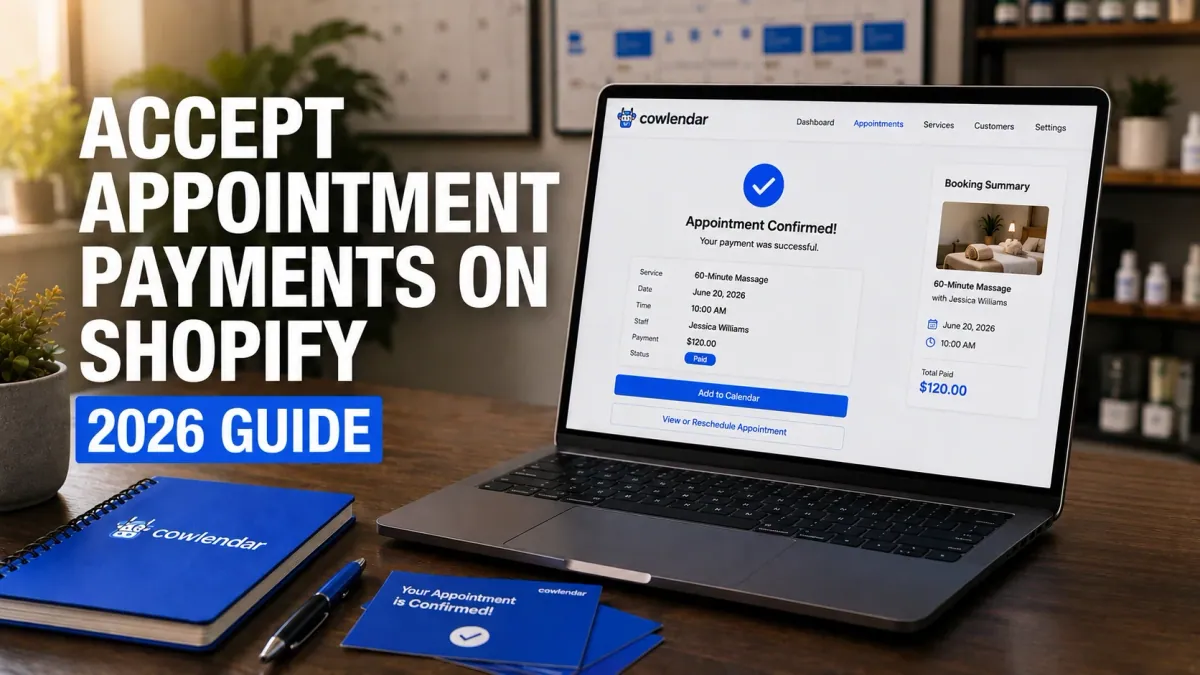
A business coach running 15 discovery calls per week might lose three or four appointments every month simply because clients never complete payment. A massage studio taking bookings by email often deals with the same problem. The slot gets reserved, the customer changes their mind, and the business is left with unused time that can never be sold again.
That’s why collecting payment during the booking process matters. The goal isn’t just getting paid faster. It’s protecting your calendar, reducing no-shows, and creating a smoother experience for customers.
By the end of this guide, you’ll know exactly how to accept payments for appointments on Shopify, what payment setup works best for different service businesses, and which Shopify booking apps are worth considering in 2026.
Why accepting payment during booking matters
The simplest answer is this: customers are significantly more likely to show up when they’ve already paid.
Think about a 3-chair barbershop in Austin handling 40 appointments per week. If just two appointments become no-shows every week at $35 each, that’s more than $3,600 in lost annual revenue.
Payment collection also eliminates administrative work. Instead of sending invoices, following up through email, or manually recording payments, Shopify automatically processes the transaction during checkout.
For higher-ticket businesses, deposits can be even more important. A wedding photographer charging $1,500 for an engagement session doesn’t want to reserve an entire Saturday afternoon based on a verbal commitment.
Many Shopify merchants start by allowing customers to book first and pay later. Most eventually switch once they realize how much calendar time they’re losing.
If you’re also dealing with scheduling conflicts, our guide on How to Prevent Double Bookings on Shopify covers the calendar side of the equation.
The biggest challenges when charging for appointments
Accepting payments sounds simple. In practice, a few common problems appear quickly.
Customers abandon the booking before checkout
This is the most common issue.
A customer chooses a time slot, fills out the booking form, and leaves before payment. The more steps between selecting a time and completing payment, the lower the conversion rate tends to be.
Native Shopify booking apps generally perform better because the booking and payment happen within the same checkout experience.
Full payment isn’t always appropriate
Not every business should require 100% payment upfront.
A consultant charging $150 for a strategy session may want full payment immediately. A wedding planner booking a $5,000 package probably prefers a deposit.
The ideal setup depends on the value of the service and the likelihood of cancellations.
Managing refunds and rescheduling
Life happens.
Clients get sick. Flights are delayed. Emergencies occur.
Without clear booking policies, you’ll spend hours deciding who qualifies for a refund and who doesn’t.
Many successful service businesses define cancellation windows clearly, such as 24 or 48 hours before the appointment.
Calendar and payment systems become disconnected
A surprising number of merchants still use a scheduling tool like Calendly and then manually collect payment somewhere else.
It works when you’re booking five appointments per month.
It becomes painful at 100 bookings per month.
This is one reason many Shopify merchants move toward native booking solutions that combine scheduling and payments in a single workflow.
What to look for in a Shopify appointment payment system
A good appointment payment system should eliminate work, not create more of it.
Payment collection at checkout
Customers should select a service, choose a time, and complete payment without leaving Shopify.
Every additional step creates friction.
Deposits and partial payments
Many service businesses don’t need full prepayment.
A beauty clinic offering $300 treatments may only require a $50 deposit to secure the appointment.
Deposit support becomes especially valuable for high-ticket bookings and limited-capacity services.
Automated reminders
According to various salon and appointment-based business benchmarks, reminder messages sent before appointments can reduce no-show rates by 15% to 30%.
If you’re collecting payment upfront, reminders help protect that revenue.
Calendar synchronization
A booking should immediately block availability across connected calendars.
Otherwise you’ll collect payment for a slot that’s no longer available.
If calendar conflicts are causing problems, read How to Fix Double Bookings with Google Calendar Sync.
Upsell opportunities
The best booking systems don’t just collect payment.
They increase order value.
A dog groomer charging $60 for grooming might offer a $15 nail trimming add-on during checkout.
A simple calculation shows why this matters:
20 appointments/week × $15 add-on × 30% conversion = $90/week = $4,680/year in additional revenue.
How to set up appointment payments on Shopify
The easiest method is to use a booking app that integrates directly with Shopify checkout.
Step 1: Enable Shopify Payments or Stripe
First, configure your payment gateway.
Most merchants use Shopify Payments, although Stripe is also commonly supported through booking workflows.
Verify that payments process correctly before enabling bookings.
Step 2: Create your service product
In Shopify, create a product representing your service.
Examples include:
60-minute massage
Discovery consultation
Yoga class pass
Photography session
Pet grooming appointment
The product becomes the foundation of the booking experience.
Step 3: Install a booking app
A booking app adds scheduling functionality on top of Shopify’s product catalog.
The app controls availability, appointment duration, staff schedules, capacity limits, and booking rules.
Step 4: Configure payment requirements
Decide whether customers should:
Pay 100% upfront
Pay a deposit
Reserve now and pay later
For many service businesses, deposits strike the right balance between commitment and flexibility.
Step 5: Connect your calendar
Calendar synchronization prevents accidental overbooking.
Most modern Shopify booking apps connect with Google Calendar and other scheduling platforms.
If you’d like to see a complete walkthrough of booking configuration on Shopify, Stewart Gauld demonstrates the process clearly in this YouTube tutorial: https://www.youtube.com/watch?v=H2XxJfGm6iA. The video covers service products, booking flows, and payment collection in a real Shopify store.
Step 6: Test the entire workflow
Create a test booking.
Verify:
Payment succeeds
Confirmation emails arrive
Calendar events appear correctly
Rescheduling works properly
Cancellation policies behave as expected
Many merchants skip this step and discover problems only after real customers start booking.
Best Shopify apps for accepting appointment payments
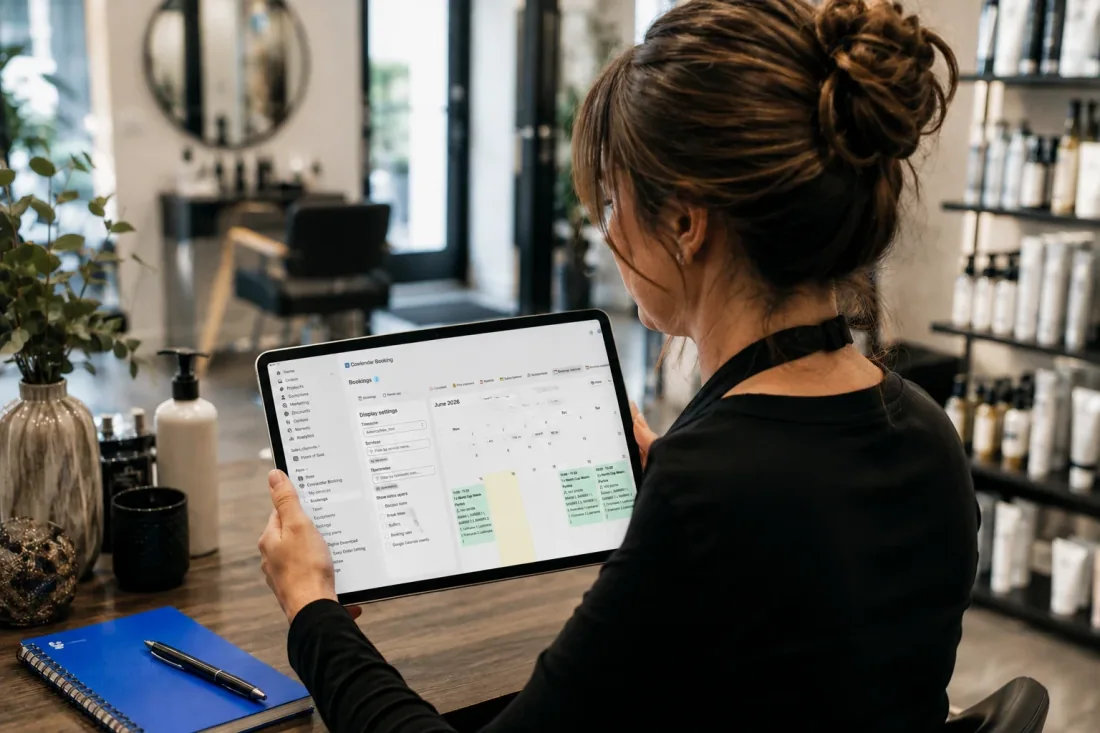
Several apps handle appointment payments well, but they serve different types of businesses.
Cowlendar
Cowlendar is best for merchants who want bookings and payments integrated directly into Shopify.
The free plan allows merchants to test the platform, while paid plans start at $13.99/month. Elite and Ultra plans add features like Google Calendar sync, Zoom and Google Meet links, waitlists, upsells, deposits, subscriptions, SMS notifications, and team management. Cowlendar currently serves more than 22,500 Shopify stores and maintains a 4.9-star rating with more than 2,000 reviews.
A strong advantage is that appointments, products, and checkout remain inside Shopify. Businesses selling both products and services often prefer this approach.
Sesami
Sesami is particularly strong for larger service operations and multi-staff environments.
Pricing starts at $19/month and scales up to $299/month for larger teams. Sesami includes advanced resource management, POS support, group bookings, automation workflows, and strong multi-location capabilities.
Where Sesami often stands out is operational complexity. A medical spa with multiple practitioners and treatment rooms may appreciate its resource management tools.
The tradeoff is cost. Growing businesses can reach higher monthly pricing tiers quickly.
Meety
Meety is often attractive for merchants focused on affordability.
Plans begin around $14/month and include booking management, Google Calendar integration, Zoom support, waitlists, subscriptions, deposits, and customer portals.
Many smaller businesses like fitness instructors, tutors, and independent consultants find Meety approachable and cost-effective.
However, merchants discussing more advanced resource allocation and package management on Shopify forums often report eventually needing more sophisticated setups.
Calendly
Calendly remains one of the most recognized scheduling platforms.
Its advantage is simplicity. Most users can create a booking page within minutes.
The limitation is that Calendly isn’t built specifically for Shopify commerce workflows. Merchants selling products and services together often find themselves maintaining separate systems.
If you’re comparing these approaches, read Calendly vs a Native Shopify Booking App.
Tips for reducing no-shows after collecting payment
Payment alone doesn’t solve every scheduling problem.
Send reminders 24 hours before the appointment
A reminder email or SMS often prevents forgotten appointments.
This is especially important for businesses booking weeks or months in advance.
Require deposits for premium services
A pottery workshop owner in Portland offering 2-hour wheel-throwing classes for six participants may not need full payment upfront.
A 25% deposit can be enough to secure attendance while keeping the booking process comfortable for customers.
Upsell strategically
A personal trainer charging $90 per session might offer nutrition planning for an additional $20.
A photographer could offer expedited editing.
If you haven’t implemented this yet, see How to Upsell Add-Ons During a Shopify Booking.
Use this decision checklist
Choose full payment if:
The appointment is under $200
No-shows are frequent
Capacity is limited
Reselling cancelled slots is difficult
Choose deposits if:
Services exceed $500
Clients book far in advance
Custom work is involved
Longer sales conversations occur before delivery

FAQ
Can Shopify accept payments for appointments?
Yes. Shopify can accept appointment payments when combined with a booking app that adds scheduling functionality. Customers can choose a time slot and complete payment during checkout.
Should I charge a deposit or full payment?
For lower-priced services, full payment often works best. For higher-ticket services, deposits typically create less friction while still reducing cancellations.
Can customers reschedule after paying?
Most booking apps support customer rescheduling. The exact workflow depends on the app and the policies you configure.
What is the best Shopify app for appointment payments?
It depends on your business. Cowlendar is often a strong fit for merchants who want native Shopify integration, Sesami excels in more complex multi-resource environments, and Meety provides an affordable option for smaller service businesses.
Conclusion
The best way to accept payments for appointments on Shopify is to combine scheduling and checkout into a single customer experience. When customers select a time slot and pay immediately, businesses reduce no-shows, simplify administration, and generate more predictable revenue.
Whether you collect full payment or deposits, the goal is the same: protect your calendar and make booking effortless. For most Shopify service businesses, a native booking solution such as Cowlendar provides the simplest path from appointment selection to completed payment.
Originally published on the Cowlendar blog. This article keeps its original publication history; the page layout has been refreshed.
Originally published Jun 16, 2026.



 Built for Shopify


