
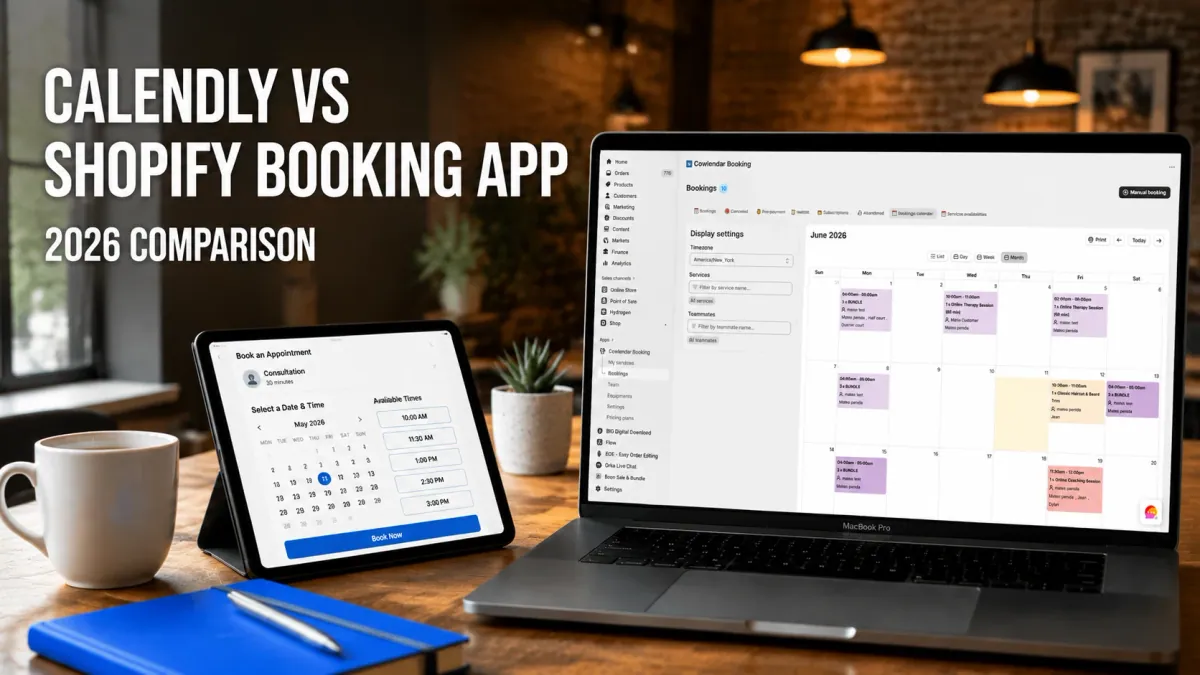
A 3-chair barbershop in Austin does 40 appointments a week. The owner tried duct-taping Calendly to his Shopify store for six months before a double booking incident cost him a regular client who spent $1,400. He switched to a native Shopify booking app and the problems stopped. That story repeats itself across thousands of service businesses every year.
By the end of this article, you will know exactly which approach fits your business: a standalone scheduling tool like Calendly, or a Shopify-native booking app like Cowlendar. The answer depends on what you sell, how you collect payment, and whether your calendar needs to live inside your store or beside it.
Why the booking tool matters more than you think
Most service businesses pick a scheduling tool the way they pick a toaster. Fast, cheap, done. But your booking system touches revenue, customer trust, and daily operations in ways that add up fast.
A yoga studio running 20 classes per week with an average ticket of $25 loses roughly one booking per double-booking incident. The lost sale, the missed appointment, the social media complaint that follows. Automated reminders sent 24 and 48 hours before an appointment reduce no-shows by 15% to 30%, according to salon industry benchmarks. That gap between a tool that does this natively and one that requires a workaround is real money, compounded weekly.
The question that determines which tool fits your business is simple: does your booking need to live inside Shopify or outside it? Calendly is a standalone scheduling platform. It works beautifully for scheduling meetings, demos, or consultations. Cowlendar and similar apps were built for service businesses that take bookings at checkout, need payments processed through Shopify, and want one dashboard for everything.
The integration gap: where Calendly falls short on Shopify
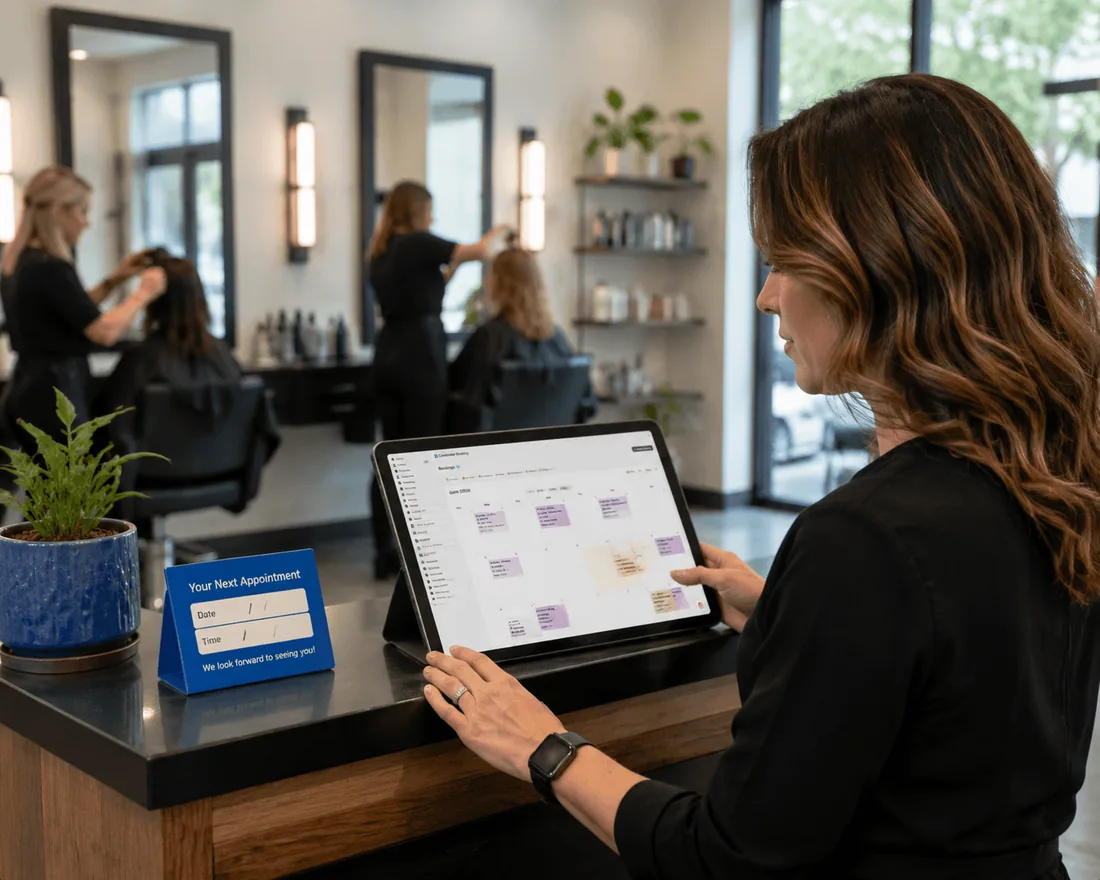
Payments live outside your store
Calendly processes payments through Stripe or PayPal, but the transaction happens outside Shopify. The booking is not logged as a Shopify order. Your customer's purchase history stays blank. Inventory, analytics, and email flows don't register that the booking happened.
A life coach running consultations on Shopify hits this immediately. She has a discovery call through Calendly, a workbook purchase through Shopify checkout, and a Zoom link generated separately. Three systems, three domains, three customer records. When the client emails asking for a receipt, she opens three tabs.
Customer data stays fragmented
When someone books through Calendly, they don't automatically become a Shopify customer. That contact lives in Calendly's database. Their Shopify profile remains separate.
For businesses running follow-up email campaigns through Klaviyo, retargeting previous buyers, or triggering a post-booking review request, this fragmentation creates friction that builds over time. A native app creates a Shopify order at the time of booking. Every customer record lives in one place: their booking history, their product purchases, their email activity.
You can't combine products and services in one checkout
A pottery studio selling class spots, clay packs, and aprons through Shopify cannot bundle all three into a single checkout when using Calendly. The booking lives on a separate page. The product purchase happens on Shopify. The customer goes through two payment flows.
Native booking apps solve this by turning the product into the service. The customer selects "2-hour wheel throwing class," picks a time slot, adds a clay pack to the cart, and checks out once through Shopify Payments. Everything appears in one order.
What to look for in a Shopify booking solution
Most merchants switching from Calendly need four things.
Native Shopify checkout. Bookings should appear as Shopify orders with no duplicate records and no third-party payment flows.
Two-way calendar sync. Changes in Google Calendar should reflect in the booking app, and vice versa. One-way sync creates double bookings. The dentist who blocks off a Tuesday for staff training and forgets to update the booking app manually gets a client showing up to an empty office.
Automated reminders that reduce no-shows. Email at 24 and 48 hours. SMS where the business type justifies it. These reminders pay for the app subscription many times over.
Booking types that match the business. A kayak rental needs multiday booking with availability per unit. A yoga studio needs group booking with a capacity cap. A consultant needs one-on-one 30-minute slots. The app should handle your model, not force you to adapt to it.
How to set up native booking on Shopify

Setup is faster than most merchants expect. Here is how it works with Cowlendar.
Step 1: Install from the Shopify App Store
Search for Cowlendar in the Shopify App Store and install. No code required. The app adds an embed to your theme automatically.
Step 2: Turn a product into a bookable service
In the Cowlendar dashboard, select or create a product. Cowlendar replaces the "Add to cart" button with a "Book now" button on that product page. You define the service type, duration, available dates, and time slots. This includes one-to-one appointments, group bookings, full-day slots, multiday rentals, and bundle bookings.
Step 3: Connect your calendar
Connect Google Calendar or Outlook for two-way sync. Blocked times in your calendar won't appear as available in the booking widget. New bookings appear as calendar events automatically.
Step 4: Configure reminders and notifications
Set email reminders at the intervals that fit your business. The free plan includes email notifications. The current plans include the full feature set; check the available reminder options in your service settings.
Step 5: Test the full flow before going live
Book a test appointment yourself as a customer. Verify the Shopify order is created, the calendar event appears, and the confirmation email looks correct. Run the test on mobile, since that is where most customers will book.
If you want to see the complete process in under 10 minutes, this walkthrough by Servicify shows end-to-end Shopify booking setup in a real store: Shopify Booking App Setup in 3 Minutes. It covers the steps above and how to handle multiple service types on a single product.
Best native Shopify booking apps in 2026
Cowlendar
Cowlendar has moved to a revenue-based pricing model. The free plan includes all features; usage allowances apply. After that, plans scale with your booking revenue: Starter at $13.99/month covers up to $1,000 in monthly booking revenue; Basic at $29.99/month covers up to $3,000; Growth at $59.99/month covers up to $10,000; ask the team about needs above the published tiers.
Every paid plan includes all features: group booking, multiday, full-day, bundle, subscription, court sport, restaurant, and virtual booking types. Google Calendar, Outlook, Zoom, and Microsoft Teams integration. POS support. Deposits and prepayment. Custom booking duration. Live chat support.
The revenue-based model is worth understanding. A surf school doing $800/month in bookings stays on the $13.99/month Starter plan with no feature restrictions. A yoga studio hitting $2,500/month stays on the $29.99/month Basic plan. You pay for the scale you actually use, not for features you may or may not need.
Where Cowlendar has a genuine edge: the breadth of booking types in a single app, and the upsell and bundle booking features that let you combine services at checkout. A cooking class business can sell a class spot, a recipe PDF, and a wine pairing kit in one Shopify transaction.
Budget consideration: Cowlendar’s free plan includes all features, with a usage allowance. Paid tiers scale with booking revenue, so compare your typical and busiest months against the published thresholds.
4.9 stars, 2,000+ reviews on the Shopify App Store.
Sesami
Sesami starts at $19/month with a free trial. It is built for multi-location businesses and team-based services: beauty chains, wellness studios, corporate training programs. Sesami Flows allow automated email sequences and webhooks triggered by booking events, which is powerful for businesses that need marketing automation tied to scheduling.
Sesami is worth evaluating for teams that want its SDK and automation ecosystem. Cowlendar also documents a public API and webhooks in beta, so developer access alone does not decide the comparison. Compare the required endpoints, booking events and plan access.
Where Sesami falls short: the pricing model is per-feature-tier, not per-revenue, so smaller businesses pay for capabilities they don't use. Solo service providers rarely need what Sesami offers.
4.6 stars, 253 reviews.
BTA (BookThatApp)
BookThatApp is worth evaluating for rentals and resource-based scheduling. Its published Lite plan is $25/month for 50 bookings; Premium is $49.95 for 350 bookings and lists deposits; Business is $110 for 1,000 bookings and lists API access. Compare the required tier with your booking volume.
Cowlendar also supports multiday booking and equipment availability. For a fleet or equipment business, test a real example with maintenance blocks, overlapping bookings and the required checkout flow before choosing. See the full Cowlendar vs BookThatApp comparison for current sources and cost scenarios.
What about Calendly?
Calendly remains the best tool for one specific use case: scheduling meetings when you don't sell through Shopify. If you are a B2B consultant using Salesforce or HubSpot and your "product" is a discovery call, Calendly's routing logic, CRM integrations, and round-robin scheduling on the Teams plan at $16/seat/month are genuinely better than what native Shopify apps offer.
But if your business is service-based, your revenue runs through Shopify, and your customers need to pay at booking, Calendly adds friction at every step that native apps eliminate.
Use this prompt to figure out your fit:
_"I run a [your business type] with [number of staff]. I use [current tool] for booking. My customers [do/don't] pay at the time of booking, and I [do/don't] sell physical products alongside services. Based on this, should I use Calendly or a native Shopify booking app? What are the 3 biggest practical differences that affect my business?"_
Tips for migrating from Calendly
Export your contacts first. Go to Calendly Settings > Exports and download your contact list as a CSV before canceling. Import it into your Shopify customer database so no history is lost.
Run both in parallel for two weeks. Set up your native app, test it with a small number of real bookings, and keep Calendly live for clients who already have existing booking links. Switch fully once the new setup is confirmed working.
Update every link where you shared your Calendly URL. Email signature, Instagram bio, website contact page, any link-in-bio tool. Calendly URLs break the moment you cancel the plan.
Tell clients before switching. A short email explaining "we moved our booking system" prevents the support tickets that say "I tried to book and the link didn't work."
FAQ
Can Calendly integrate directly with Shopify?
Calendly can be embedded on a Shopify page using third-party embed tools, but the integration is surface-level. Bookings made through Calendly are not logged as Shopify orders, do not appear in customer records, and do not trigger Shopify email flows or inventory updates. Payments process through Calendly's own payment integration, not through Shopify Payments. For businesses that need bookings to behave as Shopify transactions, a native app is the only complete solution.
How does Cowlendar's pricing work in 2026?
Cowlendar now uses a revenue-based model. The free plan includes all features; usage allowances apply. Paid plans scale with your monthly booking revenue: $13.99/month for up to $1,000, $29.99/month for up to $3,000, $59.99/month for up to $10,000; ask the team about needs above the published tiers. All paid plans include the same full feature set. You pay for scale, not for features.
What happens to existing Calendly bookings when I switch?
Future bookings stop appearing when you deactivate your Calendly event types or cancel your plan. Past bookings remain in your Calendly account and can be exported as a CSV. Shopify has no record of those bookings unless you manually import the data. The cleanest approach is to run both systems simultaneously for a transition period, then migrate fully once the new setup is working correctly.
Do Shopify booking apps work for both in-person and virtual appointments?
Yes. Cowlendar generates Google Meet or Zoom links automatically for virtual appointments and supports physical addresses for in-person bookings. The same product can offer both formats. The confirmation email includes the meeting link or the location address automatically, without any manual step from the merchant.
Conclusion
Calendly is a good scheduling tool. It is not a Shopify-native one. If your revenue runs through Shopify, your customers pay at booking, and you want one dashboard for products and services, a native app eliminates the friction that comes from connecting two separate systems.
Cowlendar's free plan lets you test the setup with up to 5 real bookings before committing to a paid tier. Install it directly from the Shopify App Store and set up your first bookable service in under 3 minutes.
Originally published on the Cowlendar blog. This article keeps its original publication history; the page layout has been refreshed.
Originally published Jun 4, 2026.




 Built for Shopify


