
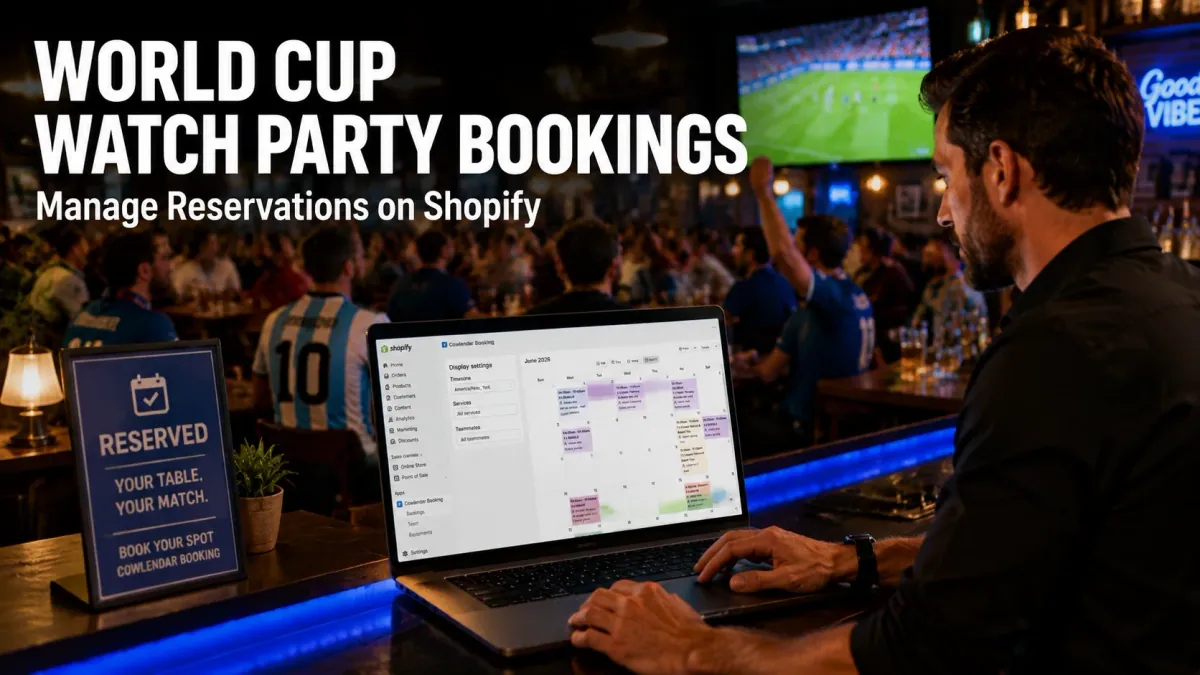
A sports bar in Kansas City with 120 seats is about to open reservations for every USMNT group stage match. The owner knows that if she runs this on DMs and spreadsheets, she'll end up with 130 people confirmed for a 120-seat venue on the biggest match day of the year. That's the problem: World Cup watch parties create massive, time-sensitive demand spikes, and most Shopify stores have no booking infrastructure built for it. By the end of this article, you'll know exactly how to set up a reservation system that handles deposits, capacity caps, automated reminders, and group bookings for the 2026 World Cup without losing a single customer.
Why Watch Party Bookings Matter More Than You Think
The 2026 World Cup runs from June 11 to July 19 across the US, Mexico, and Canada. That's 40 days of matches spread across multiple time zones, and bars, restaurants, and breweries are going to see foot traffic they normally only dream about.
According to the National Restaurant Association, establishments that hosted World Cup viewing events during the 2022 tournament in Qatar reported 25% to 40% increases in revenue on match days compared to the same week in a non-tournament year. The catch? Those gains only materialize if you can actually manage the crowd.
Here's what makes watch parties different from regular reservations:
Time-locked events. A match starts at a specific time and runs roughly 2 hours. Your booking windows aren't flexible like a restaurant table reservation. You need slots that align with kickoff times.
Group dynamics. People don't show up alone to watch the World Cup. Groups of 6 to 12 are common, and they expect to sit together.
Deposits are non-negotiable. When every bar in a 5-mile radius is showing the same match, no-shows become expensive fast. You need prepaid or deposit-based bookings to protect your seats.
Capacity is fixed. Unlike a restaurant where you can squeeze in an extra table, a sports bar has a hard ceiling on how many people can watch a match safely and comfortably.
If you're running a Shopify store and you're thinking about adding a booking layer for World Cup events, you need a system that handles all four of those constraints. That's where a native Shopify booking app like Cowlendar comes in.
The Key Challenges of Managing World Cup Reservations
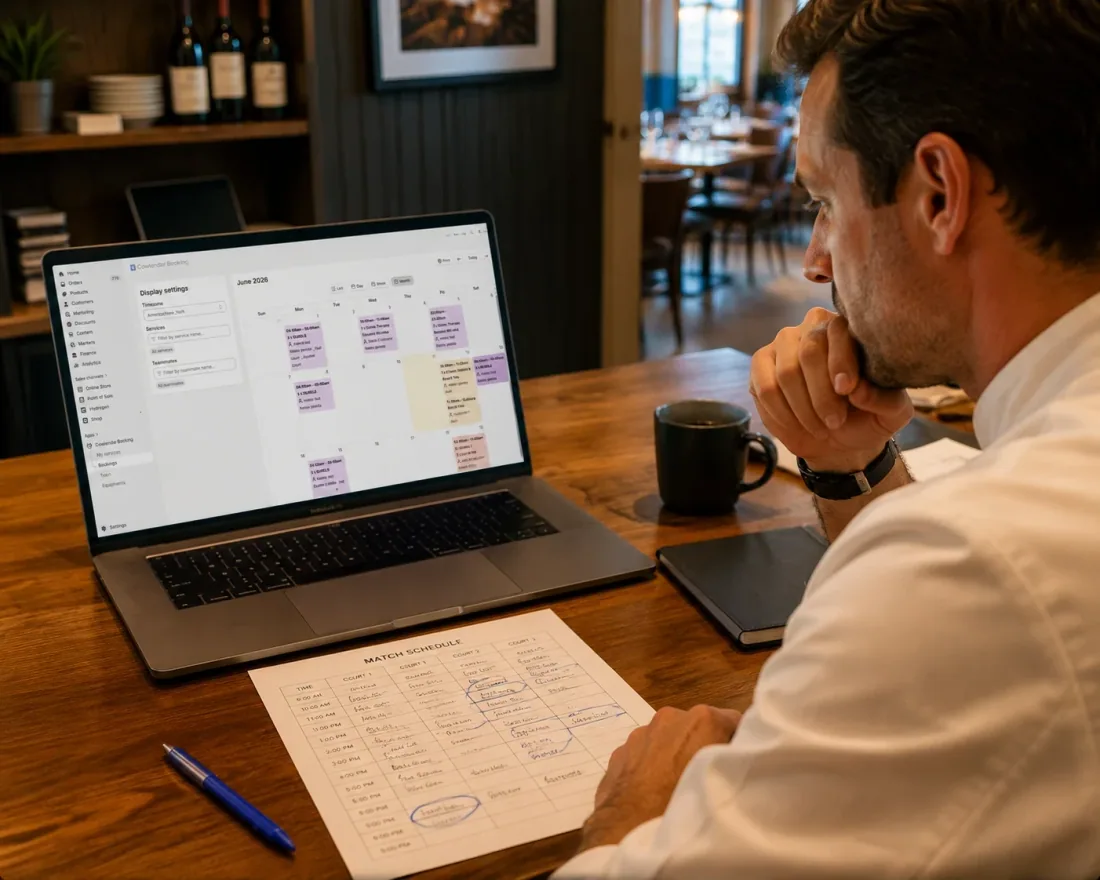
Before you set up anything, you need to understand what makes World Cup booking logistics genuinely harder than regular event reservations.
Overlapping kickoff times across time zones
The 2026 World Cup spans three countries. Matches kick off at 11:00 AM, 2:00 PM, 5:00 PM, and 8:00 PM ET depending on the stage. That means your bar could be running back-to-back watch parties with different groups on the same day. You need a booking system that lets you create multiple time slots per day with independent capacity limits.
No-shows on high-demand days
Here's the counterintuitive problem: even on sold-out match days, no-shows happen. People book for the Brazil game, then decide to watch it at home when it rains. Without a deposit, you've just lost a seat you could have sold to someone on a waitlist.
Industry data from event booking platforms shows that no-show rates for sports viewing events range from 15% to 25% when there's no financial commitment required. That drops to 5% to 8% when a deposit of $10 or more is collected upfront.
Group bookings with variable sizes
A reservation for 2 people and a reservation for 10 people take up very different amounts of space. Most generic booking tools treat every reservation as one unit. You need a system where the customer specifies their party size at the time of booking, and that number counts against your venue capacity.
Last-minute cancellations and rebookings
The World Cup schedule is unpredictable. A team gets eliminated and suddenly nobody cares about that match. Or an underdog advances and demand for their next game spikes overnight. You need a system where you can quickly adjust availability, open new slots, or close sold-out events without rebuilding your entire booking page.
What to Look For in a Shopify Booking App for Watch Parties
Not every booking app handles events the way a World Cup watch party requires. Here's what to evaluate.
Group booking with configurable capacity
Your app needs to let you set a maximum capacity per time slot and have that capacity decrease automatically as bookings come in. Cowlendar handles this natively with its group booking type, where you define the maximum number of guests per slot and the system enforces it in real time.
Deposit and prepayment options
Look for an app that supports deposits at booking time. With Cowlendar, you can require a deposit when a customer reserves their spot. This guarantees commitment and gives you revenue even if someone cancels last minute.
Automated email reminders
Reminders reduce no-shows by 20% to 30% according to salon and hospitality industry benchmarks. You need an app that sends automated email reminders before each match, confirming the date, time, group size, and any deposit information. Cowlendar's automated email reminders feature handles this without any manual work.
Calendar sync
If you're running watch parties alongside regular restaurant service, you need a booking system that syncs with your Google Calendar so your staff can see which time slots are reserved for matches versus regular dining. Cowlendar offers two-way Google Calendar sync on all plans.
Multiple display options
You want a booking widget that fits naturally on your Shopify product page or a dedicated event page. Cowlendar provides four display modes: popup, inline widget, direct link, and calendar view. For a World Cup events page, the calendar view works well because customers can see all upcoming matches at a glance.
How to Set Up World Cup Watch Party Bookings on Shopify
Here's the step-by-step process using Cowlendar.
Step 1: Install Cowlendar and choose your plan
Install Cowlendar from the Shopify App Store. All plans include every feature: group bookings, deposits, automated reminders, Google Calendar sync, and custom intake questions. Pick the plan that matches your expected booking volume. The Pro plan at $13.99/month handles up to $1,000 in booking revenue, while the Elite plan at $29.99/month covers up to $3,000.
Step 2: Create a group booking service for each match
Set up a separate booking service for each World Cup match you're hosting. Name it clearly: "USA vs. [Opponent]: June 16 at 5:00 PM ET." Configure the group size to match your available seating. For example, if you have a 40-seat section reserved for watch parties, set the group capacity to 40.
For back-to-back matches on the same day, create separate time slots within the same service. Cowlendar lets you define multiple time slots with independent availability.
Step 3: Enable deposits
Go to your service settings and turn on the deposit feature. Set a deposit amount that makes sense for your venue. $10 to $20 per person works well for most sports bars. This covers your costs if someone no-shows and gives the customer skin in the game.
Step 4: Add custom intake questions
Use Cowlendar's custom intake questions to collect useful information:
"How many people are in your group?" (if not handled by the group booking itself)
"Which country are you supporting?"
"Do you need access to a projector or a specific screen section?"
This helps your staff prepare and gives you data on who's coming.
Step 5: Embed the booking widget on your Shopify page
Use Cowlendar's inline widget or direct link to add the booking system to a dedicated "World Cup 2026" page on your Shopify store. The calendar view mode lets customers browse all available match slots in one place. If you want a step-by-step walkthrough of embedding the widget, this video tutorial on selling event tickets on Shopify covers the general process of adding event booking capabilities to your store.
Step 6: Set up automated reminders
Enable Cowlendar's automated email reminders to go out 24 hours before each match and again 2 hours before kickoff. Include the match details, your venue address, and a reminder about the deposit policy. This single step can cut your no-show rate in half.
Best Shopify Apps for World Cup Watch Party Bookings
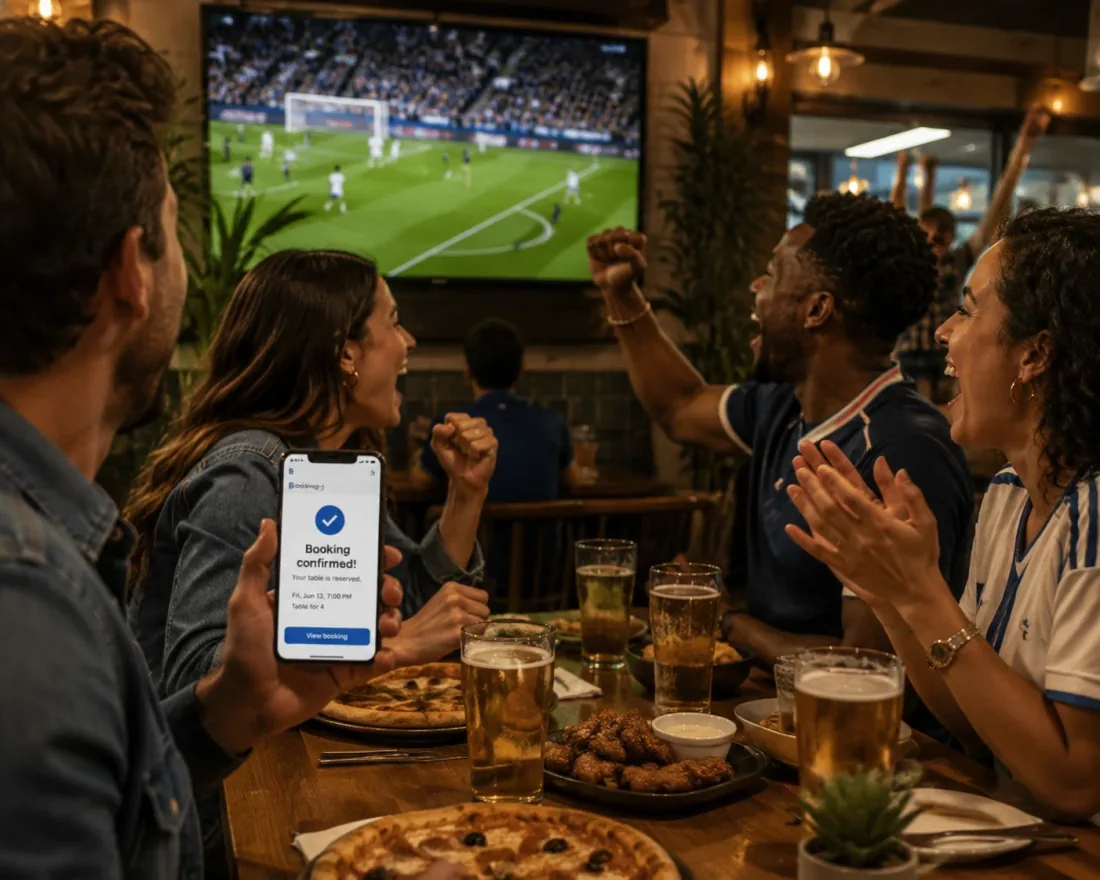
Cowlendar
Cowlendar is a native Shopify booking app with 22,500+ active merchants and a 4.9-star rating from 2,000+ reviews. It's built specifically for Shopify, so your bookings live alongside your products, inventory, and customer data.
For World Cup watch parties, Cowlendar stands out because of its group booking with configurable capacity, deposit and prepayment support, automated email reminders, and Google Calendar two-way sync. All of these features are available on every plan, starting at $13.99/month.
Cowlendar also offers restaurant booking configuration and the ability to set up tables as bookable equipment, which is useful if you want to reserve specific table sections for different group sizes. If you're running both regular dining and watch party reservations, you can manage them in one place. For more on preventing scheduling conflicts, see our guide on how to fix double bookings with Google Calendar sync.
Sesami
Sesami is a Shopify booking app known for its multi-practitioner support and Sesami Flows feature. Pricing starts at a free tier, with paid plans at $19/month, $129/month, and $299/month. Sesami's strength is for businesses with multiple staff members or practitioners who each have their own availability. For a World Cup watch party scenario, Sesami works if you need staff-specific scheduling, but it lacks the straightforward group booking and deposit configuration that Cowlendar offers out of the box. Its pricing also escalates quickly compared to Cowlendar's flat-rate model.
BookThatApp
BookThatApp has been on Shopify for over 15 years and specializes in resource allocation and multi-day bookings. Pricing starts at $19.95/month. BookThatApp is a solid choice if your watch party involves multi-day events or if you need to manage physical resources (like projectors, seating sections, or sound equipment) alongside time slots. Its long track record means the app is stable and well-tested. However, its interface can feel dated compared to newer apps, and its deposit and reminder features are less flexible than Cowlendar's.
Meety
Meety focuses on class bookings, waitlists, and subscriptions. It has a free plan and paid plans starting at $14/month. Meety's strength is for fitness studios and class-based businesses. For World Cup watch parties, it can handle basic time-slot bookings, but it doesn't offer the same depth in group capacity management or deposit collection. If you're a gym that also wants to host watch parties, Meety might cover your basic needs. For anything more complex, a dedicated booking app like Cowlendar is a better fit.
Calendly
Calendly is a standalone scheduling platform, not a Shopify-native app. It offers a free tier, Standard at $10/month, Teams at $16/month, and Enterprise pricing that can exceed $15,000/year. Calendly excels at one-on-one scheduling and team availability management. For World Cup watch parties, its limitations are significant: it doesn't integrate with Shopify's checkout, it can't process deposits natively through your store, and group bookings require workarounds. You'd also be sending customers away from your Shopify store to a third-party page. If you're curious about the full comparison, we wrote about Calendly vs a native Shopify booking app in detail.
Tips for Managing Watch Party Bookings Successfully
Set booking limits per match, not per day
Don't let customers book "any match on June 16." Create individual services for each match with separate capacity limits. This prevents overbooking when two popular teams play on the same day.
Use deposits strategically
Price your deposits to cover the average food and drink spend per person. If your average customer spends $35 at a watch party, a $15 deposit ensures you're covered even if they cancel. You can also apply the deposit as a credit toward their final bill to incentivize attendance. For more strategies on increasing revenue per booking, see our guide on how to upsell add-ons during a Shopify booking.
Build a waitlist workflow
When a match sells out, use Cowlendar's booking management to track cancellations and open spots. Send an email to waitlisted customers immediately when a slot opens. Speed matters here. Popular World Cup matches can fill and empty within hours.
Create a dedicated World Cup 2026 page
Don't bury your watch party bookings in a generic "Events" page. Build a dedicated landing page on your Shopify store with the Cowlendar calendar widget embedded front and center. List every match you're showing, the deposit policy, and your venue details.
Coordinate with your kitchen and bar staff
Share your booking data with your team before each match day. Cowlendar's Google Calendar sync makes this automatic. Your kitchen needs to know they're serving 35 people for the 5:00 PM match, not 15. Planning ahead prevents bottlenecks during the busiest 90 minutes of the week.
FAQ
How many World Cup matches can I list for booking on Shopify?
There's no limit to the number of services or time slots you can create in Cowlendar. You can list every single match of the 2026 World Cup as a separate booking service, each with its own capacity, deposit, and schedule. If you're covering all 104 matches, create them in batches and use the calendar view so customers can browse by date.
Can I require a deposit and apply it to the customer's final bill?
Yes. Cowlendar's deposit feature lets you collect a fixed amount at booking time. Many bars and restaurants apply that deposit as a credit toward the customer's food and drink order. This encourages attendance and simplifies the checkout process. You can configure deposit amounts per service, so a high-demand semifinal match could require a larger deposit than a group stage game.
What happens if a customer cancels their watch party reservation?
Cowlendar manages cancellations based on the policies you set. If you allow cancellations up to 24 hours before kickoff, the system can automatically open the spot for new bookings. If you set a no-refund policy for deposits, you keep the deposit as compensation for the held seat. You control these settings per service.
Can I offer different pricing for VIP sections versus general admission?
Yes. Create two separate booking services for the same match: one for VIP seating and one for general admission, with different deposit amounts and capacity limits. Cowlendar lets you set custom pricing and intake questions per service, so you can ask VIP guests about their preferred seating area or bottle service needs.
How do I handle World Cup matches that run into extra time or penalties?
Since Cowlendar bookings are time-slot based, you should build buffer time into your slots. If a match kicks off at 5:00 PM and typically ends by 7:00 PM, set your booking slot to run from 5:00 PM to 7:30 PM. This gives you a 30-minute cushion for extra time, penalties, and post-match cleanup before the next group arrives.
Do I need a separate booking for each time zone?
If your bar is in a single location, you only need to book based on your local time zone. A match kicking off at 2:00 PM ET is the same for all your customers regardless of where the match is being played. Simply list the local kickoff time in your booking title and Cowlendar handles the scheduling from there.
Conclusion
The 2026 World Cup is a revenue opportunity that rewards preparation. Bars and restaurants that set up deposit-backed, capacity-managed booking systems before the tournament starts will capture demand that walk-in-only venues leave on the table. With Cowlendar's group booking, deposits, automated reminders, and native Shopify integration, you can launch a complete watch party reservation system in under an hour. Start setting up your match schedule now, so when kickoff arrives on June 11, you're already sold out.
Originally published on the Cowlendar blog. This article keeps its original publication history; the page layout has been refreshed.
Originally published Jun 11, 2026.




 Built for Shopify


