
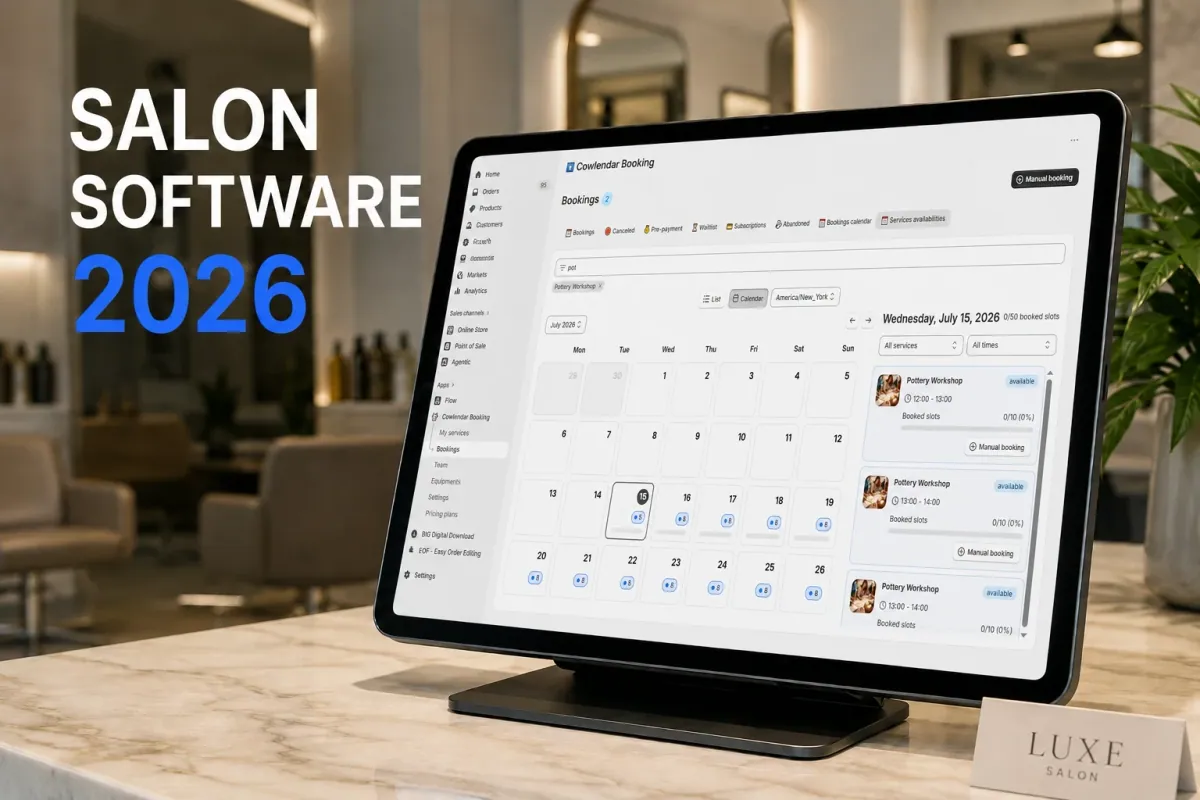
A client sits in your chair for a multi-hour balayage and highlight session while another person shows up at your reception desk, claiming they booked the exact same time slot on Instagram. If you are running a 3-chair barbershop in Austin doing 40 appointments per week, scheduling errors are not just stressful, they are expensive. Manual calendar management and clunky booking links lead directly to empty chairs, double bookings, and thousands of dollars in lost weekly revenue. Your booking system is the front door of your brand. When the booking process is confusing, or when clients cannot pay their deposits easily, they close the tab and book with a competitor down the street. Transitioning your calendar to an automated, integrated booking system protects your time, eliminates schedule overlapping, and helps your salon run smoothly.
Why booking software is critical for salon revenue
Your salon calendar is your inventory, and every open slot that goes unfilled is revenue you can never recover. When you allow clients to book their own appointments online, you eliminate the constant back-and-forth phone calls that distract you while you are serving the client in your chair.
Data from the beauty industry shows that automated booking reminders can cut client no-shows by 15% to 30%, saving a typical small salon hundreds of dollars every single month. If you charge $85 for a haircut, saving just three no-shows a month pays for your scheduling software multiple times over. Additionally, letting clients book 24/7 means you capture late-night appointments when your physical doors are closed. It is a simple operational upgrade that turns your website into a constant cash-flow channel.
Key scheduling challenges small salons face
Managing a service-based business requires balance, and a generic calendar app will quickly reveal its operational limits.
Overlapping stylist schedules and chair conflicts
The biggest logistical nightmare for multi-chair salons is managing shared resources. If you have five stylists but only two back-washing shampoo bowls, your software must understand these physical bottlenecks. Basic calendar tools do not track physical assets, leading to situations where three clients are scheduled for washing at the exact same moment.
Chronic no-shows and late cancellations
Nothing hurts a beauty professional's daily income more than a client who simply fails to show up for a three-hour service. Without deposit requirements or strict cancellation policies built directly into your checkout flow, you bear all the financial risk of empty slots. You need an automated system that collects card details or partial deposits upfront to keep your time protected.
Inability to upsell retail products during booking
Many salon owners miss out on substantial profits because their appointment calendars are entirely isolated from their retail shelves. When a client books a specialized color treatment, that is the perfect moment to suggest matching color-safe shampoos or deep conditioners. Keeping your appointments disconnected from your retail products leaves money on the table.
What to look for in a salon booking platform
Your calendar needs to feel like a natural extension of your storefront rather than a clunky third-party page.
An effective booking tool should support service-specific customization, such as adjusting appointment durations based on hair length, processing time, or stylist experience levels. Ensure the app integrates with your existing point of sale (POS) terminal so you can check out walking clients and digital bookings through a single screen. This is crucial for keeping your daily bookkeeping clean and centralized.
The customer interface must be fully mobile-responsive and visually clean. Look for systems that let you embed booking widgets directly into your active theme so clients never have to leave your website to complete their payments. If you want to study the complete process of moving your services online, read our comprehensive guide on How to Sell Services on Shopify in 2026: Complete Setup Guide.
How to set up salon appointments on Shopify
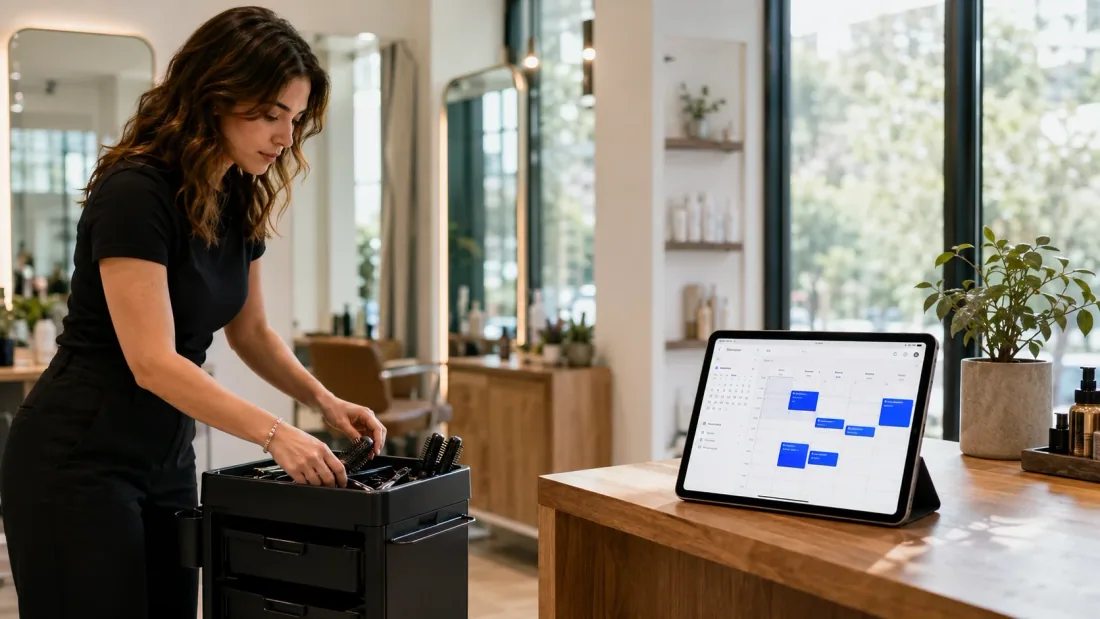
Configuring digital appointments on your store takes only a few minutes when you use a native booking application.
First, list your salon services as products inside your Shopify admin dashboard. Treat each service, such as a "Balayage and Blowout," as a product, setting the price and adding a clear description of what the service includes. Set your shipping options to digital or non-physical so Shopify bypasses shipping fee calculations during checkout.
Second, install your chosen booking application from the Shopify App Store. Open the app, select your newly created service product, and configure the time parameters. Define your appointment duration, assign the specific stylist who handles the service, and set up your daily availability, including buffer times for cleanup. If you are styling a custom page for your booking experience, you can learn how by reading How to Embed a Booking Calendar in Your Shopify Theme.
Third, customize your customer communication settings. Turn on email and SMS notifications to go out automatically 24 hours before the appointment. Save your settings, run a test checkout booking, and verify that the slot syncs with your Google Calendar or Outlook.
If you are setting up your navigation menu for the first time, you can watch how to add direct booking access in this practical video tutorial. The guide walks through modifying your header menus in under ten minutes so clients can find your calendar easily from your home page.
Best salon booking apps for small businesses in 2026
Your daily administrative workload depends heavily on the scheduling platform you integrate into your business.
Cowlendar
Our software is designed specifically for small and growing service businesses that want a highly professional setup without complex setups. Cowlendar integrates natively with Shopify, allowing you to turn any service product into a bookable calendar slot in seconds. It fully supports custom intake questions, deposit collection, group bookings, and automated SMS reminders. The plans are simple: all paid features are identical across all tiers, and you only scale your plan based on booking volume. The Starter plan costs €13.99 per month for up to 50 bookings, and the Basic plan is €29.99 for up to 200 bookings. One limitation is that if you operate a global franchise with hundreds of physical locations and require complex multi-region payroll systems, our native features are lightweight compared to heavy enterprise management platforms. Cowlendar includes a free plan for up to 5 monthly bookings.
Sesami
Sesami is a dominant booking platform in the Shopify App Store, built specifically for physical stores and retail-heavy service brands. It offers excellent integration with Shopify POS hardware, making it highly valuable if you run a physical checkout counter. The entry plan starts at $19 per month, but the platform's advanced options scale up to $129 per month on the Pro plan to access critical marketing integrations. This price scale can feel a bit steep for smaller, independent studios just starting out.
Booksy
Booksy is a widely popular, marketplace-driven salon app designed to help small beauty businesses attract local clients. It is an excellent choice if you want to be discovered by new customers through the Booksy user app. However, because it operates on a separate marketplace model, it does not live natively inside your personal Shopify storefront, which can split your client checkout journey across two different platforms. Pricing starts at $29.99 per month plus $20 per additional staff member.
GlossGenius
GlossGenius is a beautiful, mobile-first scheduling app designed specifically for independent beauty professionals and solo booth renters. It has a gorgeous interface and handles standard client reminders and payments beautifully. Its team management and inventory tracking controls are slightly basic, making it less suited for multi-stylist salons with complex commission splits. Its starting tier is $28 per month.
Practical tips for a successful booking flow
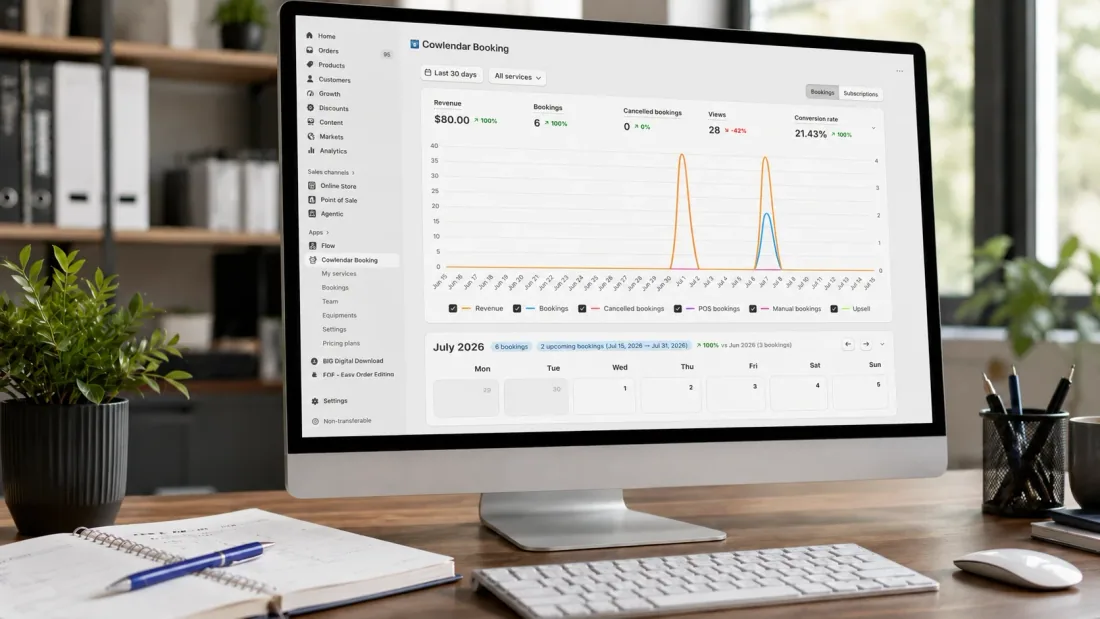
Managing a digital appointment book requires a few strategic boundaries to keep your workspace productive.
Always configure realistic cleanup buffers. If a complex hair color service takes two hours, add a fifteen-minute post-appointment buffer inside your app settings. This ensures your team has time to wash their tools, sweep the station, and rest before the next client arrives. You can read more about setting boundaries in our guide on How to Handle Cancellations and Rescheduling on Shopify.
Collect partial booking deposits at the time of checkout. Requiring a non-refundable 25% deposit secures commitment from the buyer and ensures your time is compensated if they fail to show up. To learn about deposit options, check out our guide on How to Encourage Clients to Pre-Pay for Services Without Losing Flexibility.

FAQ
Can I track the schedules of multiple stylists on a single booking calendar?
Yes, you can. Modern booking apps allow you to add multiple team members, set their individual working hours, and assign them to specific services. When a client visits your booking widget, they can pick their preferred stylist or select the first available professional.
How do I prevent clients from booking appointment slots that I have blocked out?
When you link your booking software with your Google Calendar or Outlook, your availability updates in real time. Any personal events, vacation days, or staff meetings created on your personal calendar will block out those slots on your store, keeping your calendar safe.
Is it possible to sell retail products alongside salon appointment bookings?
Yes. When you use a native booking app inside your Shopify store, your appointments and physical inventory exist on the same platform. You can offer retail products like styling gels, conditioners, or gift cards during the booking flow or upsell them right at checkout.
Can I set up a cancellation fee policy with my scheduling software?
Yes, modern booking systems support custom deposit and cancellation rules. You can set up policies that state deposits are non-refundable if a client cancels within 24 hours of their slot, protecting your income from last-minute calendar gaps.
Conclusion
Integrating an automated booking system into your small salon business removes the headache of phone reception and eliminates double-booking conflicts. By adopting a native platform that keeps your appointments, deposits, and client records organized under one roof, you build a sustainable path to growth. Install Cowlendar today to organize your stylist schedules, secure your weekly revenue with automated reminders, and provide a five-star booking experience for your clients.
Originally published on the Cowlendar blog. This article keeps its original publication history; the page layout has been refreshed.
Originally published Jul 15, 2026.




 Built for Shopify


