
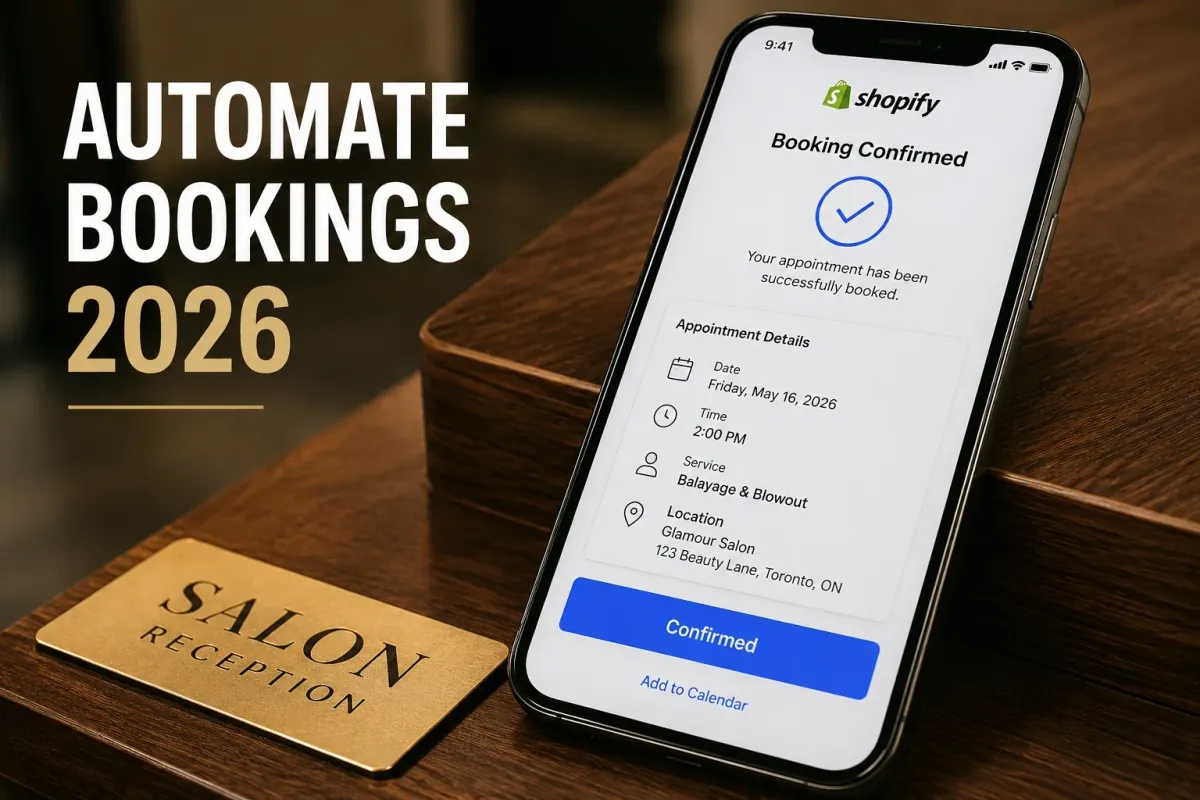
A 5-chair salon in Miami doing 80 appointments a week loses 10 potential bookings every weekend simply because the receptionist cannot reply to Instagram direct messages fast enough. When a client decides they want a balayage at 11 PM on a Friday, they do not wait until Monday morning to call your front desk. They click the next profile and book with a competitor who has an automated schedule ready. Artificial intelligence and smart automation are completely changing how service businesses operate. A modern booking funnel captures client intent instantly, secures a deposit, and syncs to your personal calendar before you even wake up. Upgrading your Shopify scheduling flow to handle this automatically is the single highest return on investment you can make this year. You will learn exactly how to implement smart scheduling tools to capture more revenue, reduce missed appointments, and eliminate manual calendar management.
Why smart automation matters for your service business in 2026
Automating your booking funnel reduces the friction between a client discovering your service and actually paying for it. Every extra click, phone call, or email required to secure a time slot drops your conversion rate significantly.
Data from the beauty and wellness industry shows that businesses utilizing instant online booking capture 35% of their total appointments outside of regular operating hours. Think about a mobile pet groomer in Dallas offering $120 full-service packages. If they miss just three late-night booking attempts a week because their website requires a manual quote request, they forfeit over $18,000 in annual revenue. Implementing a system that handles real-time availability checking and automated confirmations turns your storefront into a 24-hour sales channel. If you want to see exactly how much this impacts the bottom line, read our breakdown on Why Every Shopify Service Store Needs a Booking App in 2026.
Key challenges in the traditional booking funnel
Relying on manual processes and outdated calendar apps creates massive operational bottlenecks for growing service teams.
Delayed response times costing sales
Modern consumers expect instant gratification when purchasing a service. If a client submits a contact form requesting a Tuesday afternoon yoga session, waiting four hours for a manual email reply breaks their buying momentum. By the time you respond, they have likely found another studio with an active booking widget on their homepage.
High no-show rates without predictive reminders
A client who books a consulting call three weeks in advance is highly likely to forget the appointment if you do not follow up. Manual reminder calls take hours of administrative time and are frequently ignored by unknown caller ID filters. You need an automated system that sends SMS and email alerts at the exact right intervals to keep the commitment fresh in the client's mind.
Inefficient schedule gaps and double bookings
Managing a team of three therapists using a basic paper calendar or a disconnected spreadsheet guarantees scheduling conflicts. If one therapist takes a walk-in client but forgets to update the shared digital calendar, your website will eventually sell that exact same time slot to someone else. This results in double bookings, angry clients, and stressful refunds.
What to look for in an automated scheduling app
A modern scheduling tool must act as a digital receptionist that handles payments, notifications, and calendar routing instantly.
Look for an application that offers true two-way synchronization with platforms like Google Calendar. This ensures that if you add a personal dentist appointment to your phone, your Shopify store automatically blocks that hour from public view. The software should also support dynamic intake forms that collect specific client information, such as hair history or dietary restrictions, before the checkout is finalized.
Your chosen platform must communicate seamlessly with your marketing stack. Connecting your booking data to an email platform like Klaviyo allows you to trigger automated re-engagement campaigns for clients who have not booked a session in six months.
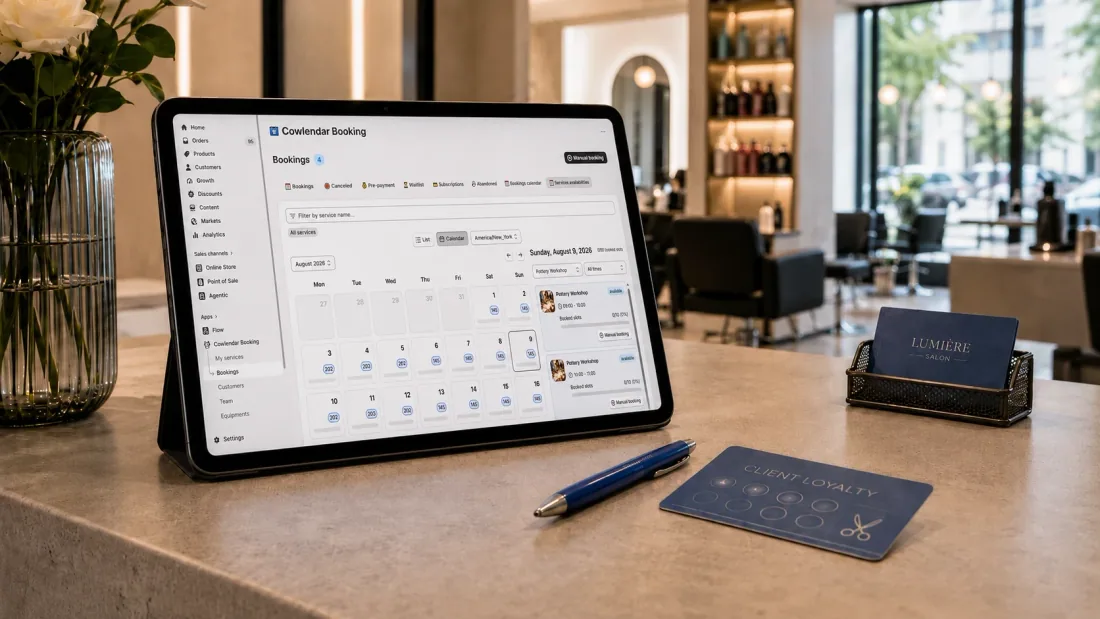
How to set up an automated booking funnel on Shopify
Configuring a smart scheduling flow takes less than thirty minutes when you use native applications designed for Shopify.
First, structure your services as individual products inside your Shopify admin. Treat a "60-Minute Deep Tissue Massage" exactly like a physical product by adding a clear description, professional imagery, and a set price. Ensure you toggle the physical shipping option off so the checkout process skips asking the client for a delivery address.
Second, install your booking application and map your newly created services to your calendar rules. Define the exact duration of the service, assign the staff members qualified to perform it, and set your available working hours. Add buffer times between appointments automatically to ensure your team has 15 minutes to clean up before the next client arrives.
Third, configure your automated notifications and payment capture settings. Turn on email and SMS reminders to send 24 hours before the appointment. Require a partial deposit at checkout to secure the time slot, which drastically reduces casual cancellations.
If you want to see the full calendar setup process in action, the team at Ecom Experts walks through it in under 8 minutes in this helpful tutorial. It covers the exact steps we described above, plus a few excellent shortcuts for organizing your storefront navigation menu.
Best Shopify booking apps for AI and automation in 2026
The software running your calendar dictates how much time you spend actually serving clients versus answering administrative emails.
Cowlendar
Our application is built specifically for service businesses that want powerful automation without dealing with confusing code. Cowlendar provides native Shopify integration, allowing you to turn any product into a bookable service instantly. It fully supports custom intake forms, group bookings, multi-day rentals, and automated Google Calendar syncing. We process payments natively through your existing Shopify checkout, meaning you never lose track of a transaction. All paid plans include every single feature we offer. You only upgrade based on your booking volume. The Starter plan is €13.99 per month for up to 50 bookings, and the Basic plan is €29.99 for up to 200 bookings. One honest limitation is that if you run a global hotel chain requiring complex yield management and massive property management system integrations, our tool is tailored more for daily service and rental businesses. We also offer a free plan for up to 5 monthly bookings.
Sesami
Sesami is a strong scheduling app on the Shopify App Store known for its Sesami Flows feature, which helps merchants build automated booking journeys. It works exceptionally well for businesses that rely heavily on Shopify POS for in-person retail alongside their service bookings. The entry plan starts at $19 per month, but accessing their advanced automation flows and multi-location features requires the Pro plan at $129 per month. This price jump can be steep for solo operators just starting out.
BookThatApp
BookThatApp is a legacy booking solution that handles a massive variety of complex scenarios, from equipment rentals to recurring classes. It offers detailed resource allocation, meaning it can track exactly how many physical surfboards are left in your inventory for a specific day. Pricing starts at $19.95 per month. Because it handles so many different types of complex booking rules, the initial setup interface can feel overwhelming for merchants who just need a simple appointment calendar.
Calendly
Calendly is a famous standalone scheduling tool that many people try to attach to their Shopify stores. It is brilliant for scheduling quick sales calls or internal meetings. However, because it is not native to Shopify, using it for e-commerce creates major problems. Customers have to book their time on a Calendly popup and then manually go back to your Shopify cart to pay, which causes massive cart abandonment. Their standard paid tier is $10 per month.

Tips for success with an automated scheduling funnel
Maximizing your service revenue requires strategic policies that protect your time and encourage larger cart sizes.
Always present relevant add-on services during the checkout flow. If a client is booking a standard photography session, use your booking app to offer an additional 30 minutes of shooting time or expedited photo delivery for an extra fee. You can learn exactly how to configure these offers in our guide on How to Upsell Add-Ons During a Shopify Booking.
Enforce strict cancellation policies and collect deposits upfront. When clients pay a 25% non-refundable deposit via your Shopify checkout, they respect the appointment time. Automated SMS reminders are the perfect tool to reinforce this policy politely before the cancellation window closes. For a deep dive into protecting your schedule, read 5 Powerful Strategies to Instantly Reduce No-Shows and Boost Sales.

FAQ
How does an automated booking app prevent double bookings?
A native booking app reads your available inventory in real time. The moment a client selects a 2 PM time slot and proceeds to checkout, the app places a temporary lock on that specific time. If the client completes the payment, the time slot is permanently removed from your public calendar, making it impossible for someone else to book it.
Can I set different working hours for different staff members?
Yes. Modern scheduling tools allow you to create individual profiles for each team member. You can assign John to work morning shifts and Sarah to work evening shifts. When a client books online, the calendar only displays the availability of the specific staff member assigned to that service.
Will automated booking apps work with my physical Shopify POS terminal?
Yes, applications designed specifically for Shopify integrate smoothly with the Shopify Point of Sale system. This allows your front desk staff to book walk-in appointments, accept physical credit cards, and manage the digital schedule all from the same iPad interface used for retail sales.
How do automated reminders actually reduce no-show rates?
People rarely miss appointments maliciously; they usually just forget. Automated systems send a text message directly to the client's phone 24 hours before the session. This immediate notification prompts the client to either confirm their attendance or cancel early enough for you to fill the open spot from your waitlist.
Conclusion
The future of service e-commerce belongs to businesses that respect their clients' time by offering instant, frictionless scheduling. Upgrading your booking funnel with smart automation eliminates the chaos of manual messages, protects your calendar from no-shows, and captures late-night sales automatically. Install Cowlendar today to transform your Shopify store into an automated scheduling machine that works around the clock to grow your business.
Originally published on the Cowlendar blog. This article keeps its original publication history; the page layout has been refreshed.
Originally published Jul 26, 2026.




 Built for Shopify


