
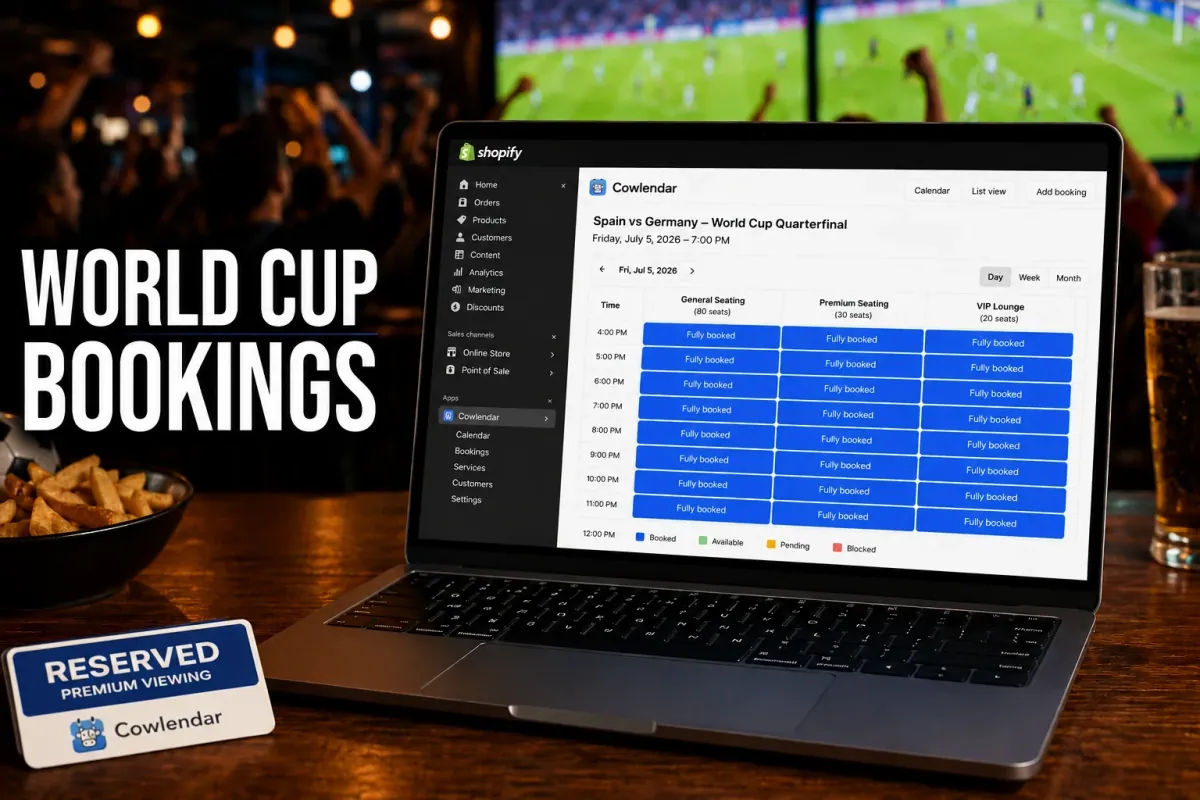
The busiest day of the year for many sports bars isn't New Year's Eve.
It's the day a national team reaches the knockout stage of the World Cup.
A 120-seat sports bar showing a Spain quarterfinal can fill every table hours before kickoff. The problem isn't attracting customers. The problem is managing demand without creating long lines, double bookings, angry guests, and empty tables caused by no-shows.
The 2026 FIFA World Cup is expected to generate massive traffic for bars and restaurants across North America and Europe, with venues already organizing dedicated watch parties, fan events, and reservation-only seating experiences.
In this guide, you'll learn how bars and restaurants can take table reservations for World Cup matches, prevent overbooking, collect deposits, and manage high-demand game days directly through Shopify.
Why World Cup reservations matter more than regular restaurant bookings
World Cup reservations are different from normal dinner service because demand arrives in concentrated bursts.
A restaurant may have 50 bookings spread throughout an evening on a normal Friday. During a major match, 150 people may try to reserve tables for the exact same kickoff time.
The challenge becomes capacity management.
A venue showing Spain vs. Argentina might receive 80 reservation requests within a few hours. If reservations are managed through phone calls, spreadsheets, Instagram messages, and walk-ins, mistakes happen fast.
We're already seeing venues worldwide create dedicated World Cup watch-party experiences, private viewing areas, and reserved seating packages because demand is significantly higher than standard service periods.
The businesses that perform best during the tournament usually have three things:
Online reservations
Capacity limits
Prepaid or deposit-based bookings
Without those systems, even a packed venue can lose revenue.
The biggest challenges bars face during World Cup match days
World Cup reservations create operational problems that don't exist during normal service.
Too many guests booking the same time slot
Most customers want seats 30 to 60 minutes before kickoff.
That means your entire reservation volume gets concentrated into one arrival window.
A 100-seat restaurant might receive enough requests for 200 guests if capacity controls aren't enforced.
No-shows become expensive
A no-show during a regular lunch service hurts.
A no-show during a sold-out World Cup semifinal hurts even more because someone else would have gladly taken that table.
Many venues now require deposits or minimum spending commitments for premium match reservations because of this risk. Private World Cup viewing events commonly use food-and-beverage minimums or prepaid packages to secure attendance.
Managing large groups
World Cup viewing is social.
Groups of 6, 8, 10, or even 20 guests often want to sit together.
Without group reservation controls, staff end up rearranging tables manually minutes before kickoff.
Multiple screens and seating zones
Not every table offers the same viewing experience.
A seat directly in front of a projector is worth more than a seat in the corner.
Restaurants increasingly create reservation tiers:
Front-row seating
Premium viewing zones
VIP tables
General admission tables
Those tiers require booking software capable of managing separate capacities.
What to look for in a World Cup reservation system
The best reservation system for World Cup matches is one that prevents operational problems before they happen.
Capacity controls
Your software should automatically stop accepting reservations when a match reaches capacity.
If your venue seats 120 guests, the system shouldn't allow booking number 121.
Simple, but critical.
Deposits and prepaid reservations
A $10 to $25 deposit can dramatically reduce no-shows.
For high-demand matches, some restaurants charge:
Table reservation fee
Food and beverage minimum
VIP package
Match-day cover charge
The goal isn't generating deposit revenue.
The goal is protecting capacity.
Automated confirmations and reminders
Customers book weeks in advance for major matches.
People forget.
Automated reminders sent 24 hours before kickoff help reduce missed reservations and eliminate manual follow-up.
Group booking support
A table for two is easy.
A reservation for twelve guests arriving together is not.
Choose software that supports group sizes, capacity limits, and party-specific booking rules.
Google Calendar synchronization
If managers update availability manually, mistakes happen.
A two-way calendar sync helps keep schedules accurate across multiple staff members and locations.
If double bookings are already causing problems, our guide on How to Fix Double Bookings with Google Calendar Sync explains the process in detail.
How to set up World Cup reservations on Shopify
Shopify can be used to sell table reservations the same way it sells products.
The difference is that customers are booking a time slot instead of purchasing physical inventory.
Step 1: Create reservation products
Each match becomes its own bookable product.
Examples:
Spain vs Germany Table Reservation
World Cup Final VIP Table
Quarterfinal Watch Party Package
This makes match management significantly easier.
Step 2: Define seating capacity
Assign capacity limits to each booking product.
For example:
General seating: 80 guests
Premium seating: 30 guests
VIP lounge: 20 guests
Once capacity is reached, bookings automatically stop.
Step 3: Add deposits
For high-demand matches, require partial payment during checkout.
A simple example:
$20 deposit × 50 reserved tables = $1,000 protected revenue before kickoff.
Step 4: Collect guest information
Ask customers:
Party size
Team they support
Special requests
Accessibility needs
This information helps staff prepare before guests arrive.
Step 5: Automate confirmations
Every booking should trigger:
Confirmation email
Calendar event
Reminder email
This reduces customer support requests dramatically.
For a practical walkthrough, Calendly vs a Native Shopify Booking App explains why many hospitality businesses prefer managing reservations directly inside Shopify instead of connecting multiple external tools.
If you'd like a visual walkthrough, the YouTube channel Learn With Shopify has a helpful reservation setup tutorial that covers booking products and appointment workflows on Shopify:
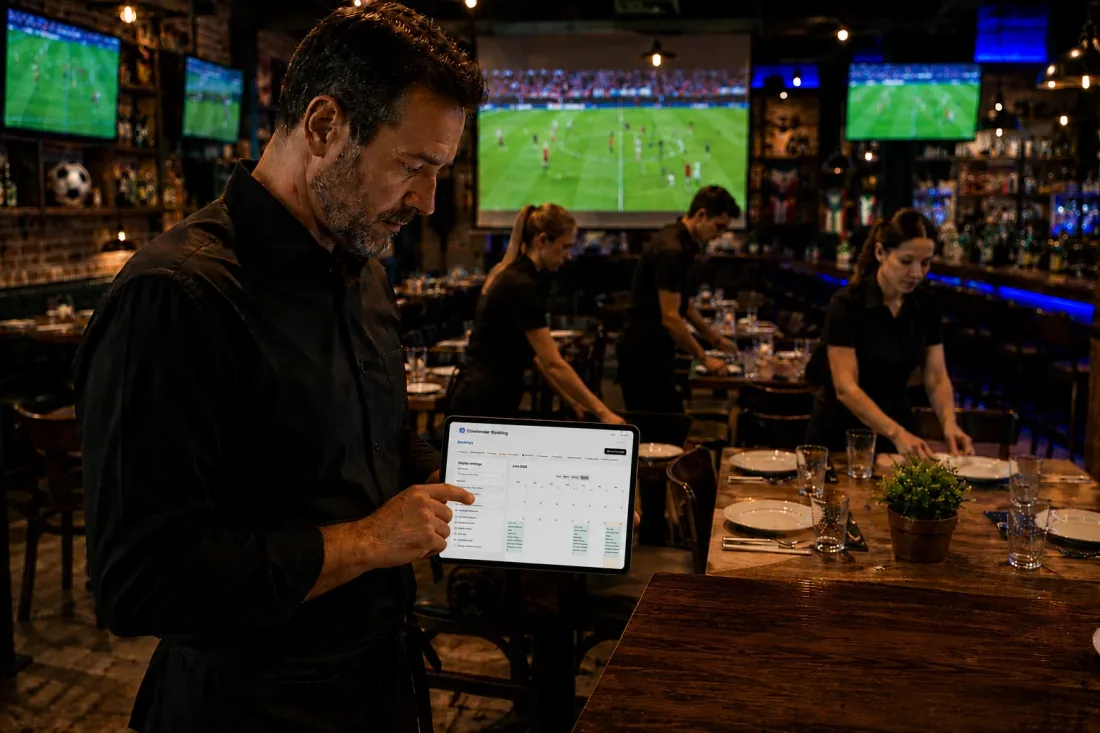
Best Shopify apps for World Cup reservations
Several Shopify booking apps can handle match-day reservations, but they serve different types of businesses.
Cowlendar
Cowlendar is often the easiest option for restaurants, sports bars, and hospitality businesses that want reservations directly inside Shopify.
Pricing starts with a free plan, followed by Pro ($13.99/month), Elite ($25.99/month), and Ultra ($39.99/month). Features include group bookings, Google Calendar integration, waitlists, deposits, POS support, Zoom and Google Meet integrations, and upsell functionality.
For World Cup events, the combination of capacity controls, deposits, waitlists, and Shopify-native checkout is particularly useful.
It's best for operators who want reservations and payments handled in one system.
Sesami
Sesami is one of the most established Shopify booking apps.
Its biggest advantage is support for complex multi-staff scheduling and advanced workflows.
For restaurants hosting large events across multiple rooms or locations, that flexibility can be valuable.
The tradeoff is that smaller venues may find the setup more complex than necessary.
BookThatApp
BookThatApp has been in the Shopify ecosystem for many years and maintains a strong reputation among merchants.
It offers group bookings, deposits, SMS reminders, staff management, calendar synchronization, and reservation workflows suitable for events and hospitality businesses. The app currently holds a 4.6-star rating with hundreds of reviews.
Its biggest advantage is flexibility.
Its limitation is pricing, which becomes significantly higher as booking volume grows.
Meety
Meety focuses on flexibility and affordability.
Plans start at $14/month and include unlimited services, Google Calendar synchronization, Zoom integration, waitlists, deposits, POS support, and booking approvals on higher tiers.
A major advantage is its strong feature set relative to cost.
Restaurants hosting recurring match events may find it particularly attractive.
Calendly
Calendly remains a popular scheduling platform.
Its biggest strength is familiarity.
However, it isn't built specifically for Shopify commerce workflows.
For hospitality businesses collecting deposits, selling packages, managing table inventory, and running watch-party events, Shopify-native solutions typically require fewer integrations.
Tips for successful World Cup watch-party reservations
The most profitable venues treat reservations as event tickets, not restaurant bookings.
Create reservation tiers
Offer:
Standard tables
Premium viewing tables
VIP packages
Customers are often willing to pay for better viewing positions during major matches.
Sell food and beverage packages
A simple calculation:
40 reserved tables × $25 pre-game package × 60% adoption rate = $600 extra revenue per match.
Over ten matches, that's $6,000 in additional sales.
For more ideas, see How to Upsell Add-Ons During a Shopify Booking.
Open reservations early
Many World Cup fans book weeks ahead.
Some venues sell out before lineups are even announced.
Build a waitlist
Cancellations happen.
A waitlist helps fill tables immediately instead of leaving revenue on the table.
Decision checklist
Choose free reservations if:
You rarely sell out.
No-show rates are low.
Choose deposit-based reservations if:
Matches regularly reach capacity.
You host premium watch parties.
No-shows cost significant revenue.
FAQ
Should bars charge deposits for World Cup reservations?
If matches regularly sell out, yes. Deposits reduce no-shows and help protect revenue. Many venues hosting major World Cup events now use deposits, prepaid packages, or food-and-beverage minimums for high-demand matches.
How far in advance should reservations open?
Most venues open reservations as soon as the match schedule is announced. For knockout rounds, reservations often open immediately after teams qualify.
Can Shopify manage restaurant reservations?
Yes. Shopify booking apps allow restaurants to sell reservation slots, manage capacity, collect deposits, and automate confirmations directly through Shopify checkout.
What happens when a match sells out?
A waitlist is usually the best option. Customers can join the list and automatically fill canceled reservations.
Should restaurants offer VIP seating during World Cup matches?
If your venue has premium viewing areas, VIP packages can increase average revenue per guest while improving the fan experience.
Conclusion
The biggest World Cup reservation mistake isn't underestimating demand.
It's assuming traditional restaurant booking processes can handle tournament-level traffic.
When hundreds of fans are trying to reserve tables for the same kickoff, manual systems break quickly.
A Shopify-native reservation workflow with capacity controls, deposits, reminders, and waitlists gives bars and restaurants a way to stay organized while maximizing revenue during the busiest sporting event in the world.
For venues already using Shopify, Cowlendar provides one of the simplest ways to turn match-day demand into confirmed reservations instead of reservation chaos.
Originally published on the Cowlendar blog. This article keeps its original publication history; the page layout has been refreshed.
Originally published Jun 21, 2026.




 Built for Shopify


