
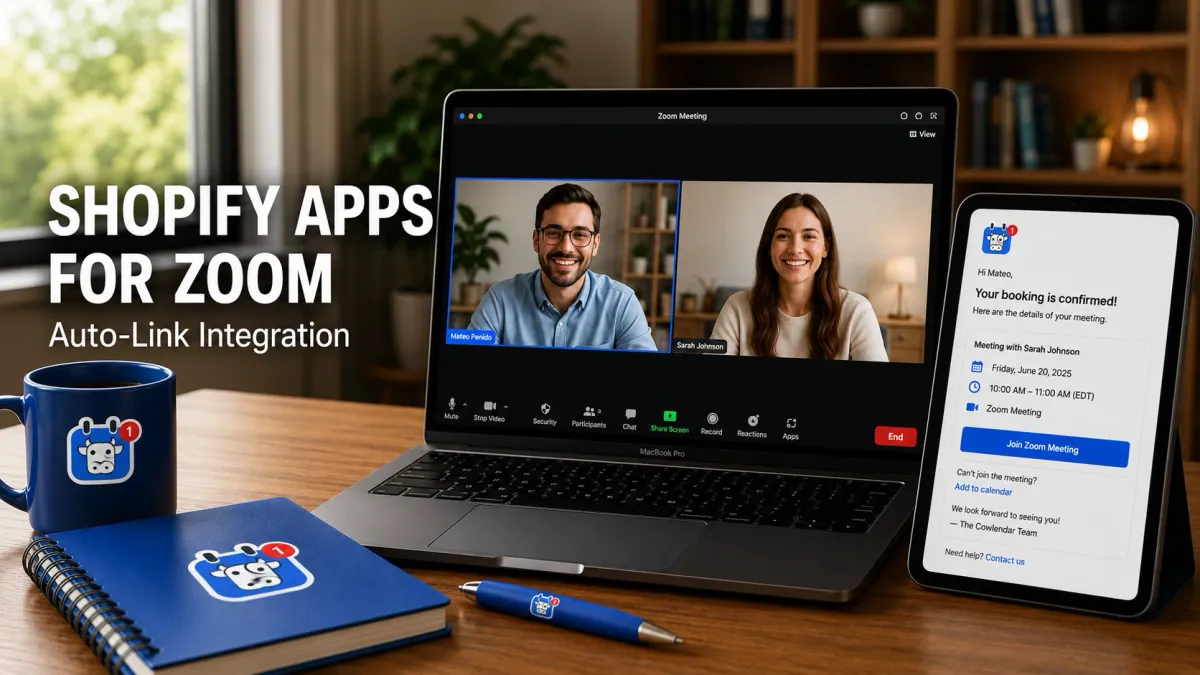
A business coach in New York City has a Shopify store where she sells a $297 online course and offers 60-minute coaching sessions at $175 per session. She runs 15 virtual sessions per week through Zoom. Before installing a booking app, she manually created a Zoom link for each session, copied it into a confirmation email, and sent it to the client. This process took 3 to 5 minutes per booking. At 15 sessions per week, that is 45 to 75 minutes per week spent on a task that should be automatic. Last month, she sent the wrong Zoom link to 2 clients, who waited in an empty meeting room for 10 minutes before she noticed. Both clients mentioned the confusion in their feedback. She needs a Shopify booking app that generates a unique Zoom link for every booking and sends it to the client automatically. Here is which apps do that well.
The integration between Shopify booking apps and Zoom is straightforward in concept: client books an appointment, the system generates a unique Zoom meeting link, and the client receives the link in their confirmation email. In practice, the quality of this integration varies significantly across apps. Some generate links instantly. Some require manual setup. Some do not support Zoom at all. Here is an honest comparison of the best Shopify apps for Zoom meetings, what each one does well, and where each one falls short.
Why Zoom Integration Matters for Shopify Service Businesses
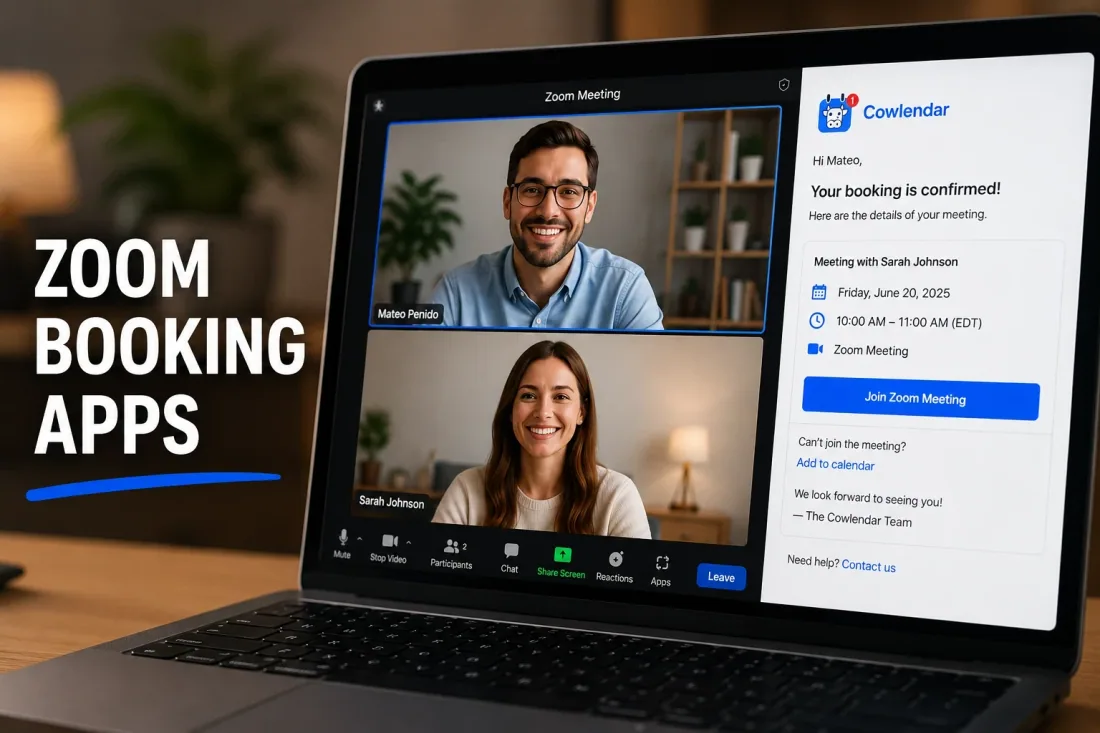
Virtual appointments are no longer optional
The shift to virtual services accelerated during the pandemic and has not reversed. A 2024 McKinsey report found that 58% of Americans have the option to work from home at least one day per week, and the demand for virtual services (coaching, consulting, therapy, fitness, tutoring) continues to grow. For Shopify merchants who offer virtual sessions, the booking experience needs to include a Zoom link without manual intervention. If your client books a session and has to wait for you to send a Zoom link, you have already created friction that makes the experience feel unprofessional.
Manual Zoom link creation is a time sink
Creating a Zoom link manually takes 3 to 5 minutes: open Zoom, create a meeting, copy the link, paste it into an email, send it. At 15 sessions per week, that is 45 to 75 minutes of administrative work. At 30 sessions per week, it is 90 to 150 minutes. A financial advisor in Chicago, IL who ran 20 virtual sessions per week calculated that he spent 1.5 hours per week on Zoom link creation. After installing Cowlendar with Zoom auto-link generation, that time dropped to zero. The 1.5 hours per week translates to 78 hours per year, or roughly $7,800 in recovered billable time at a $100 per hour rate.
Unique links prevent security issues
When you use a single recurring Zoom link for all sessions, any client who has the link can join any session. This creates a privacy risk for coaching, therapy, and medical consultations. A unique Zoom link per booking ensures that only the booked client can join the meeting. Cowlendar generates a unique Zoom link for every booking, which means each client receives a meeting link that works only for their specific appointment. This is a small detail that matters enormously for businesses handling sensitive conversations.
The Best Shopify Apps for Zoom Meeting Integration
1. Cowlendar
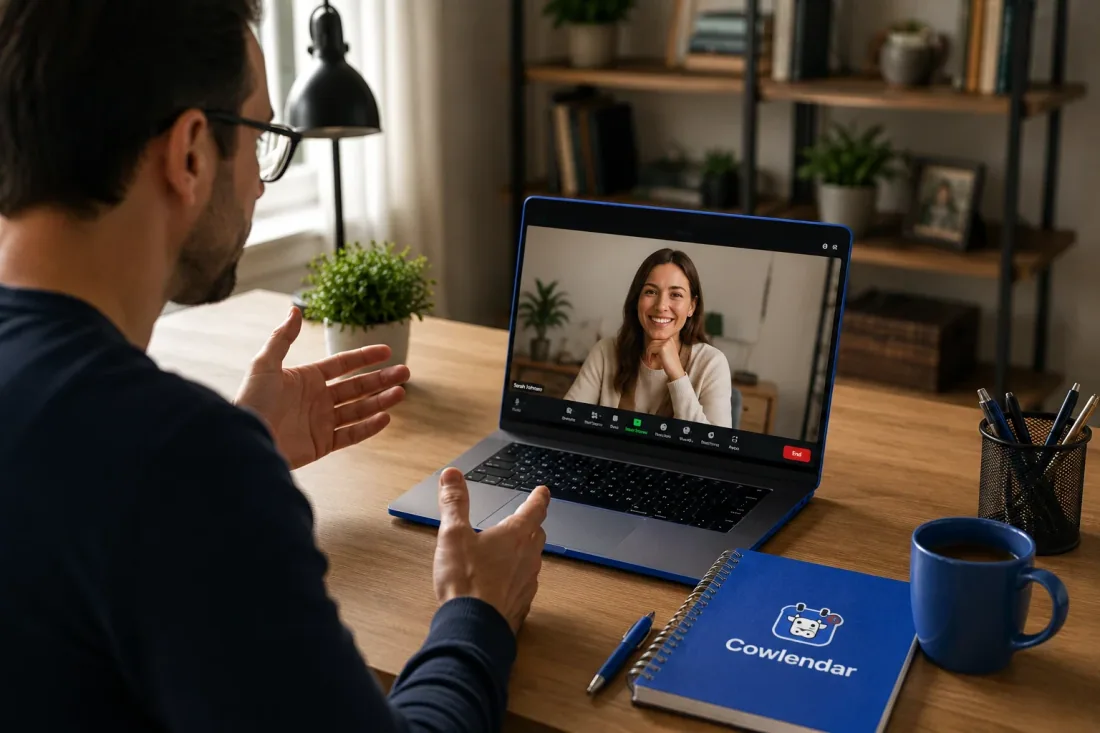
Cowlendar generates unique Zoom links automatically for every booking. When a client books a virtual session, the system creates a Zoom meeting, attaches the link to the booking, and includes it in the confirmation email. No manual steps required. Cowlendar supports both Zoom and Google Meet for virtual sessions. The auto-link generation works on all plans, including the free tier. A nutritionist in Boston, MA who runs 12 virtual consultations per week uses Cowlendar's Zoom integration and has not manually created a Zoom link in 8 months. She reports saving roughly 50 minutes per week on administrative tasks. Cowlendar also supports Google Calendar two-way sync, which means the Zoom link appears in the practitioner's Google Calendar event alongside the appointment details. For more on calendar sync, see our guide on how to fix double bookings with a Google Calendar two-way sync on Shopify.
2. Sesami
Sesami supports Zoom integration through its Sesami Flows feature, which lets you build custom booking funnels that include a Zoom link generation step. However, Sesami's Zoom integration is only available on paid tiers (Small at $19/month and above). The free plan does not include Zoom auto-link generation. Sesami's Flows feature is powerful for businesses that want to guide clients through a multi-step process (select service, select provider, fill intake form, receive Zoom link). For a therapy practice in Portland, OR with 3 therapists running virtual sessions, Sesami's flow-based approach ensures that each client receives a personalized booking experience with a Zoom link attached to their specific session. Sesami's limitation is pricing: the Pro tier at $129 per month is significantly more expensive than comparable plans from competitors for a feature (Zoom integration) that Cowlendar offers on its free plan. For more on multi-provider setups, see our guide on how Shopify booking solutions can improve your store's brand reputation.
3. Calendly
Calendly has native Zoom integration that generates meeting links automatically. When a client books through Calendly, a unique Zoom link is created and included in the confirmation email. Calendly's Zoom integration is one of its strongest features, and it works reliably. The limitation is that Calendly is not Shopify-native. When embedded on a Shopify store, it opens in a separate window or iframe that does not match your store's design. For a business coach in Dallas, TX who uses Calendly for discovery calls and Cowlendar for paid coaching sessions, the two-tool approach works, but it creates a disjointed experience for clients who interact with both booking systems. Calendly's free plan includes one event type with Zoom integration. The Standard plan ($10/month) adds multiple event types and integrations with Salesforce and HubSpot.
4. Acuity Scheduling
Acuity Scheduling supports Zoom integration on all paid plans. When a client books, Acuity generates a unique Zoom link and includes it in the confirmation email. Acuity also integrates with Google Meet. The limitation is that Acuity is owned by Squarespace and is designed primarily for Squarespace users, not Shopify merchants. When embedded on Shopify, it requires an iframe that can conflict with your theme. Acuity's pricing starts at $16/month (Emerging plan) and goes up to $49/month (Powerhouse). For a naturopathic clinic in Minneapolis, MN that uses Acuity for telehealth appointments, the Zoom integration works well, but the iframe embedding creates a visual inconsistency with the clinic's Shopify store. For more on clinic scheduling, see our guide on how to manage clinic appointments on Shopify.
What to avoid for Zoom meeting bookings
Do not rely on Zoom's built-in scheduling feature for client-facing bookings. Zoom's scheduling is designed for internal team meetings, not for clients who need to book, pay, and receive intake forms before the session. A tutoring business in Seattle, WA tried using Zoom's scheduling feature and quickly ran into limitations: no payment collection, no intake forms, no branding, and no Shopify integration. The booking experience felt generic and unprofessional. A Shopify-native booking app with Zoom auto-link generation provides a branded, integrated experience that builds client confidence.
How to Set Up Zoom Integration on Shopify
Step 1: Connect your Zoom account to your booking app
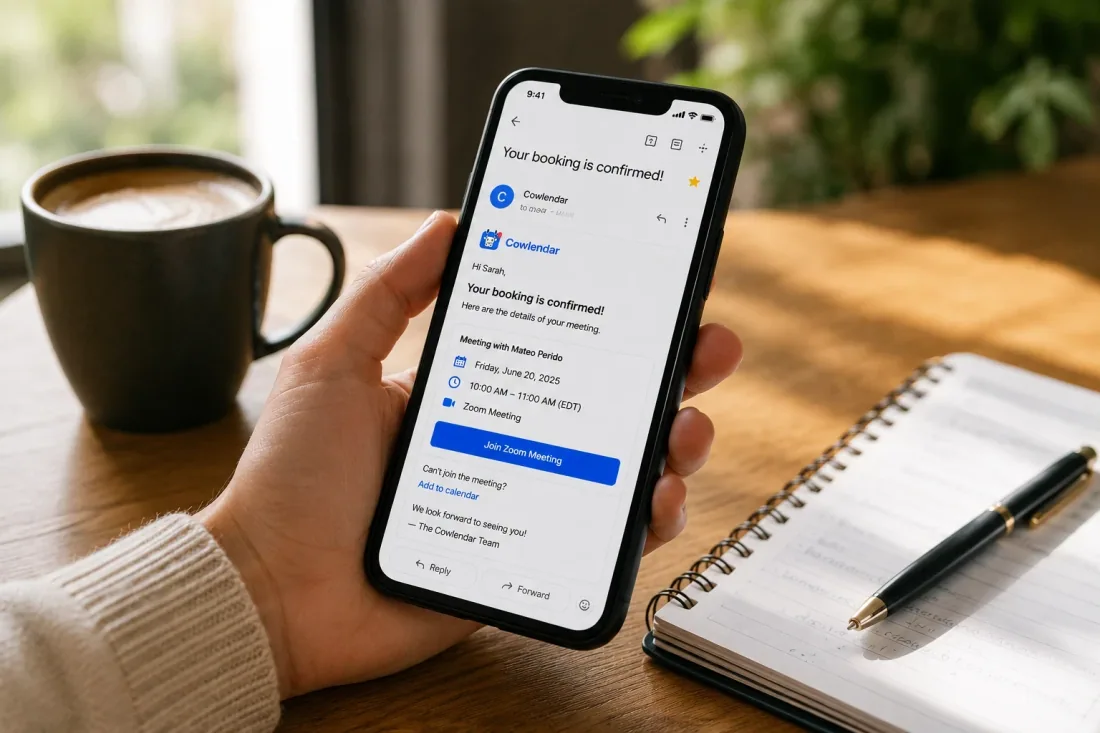
In Cowlendar's settings, navigate to the integrations section and connect your Zoom account. You will need a Zoom Pro plan ($13.33/month) or higher to use Zoom's API for automatic meeting creation. The free Zoom plan does not support API-based meeting creation, which means you cannot use auto-link generation on the free tier. Once connected, every booking that includes a virtual session type will automatically generate a unique Zoom link.
Step 2: Create a virtual session service
In your booking app, create a service specifically for virtual sessions. Set the session type to virtual, enable Zoom auto-link generation, and configure the session duration (30, 60, or 90 minutes). A business coach in Atlanta, GA created two virtual services: a 30-minute discovery call (free) and a 60-minute coaching session ($175). Both services generate unique Zoom links automatically. The discovery call link goes to a free Zoom meeting (40-minute limit on free plans). The coaching session link goes to a Pro Zoom meeting (no time limit).
Step 3: Test the full booking flow
Book a test appointment as a client. Verify that: the Zoom link appears in the confirmation email, the Zoom link works when clicked, the Zoom link appears in your Google Calendar event, and the meeting has the correct duration and settings. A financial planner in Charlotte, NC tested his Zoom integration by booking 3 test appointments across different service types. All 3 generated unique Zoom links within 30 seconds of booking. The total setup time: 45 minutes.
Step 4: Add the booking widget to your virtual services page
Embed the booking widget on a dedicated "Virtual Sessions" or "Book a Consultation" page on your Shopify store. Cowlendar offers four display modes: popup, inline widget, direct link, and calendar view. The inline widget works well on a dedicated page, while the popup works on product pages where you want to offer a "book a virtual session" option alongside product purchases. A nutritionist in Denver, CO added the Cowlendar inline widget to her "Virtual Consultations" page and saw a 35% increase in online bookings within the first month.
Tips for Running a Smooth Virtual Session Booking Operation
Use Google Meet as a backup
Zoom is the most popular video conferencing tool, but not every client has Zoom installed. Cowlendar supports Google Meet auto-link generation alongside Zoom. For clients who prefer Google Meet (especially those on Android devices), offering both options increases accessibility. A coaching practice in San Francisco, CA that offers both Zoom and Google Meet as booking options saw a 12% increase in virtual session bookings after adding the Google Meet alternative.
Set buffer time between virtual sessions
Virtual sessions need buffer time for the same reason in-person appointments do: documentation, preparation, and mental reset. Set a 10 to 15 minute buffer between virtual sessions to prevent back-to-back scheduling that leads to burnout. A therapist in Portland, OR who runs 8 virtual sessions per day added 15-minute buffers between sessions and reported a 25% improvement in session quality and a significant reduction in end-of-day fatigue.
Send a pre-session reminder with tech instructions
Include basic tech instructions in your booking confirmation: "Make sure you have Zoom installed, test your camera and microphone, and find a quiet space." A financial advisor in New York City that added a tech checklist to his confirmation emails reduced the number of clients who showed up with audio issues from 3 per week to less than 1 per week.
Offer a recording option (with consent)
For coaching, tutoring, and consulting sessions, offering a recording option adds value. Clients can review the session later, which increases the perceived value of the appointment. Cowlendar's intake questions let you collect recording consent at the time of booking. A business coach in Austin, TX that offers session recordings saw a 15% increase in client retention, as clients valued the ability to revisit their coaching sessions.
Track virtual vs. in-person metrics
If you offer both virtual and in-person sessions, track which format clients prefer and which generates more revenue. A yoga studio in Minneapolis, MN that tracked booking data through Cowlendar discovered that 40% of their clients preferred virtual classes, but virtual classes had a 20% higher no-show rate. They added a $5 deposit to virtual classes and reduced virtual no-shows from 20% to 8%.
FAQ
Can I generate Zoom links automatically with a Shopify booking app?
Yes. Cowlendar generates unique Zoom links automatically for every booking on all plans, including the free tier. When a client books a virtual session, the system creates a Zoom meeting, attaches the link to the booking, and includes it in the confirmation email. You need a Zoom Pro plan ($13.33/month) or higher to use Zoom's API for automatic meeting creation. The free Zoom plan does not support API-based meeting creation.
What Zoom plan do I need for auto-link generation?
You need a Zoom Pro plan ($13.33/month billed annually) or higher. The free Zoom plan has a 40-minute meeting limit and does not support API-based meeting creation, which means auto-link generation will not work. The Zoom Pro plan removes the time limit and enables API access for booking app integrations.
Can I use Google Meet instead of Zoom?
Yes. Cowlendar supports both Zoom and Google Meet auto-link generation. Google Meet is included with Google Workspace accounts and does not require a separate subscription. For businesses that want to avoid the Zoom Pro subscription cost, Google Meet is a free alternative that works well for most virtual sessions. A tutoring business in Seattle, WA switched from Zoom to Google Meet and eliminated the $13.33/month Zoom subscription cost without losing any functionality.
How do I prevent clients from joining the wrong Zoom meeting?
Use a booking app that generates a unique Zoom link per booking, not a single recurring link. Cowlendar creates a new Zoom meeting for every appointment, which means each client receives a link that works only for their specific session. This prevents clients from accidentally joining another client's session. A therapy practice in Portland, OR that switched from a single recurring Zoom link to Cowlendar's unique link system eliminated the 2 incidents per month of clients joining the wrong session.
Can I offer both virtual and in-person appointments?
Yes. Create separate services in your booking app for virtual and in-person sessions. Virtual services include Zoom or Google Meet auto-link generation. In-person services include the physical address and directions. Cowlendar lets you create unlimited services on all plans, so you can offer both formats without restrictions. A nutritionist in Boston, MA offers in-person consultations (at her office) and virtual sessions (via Zoom) through the same Cowlendar booking page, with clients selecting their preferred format during booking.
Conclusion
A business coach in New York City was spending 45 to 75 minutes per week creating Zoom links manually and sent the wrong link to 2 clients in one month. After installing Cowlendar's free plan with Zoom auto-link generation, she eliminated the manual process entirely and now generates unique Zoom links for every booking automatically. The setup took 30 minutes. The monthly cost: $0 (free plan) or $13.99 (Pro plan if you need upsells). The return: 78 hours per year in recovered administrative time, zero wrong-link incidents, and a professional booking experience that matches the quality of her coaching. For Shopify merchants who offer virtual sessions, Zoom auto-link generation is not a nice-to-have feature. It is the baseline expectation for a professional booking operation.
Originally published on the Cowlendar blog. This article keeps its original publication history; the page layout has been refreshed.
Originally published Jul 6, 2025.




 Built for Shopify


