
Last summer, Sophie, the owner of a small wellness studio, launched her Shopify store to sell yoga classes and wellness sessions. At first, she managed her bookings manually, using a mix of Instagram DMs, emails, and sticky notes on her desk. It worked until it didn’t.
One Friday evening, Sophie realized she had double booked two clients for the same time slot. She had to awkwardly call one to reschedule, losing trust and a sale. The following month, a new client booked a package, but without a proper reminder system, they forgot their first appointment entirely. By the time Sophie integrated a booking app into her Shopify store, she had already lost potential revenue, client goodwill, and hours of her life to administrative chaos.
If you run a service-based Shopify business, whether it is a salon, gym, coaching practice, tutoring service, or clinic, integrating a booking app early can save you from Sophie’s headaches.
The Importance of Early Booking App Integration

Adding a booking app from day one is more than just a convenience. It is a growth strategy.
When you delay, you risk:
Customer confusion: Without a clear, automated way to book, clients are left sending messages, waiting for replies, and possibly losing interest.
Lost time: Every minute spent juggling schedules manually is a minute you are not serving customers or marketing your business.
Scaling roadblocks: If your business suddenly gets a wave of interest, manual booking becomes unsustainable and error-prone.
By integrating early, you set the foundation for:
Operational efficiency with fewer errors, faster confirmations, and less admin work.
Better customer experience where clients can book instantly, 24/7.
Staff coordination so everyone’s calendar stays in sync, even across locations.
Key Advantages for Service-Based Shopify Stores
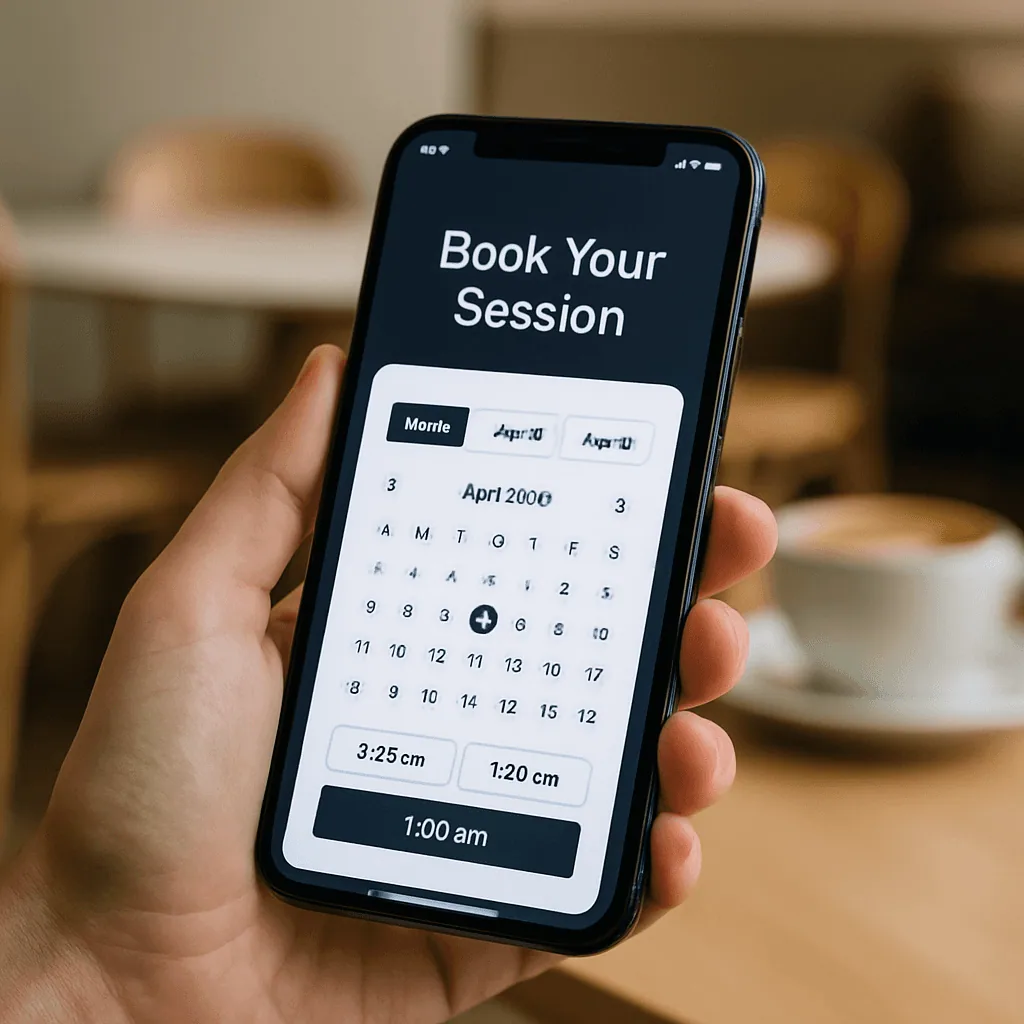
1. Prevents Double Bookings and Scheduling Conflicts
A good booking app instantly updates availability so two people cannot grab the same time slot. No awkward rescheduling calls.
2. Streamlines Staff Assignment and Availability
Assign bookings automatically to available staff, reducing confusion and ensuring balanced workloads.
3. Boosts Customer Trust with Instant Confirmation
Clients receive immediate confirmation and details, which is a professional touch that builds credibility.
4. Reduces Manual Follow-Up and Admin Work
With automated reminders, calendar syncing, and payment integration, your workload drops dramatically.
What to Look for in a Booking App
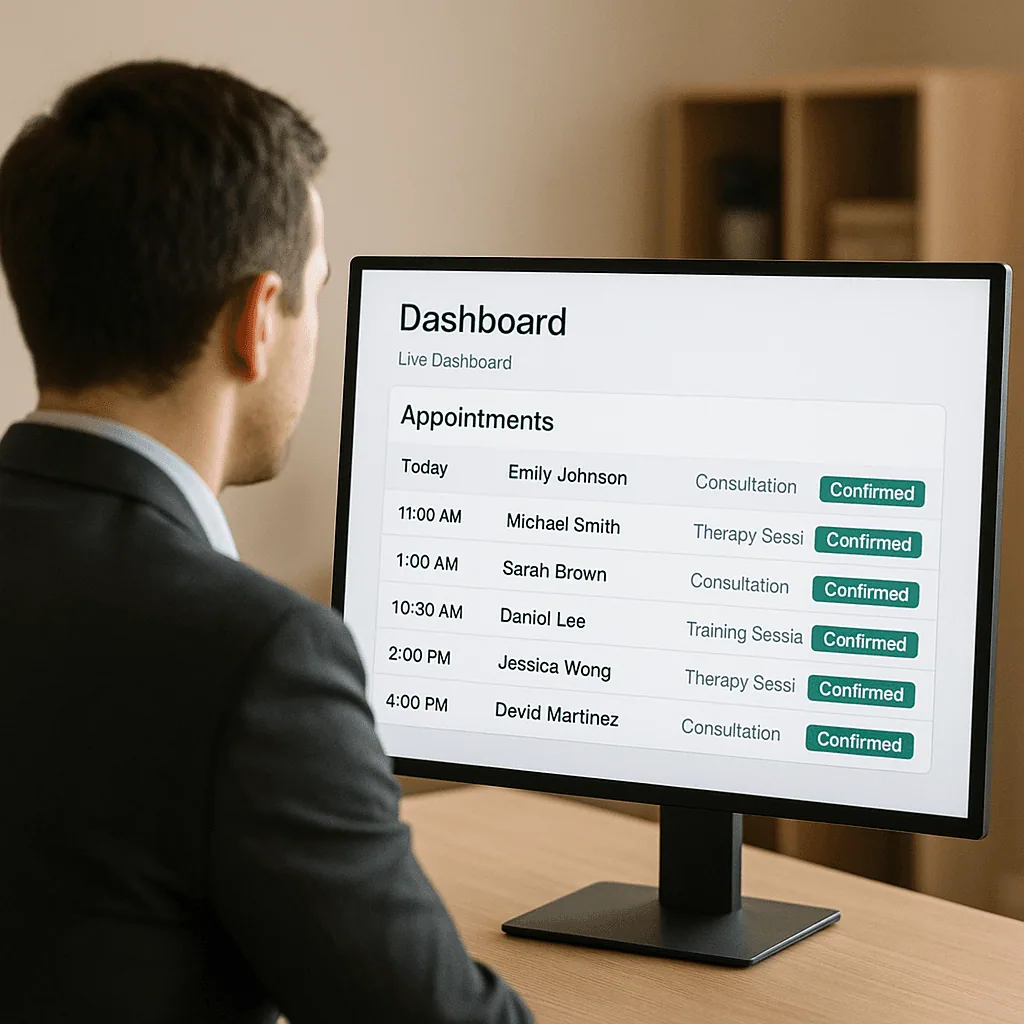
When choosing a booking app for your Shopify store, prioritize features that enhance efficiency and customer satisfaction:
Real-time Google Calendar sync to prevent double bookings across platforms.
Mobile optimization so clients can book from any device.
Staff and multi-location logic to handle multiple employees and sites.
Deposits and upsells to secure revenue and increase order value.
POS integration for walk-ins to capture on-the-spot bookings in person.
Automated reminders to reduce no-shows via SMS and email.
Step-by-Step: Integrating a Booking App with Shopify Early
Choose a booking app that matches your business model and growth plans.
Install and configure settings by defining services, durations, prices, and staff availability.
Connect Google Calendar and other integrations to keep all schedules in sync.
Test the booking flow to ensure the process is smooth and mobile-friendly.
Train staff so they can manage bookings, handle walk-ins, and adjust schedules.
Recommended Shopify Booking Apps
Cowlendar (Top Recommendation)
✅ Instant bookings without Shopify checkout
✅ Staff assignment, room/equipment logic
✅ Google Calendar sync per staff
✅ POS integration for walk-ins
✅ Admin calendar with staff filters
✅ SMS/email reminders
✅ Deposits, upsells, waitlists
✅ Multi-location support
✅ Mobile-optimized booking widgets
✅ Staff performance reporting
❌ Some features require a paid planApntly (Appointly)
✅ Staff and class scheduling
✅ Google Calendar + POS + Zoom
✅ Custom forms
❌ No equipment/room support
❌ Onboarding unclearAppointo
✅ Staff assignment, rooms, and rentals
✅ POS + Zoom
✅ Deposits and upsells
✅ Admin dashboard
❌ Setup complexity can be highEasy Appointment Booking (Servicify)
✅ Basic staff logic
✅ POS + Zoom + deposits
✅ Easy setup for solo businesses
❌ No reporting or advanced filtersBookThatApp (BTA)
✅ Advanced staff/room logic
✅ POS, Zoom, forms, calendar tools
❌ Steep learning curve
❌ No upsells notedSesami
✅ Multi-location staff logic
✅ POS, Google Calendar, onboarding
❌ Limited customization
❌ No upsells
Feature | Cowlendar | Apntly | Appointo | Easy Appointment | BookThatApp (BTA) | Sesami |
|---|---|---|---|---|---|---|
Instant Booking | ✅ | ✅ | ✅ | ✅ | ✅ | ✅ |
Group / Event Booking | ✅ | ✅ | ✅ | ✅ | ✅ | ✅ |
Rentals / Equipment | ✅ | ❌Unspecified | ❌Unspecified | ❌Unspecified | ❌Unspecified | ❌Unspecified |
Shopify POS Integration | ✅ | ✅ | ✅ | ✅ | ✅ | ✅ |
Google Calendar Sync | ✅ | ✅ | ✅ | ✅ | ✅ | ✅ |
Zoom Integration | ✅ | ✅ | ✅ | ✅ | ✅ | ✅ |
Email / SMS Reminders | ✅ | ❌Unspecified | ✅ | ✅ | ✅ | ✅ |
Deposits Supported | ✅ | ✅ | ✅ | ✅ | ✅ | ✅ |
Upsells Supported | ✅ | ✅ | ✅ | ✅ | ❌Unspecified | ❌Unspecified |
Customizable Forms | ✅ | ✅ | ✅ | ✅ | ✅ | ✅ |
Embedded Widget | ✅ | ✅ | ✅ | ✅ | ✅ | ✅ |
Mobile-Responsive Design | ✅ | ✅ | ✅ | ✅ | ✅ | ✅ |
Admin Dashboard | ✅ | ✅ | ✅ | ✅ | ✅ | ✅ |
Onboarding Experience | ✅ | ❌Unspecified | ❌Unspecified | ❌Unspecified | ❌Unspecified | ✅ |
Complexity / Entry Barrier | ✅ Easy | ✅ Easy | ❌ High | ✅ Easy | ❌ High | ✅ Medium |
Best Practices to Maximize Your Booking App
Always test the sync to ensure calendars are aligned.
Assign separate calendars for staff to keep schedules clear and conflict-free.
Use buffer times to avoid back-to-back bookings that cause delays.
Keep availability updated so customers always see accurate time slots.
FAQ
1. Can I integrate a booking app with Shopify without affecting my product pages?
Yes. Most booking apps let you embed a booking widget on service pages without disrupting your existing products.
2. How do booking apps prevent double bookings?
They update availability in real time across all connected calendars, blocking out taken slots instantly.
3. Do I need a separate calendar for each staff member?
It is highly recommended, especially if staff work in different locations or have varied schedules.
4. Can I accept deposits for bookings?
Yes. Many booking apps, including Cowlendar, allow partial payments to secure appointments.
5. What is the easiest booking app for Shopify beginners?
Cowlendar is designed for quick setup with minimal complexity, making it ideal for new merchants.
Conclusion
Integrating a booking app early is not just a technical step. It is a commitment to professionalism, efficiency, and customer satisfaction. The sooner you set up an automated, reliable booking system, the sooner you can focus on delivering exceptional services instead of managing scheduling headaches.
👉 Try Cowlendar today. The easiest way to manage bookings and keep your schedule in sync.
Originally published on the Cowlendar blog. This article keeps its original publication history; the page layout has been refreshed.
Originally published Aug 9, 2025.




 Built for Shopify


