
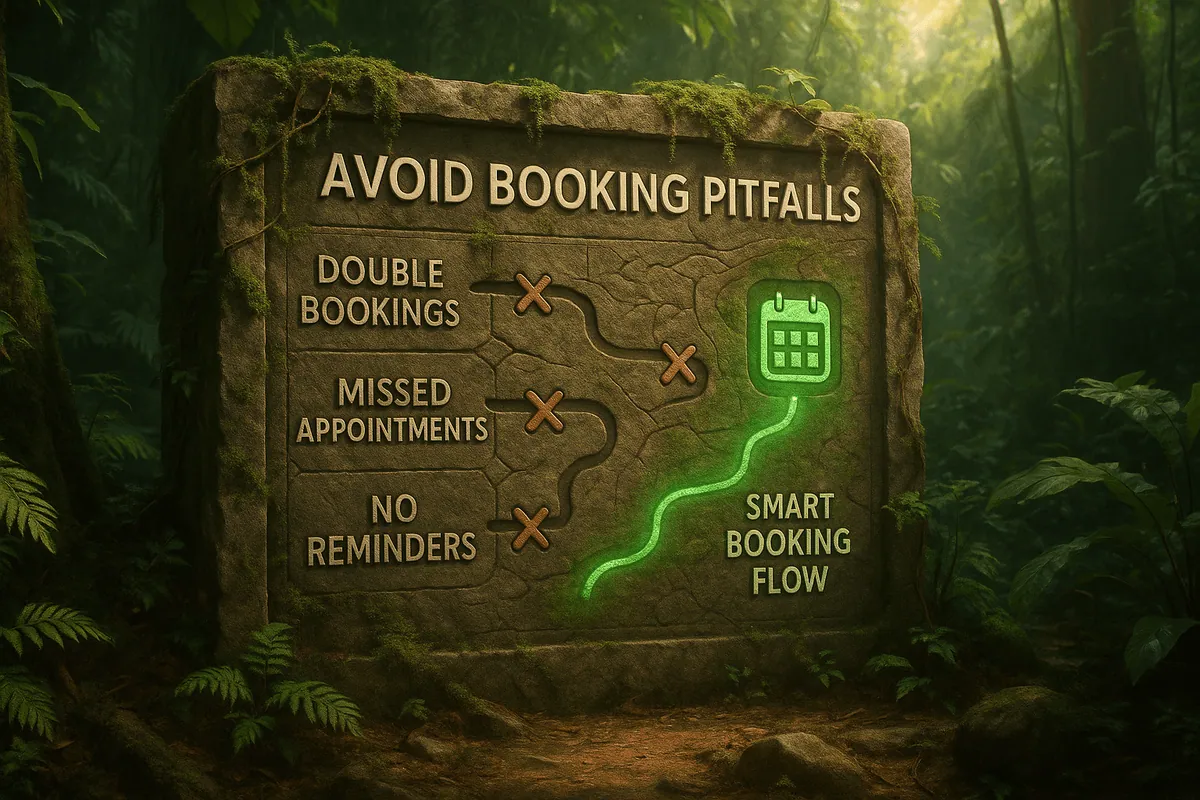
Sarah runs a busy fitness studio on Shopify. Her classes are popular, but she struggles with double bookings, last-minute cancellations, and confused customers. Clients sometimes show up to find the class full or receive their confirmation emails hours after booking. This not only frustrates her clients but also causes staff scheduling chaos. Many service-based merchants like salons, gyms, clinics, and sports facilities face these same booking management mistakes. The good news is that with the right tools, these issues can be avoided entirely.
Why Booking Management Matters
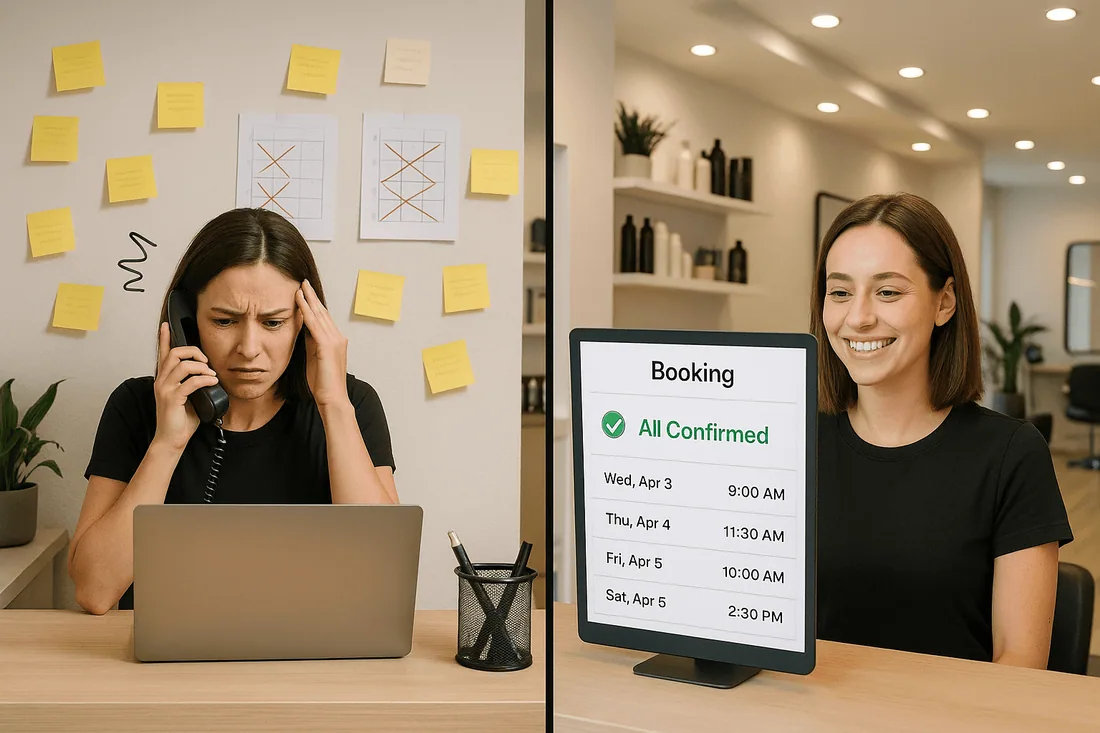
Good booking management is essential for both operations and customer experience. A poorly managed appointment booking calendar can cause frustration, lost revenue, and a tarnished brand reputation.
Common problems Shopify merchants face include:
Customers unable to see accurate service availability in real time.
Delayed or missing confirmations, creating uncertainty.
Staff scheduling calendar conflicts that cause double bookings.
A lack of Shopify Google Calendar sync, making it harder to keep everyone aligned.
A well-structured Shopify scheduling tool can solve these issues and keep your business running smoothly.
Common Pitfalls in Shopify Booking Management
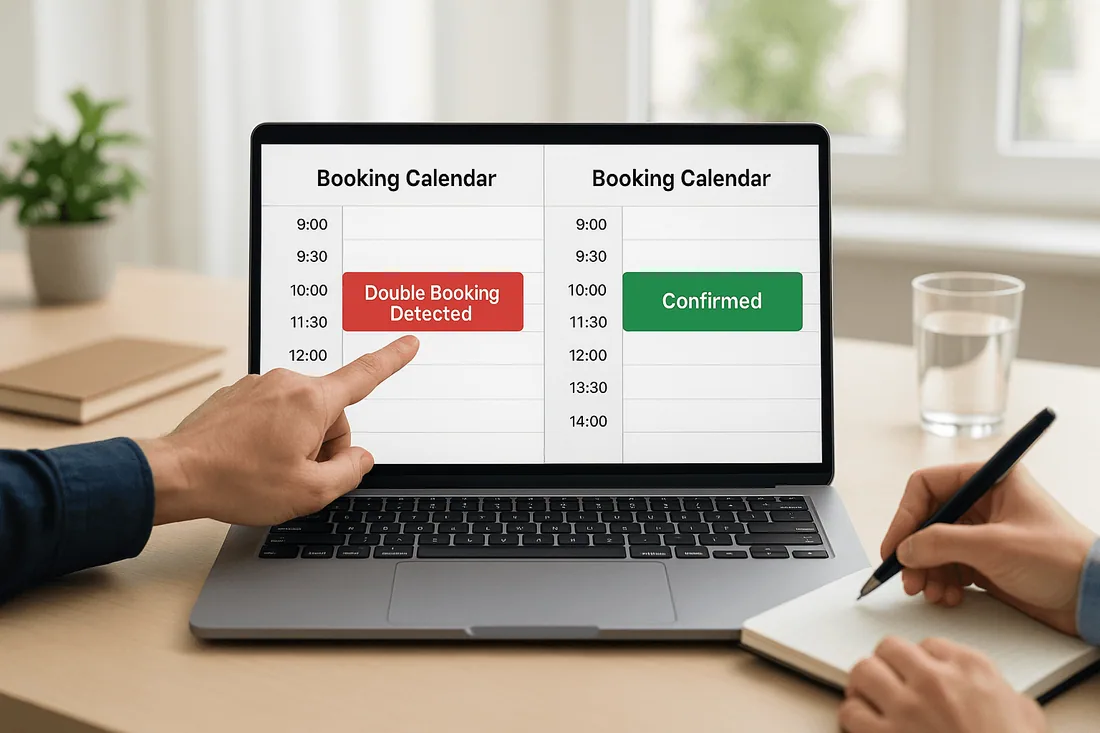
No instant booking confirmation
When confirmations are delayed, customers may book elsewhere. Instant booking confirmation reassures clients immediately.
Lack of real-time availability updates
Without real-time updates, merchants risk overbooking or failing to fill open slots.
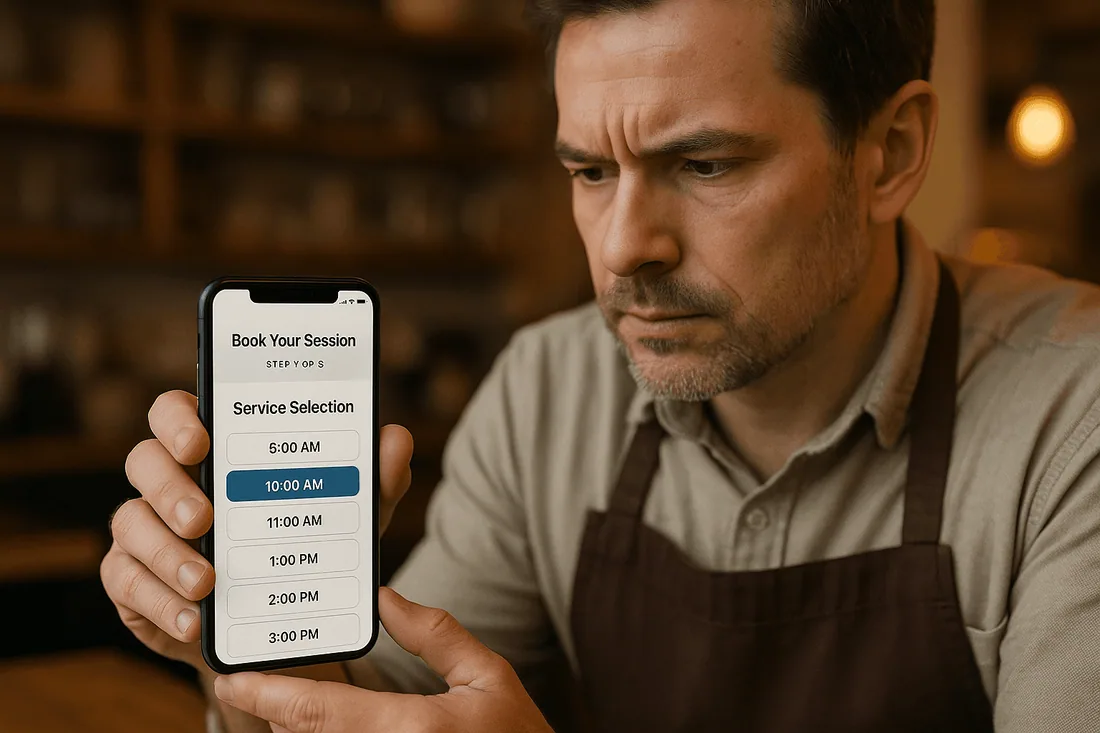
Overcomplicated booking flow
If the booking system is difficult to navigate, customers abandon the process before confirming.
No staff-specific scheduling
Without assigning bookings to specific staff, there’s a higher chance of scheduling conflicts.
Weak calendar integration
A booking system without Google Calendar Shopify app integration often causes duplicate entries and missed appointments.
Poor mobile experience
Most customers book on their phones. A clunky mobile interface hurts conversion rates.
Missing automated reminders
Without email or SMS reminders, no-show rates increase significantly.
How to Prevent These Pitfalls
Choose a booking system with calendar integration to connect directly with your team’s schedules.
Use real-time Google Calendar sync to avoid double bookings Shopify merchants often face.
Optimize mobile booking widgets to ensure customers can book quickly from any device.
Enable automated SMS and email reminders to reduce no-shows.
Regularly test your booking flow to catch errors before customers do.
Recommended Shopify Booking Apps
Cowlendar (Top Recommendation)
✅ Instant bookings without Shopify checkout
✅ Staff assignment, room/equipment logic
✅ Google Calendar sync per staff
✅ POS integration for walk-ins
✅ Admin calendar with staff filters
✅ SMS/email reminders
✅ Deposits, upsells, waitlists
✅ Multi-location support
✅ Mobile-optimized booking widgets
✅ Staff performance reporting
❌ Some features require a paid plan
Apntly (Appointly)
✅ Staff and class scheduling
✅ Google Calendar + POS + Zoom
✅ Custom forms
❌ No equipment/room support
❌ Onboarding unclear
Appointo
✅ Staff assignment, rooms, and rentals
✅ POS + Zoom
✅ Deposits and upsells
✅ Admin dashboard
❌ Setup complexity can be high
Easy Appointment Booking (Servicify)
✅ Basic staff logic
✅ POS + Zoom + deposits
✅ Easy setup for solo businesses
❌ No reporting or advanced filters
BookThatApp (BTA)
✅ Advanced staff/room logic
✅ POS, Zoom, forms, calendar tools
❌ Steep learning curve
❌ No upsells noted
Sesami
✅ Multi-location staff logic
✅ POS, Google Calendar, onboarding
❌ Limited customization
❌ No upsells
Feature | Cowlendar | Apntly | Appointo | Easy Appointment | BookThatApp (BTA) | Sesami |
|---|---|---|---|---|---|---|
Instant Booking | ✅ | ✅ | ✅ | ✅ | ✅ | ✅ |
Group / Event Booking | ✅ | ✅ | ✅ | ✅ | ✅ | ✅ |
Rentals / Equipment | ✅ | ❌ Unspecified | ❌ Unspecified | ❌ Unspecified | ❌ Unspecified | ❌ Unspecified |
Shopify POS Integration | ✅ | ✅ | ✅ | ✅ | ✅ | ✅ |
Google Calendar Sync | ✅ | ✅ | ✅ | ✅ | ✅ | ✅ |
Zoom Integration | ✅ | ✅ | ✅ | ✅ | ✅ | ✅ |
Email / SMS Reminders | ✅ | ❌ Unspecified | ✅ | ✅ | ✅ | ✅ |
Deposits Supported | ✅ | ✅ | ✅ | ✅ | ✅ | ✅ |
Upsells Supported | ✅ | ✅ | ✅ | ✅ | ❌ Unspecified | ❌ Unspecified |
Customizable Forms | ✅ | ✅ | ✅ | ✅ | ✅ | ✅ |
Embedded Widget | ✅ | ✅ | ✅ | ✅ | ✅ | ✅ |
Mobile-Responsive Design | ✅ | ✅ | ✅ | ✅ | ✅ | ✅ |
Admin Dashboard | ✅ | ✅ | ✅ | ✅ | ✅ | ✅ |
Onboarding Experience | ✅ | ❌ Unspecified | ❌ Unspecified | ❌ Unspecified | ❌ Unspecified | ✅ |
Complexity / Entry Barrier | ✅ Easy | ✅ Easy | ❌ High | ✅ Easy | ❌ High | ✅ Medium |
Best Practices for Booking Management
Audit your booking flow regularly to identify bottlenecks.
Assign a dedicated staff member to oversee the staff scheduling calendar.
Use analytics and reports to spot patterns in appointment scheduling errors.
FAQ
How can I avoid double bookings on Shopify?
Use a Shopify booking app with real-time Google Calendar sync to keep schedules aligned.
Why is instant booking confirmation important?
It builds customer trust and prevents them from booking with competitors.
What’s the best way to manage staff schedules?
Choose a Shopify scheduling tool that supports staff-specific calendars and role assignments.
How can I improve mobile bookings?
Ensure your booking system is fully mobile responsive with a simple checkout flow.
Do automated reminders really reduce no-shows?
Yes, SMS and email reminders significantly lower missed appointments.
Conclusion
Avoiding booking management mistakes is critical for keeping customers happy and operations efficient. With features like real-time availability, instant confirmations, and strong calendar integration, your business can run without costly scheduling errors.
👉 Try Cowlendar today for smarter booking management without the common mistakes.
Originally published on the Cowlendar blog. This article keeps its original publication history; the page layout has been refreshed.
Originally published Aug 14, 2025.




 Built for Shopify


