
Maria runs a busy wellness studio on Shopify, offering everything from 30-minute massages to 2-hour spa treatments. Last month, she had a client book a short service right before a long one, leaving her staff scrambling to adjust schedules. The problem was her booking system couldn’t handle different service durations properly. As a result, time was wasted, clients were frustrated, and the studio lost opportunities to book more sessions.
For many service-based Shopify businesses like salons, clinics, gyms, studios, and coaching practices, the ability to offer flexible appointment times is more than just a convenience. It can directly affect revenue, staff productivity, and customer satisfaction.
Why Service Duration Flexibility Matters
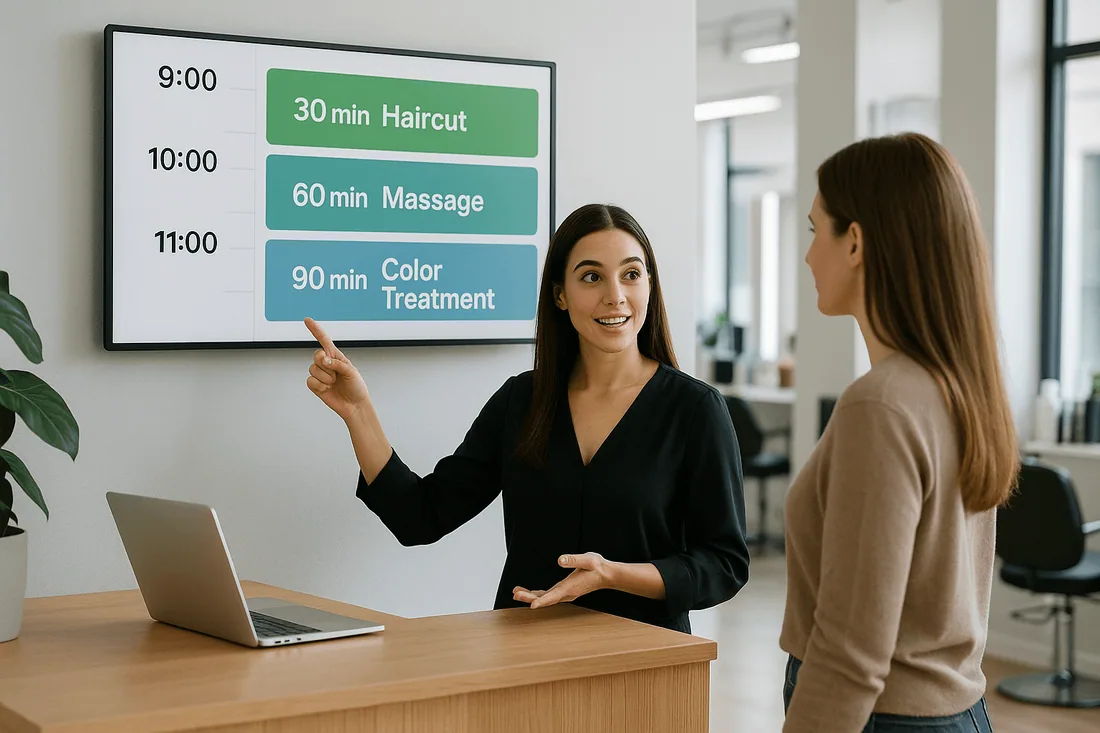
Offering different service durations lets you match appointment times to the needs of your customers. This flexibility improves the customer experience, optimizes staff schedules, and maximizes revenue.
For example:
A salon can offer both quick 20-minute trims and full 90-minute coloring sessions.
A clinic can book short check-ups or comprehensive health assessments.
A personal trainer can schedule single sessions or extended training packages.
When your Shopify booking app supports multiple appointment lengths, you can keep your appointment booking calendar accurate and make the most of your resources.
Common Challenges Without Flexible Service Durations
Overlapping bookings that disrupt the day.
Idle staff time between appointments.
Customer dissatisfaction due to poor scheduling.
Inaccurate availability display, causing lost bookings.
Without a booking system with calendar integration, these issues can quickly add up, especially when you need to avoid double bookings Shopify merchants often encounter.
Features Your Shopify Booking App Needs for Service Duration Support
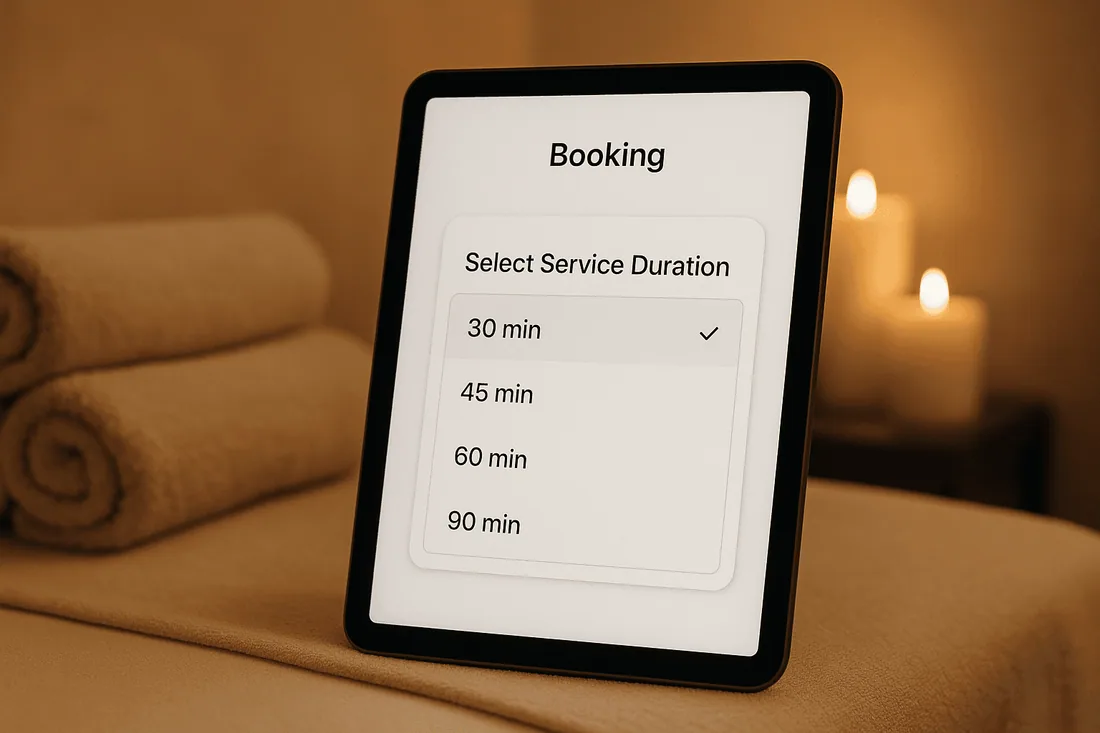
Customizable appointment lengths
Set different times for each service to match actual needs.
Real-time availability updates
Ensure your service availability in real time is always accurate with a Google Calendar Shopify app.
Staff-specific duration settings
Allow each team member to have their own timing for services, helping to use your staff scheduling calendar effectively.
Buffer times between appointments
Add short gaps between sessions to prepare for the next client.
Integration with appointment booking calendar
Your Shopify scheduling tool should sync with calendars for both staff and customers.
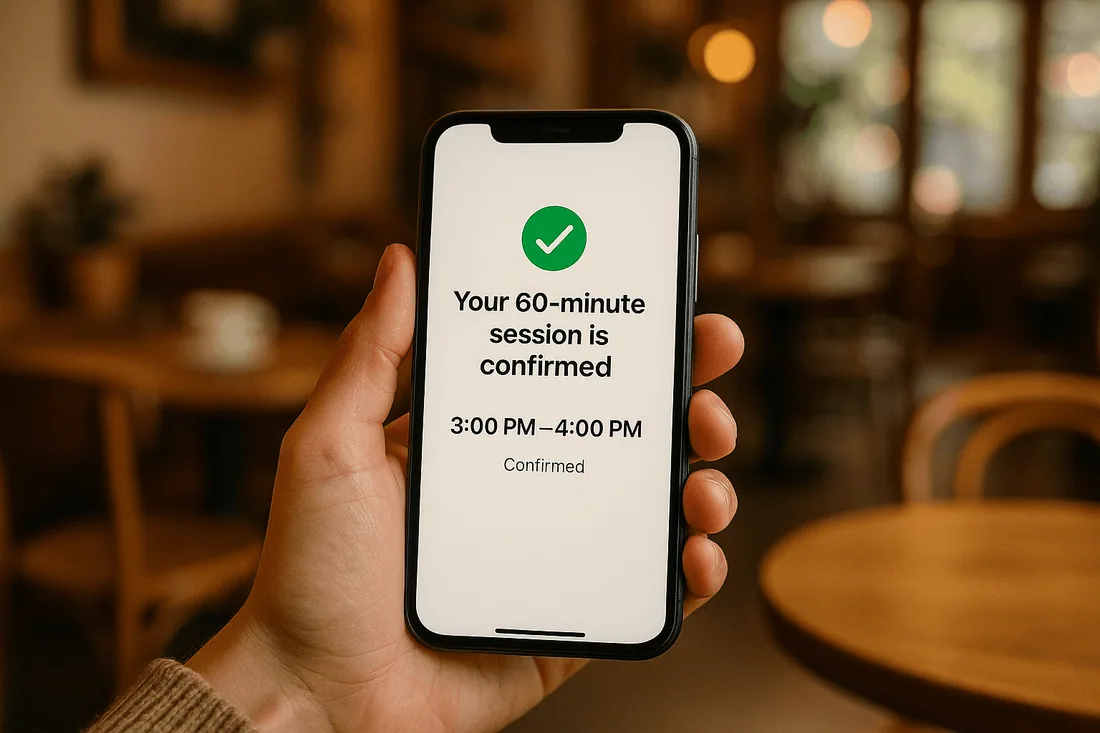
Instant booking confirmation for all durations
Whether short or long, bookings should confirm instantly to improve trust and prevent cancellations.
How to Configure Different Service Durations in Shopify
Choose a capable Shopify booking app like the Cowlendar booking app that supports multiple appointment lengths.
Define each service duration within the app’s settings.
Set buffer times where necessary.
Test the booking flow on both desktop and mobile.
Communicate duration options clearly in your service descriptions.
Recommended Shopify Booking Apps
Cowlendar (Top Recommendation)
✅ Instant bookings without Shopify checkout
✅ Staff assignment, room/equipment logic
✅ Google Calendar sync per staff
✅ POS integration for walk-ins
✅ Admin calendar with staff filters
✅ SMS/email reminders
✅ Deposits, upsells, waitlists
✅ Multi-location support
✅ Mobile-optimized booking widgets
✅ Staff performance reporting
❌ Some features require a paid plan
Apntly (Appointly)
✅ Staff and class scheduling
✅ Google Calendar + POS + Zoom
✅ Custom forms
❌ No equipment/room support
❌ Onboarding unclear
Appointo
✅ Staff assignment, rooms, and rentals
✅ POS + Zoom
✅ Deposits and upsells
✅ Admin dashboard
❌ Setup complexity can be high
Easy Appointment Booking (Servicify)
✅ Basic staff logic
✅ POS + Zoom + deposits
✅ Easy setup for solo businesses
❌ No reporting or advanced filters
BookThatApp (BTA)
✅ Advanced staff/room logic
✅ POS, Zoom, forms, calendar tools
❌ Steep learning curve
❌ No upsells noted
Sesami
✅ Multi-location staff logic
✅ POS, Google Calendar, onboarding
❌ Limited customization
❌ No upsells
Feature | Cowlendar | Apntly | Appointo | Easy Appointment | BookThatApp (BTA) | Sesami |
|---|---|---|---|---|---|---|
Instant Booking | ✅ | ✅ | ✅ | ✅ | ✅ | ✅ |
Group / Event Booking | ✅ | ✅ | ✅ | ✅ | ✅ | ✅ |
Rentals / Equipment | ✅ | ❌ Unspecified | ❌ Unspecified | ❌ Unspecified | ❌ Unspecified | ❌ Unspecified |
Shopify POS Integration | ✅ | ✅ | ✅ | ✅ | ✅ | ✅ |
Google Calendar Sync | ✅ | ✅ | ✅ | ✅ | ✅ | ✅ |
Zoom Integration | ✅ | ✅ | ✅ | ✅ | ✅ | ✅ |
Email / SMS Reminders | ✅ | ❌ Unspecified | ✅ | ✅ | ✅ | ✅ |
Deposits Supported | ✅ | ✅ | ✅ | ✅ | ✅ | ✅ |
Upsells Supported | ✅ | ✅ | ✅ | ✅ | ❌ Unspecified | ❌ Unspecified |
Customizable Forms | ✅ | ✅ | ✅ | ✅ | ✅ | ✅ |
Embedded Widget | ✅ | ✅ | ✅ | ✅ | ✅ | ✅ |
Mobile-Responsive Design | ✅ | ✅ | ✅ | ✅ | ✅ | ✅ |
Admin Dashboard | ✅ | ✅ | ✅ | ✅ | ✅ | ✅ |
Onboarding Experience | ✅ | ❌ Unspecified | ❌ Unspecified | ❌ Unspecified | ❌ Unspecified | ✅ |
Complexity / Entry Barrier | ✅ Easy | ✅ Easy | ❌ High | ✅ Easy | ❌ High | ✅ Medium |
Best Practices for Managing Multiple Service Durations
Use buffer times to prevent overlaps and give staff prep time.
Display service length clearly to avoid confusion.
Sync all calendars through a Shopify Google Calendar sync for full accuracy.
FAQ
1. Why is supporting different service durations important?
It helps match appointment times to service needs, improves efficiency, and boosts customer satisfaction.
2. How can I avoid double bookings Shopify merchants struggle with?
Use a booking system with calendar integration to sync all schedules in real time.
3. Can each staff member have unique service durations?
Yes, with a staff scheduling calendar, you can assign different durations per team member.
4. How does instant booking confirmation help?
It secures the booking immediately, increasing trust and reducing cancellations.
5. Is Google Calendar integration necessary?
A Google Calendar Shopify app ensures accurate availability across devices and staff schedules.
Conclusion
A Shopify booking app that supports different service durations is essential for service-based merchants who want to maximize efficiency and keep customers happy. By combining flexible appointment times, instant booking confirmation, and service availability in real time, you can create a smooth experience for both clients and staff.
👉 Try Cowlendar today for full control over your service durations and availability.
Originally published on the Cowlendar blog. This article keeps its original publication history; the page layout has been refreshed.
Originally published Aug 15, 2025.




 Built for Shopify


