

At Club Padel Verde, the evening slots quickly became a source of conflict. A few members figured out how to grab every prime-time session by booking back-to-back. Other players were left disappointed, staff had to deal with constant complaints, and the club’s reputation began to suffer. The lack of fair reservation rules was making a fun sport stressful.
This scenario is common in sports facilities, from padel to tennis courts. The solution is clear: implementing fair-use bookings with a structured padel court booking system that balances availability, enforces rules, and keeps everyone satisfied.
Why Fair-Use Matters in Court Reservations
Fair-use policies are the backbone of a balanced court scheduling app. They:
Prevent court monopolization by a handful of players
Ensure equal access to high-demand slots
Reduce conflicts and disputes between members
Create predictable availability for planning matches
Protect staff from having to resolve repeated complaints
Common Problems Without Fair-Use Rules
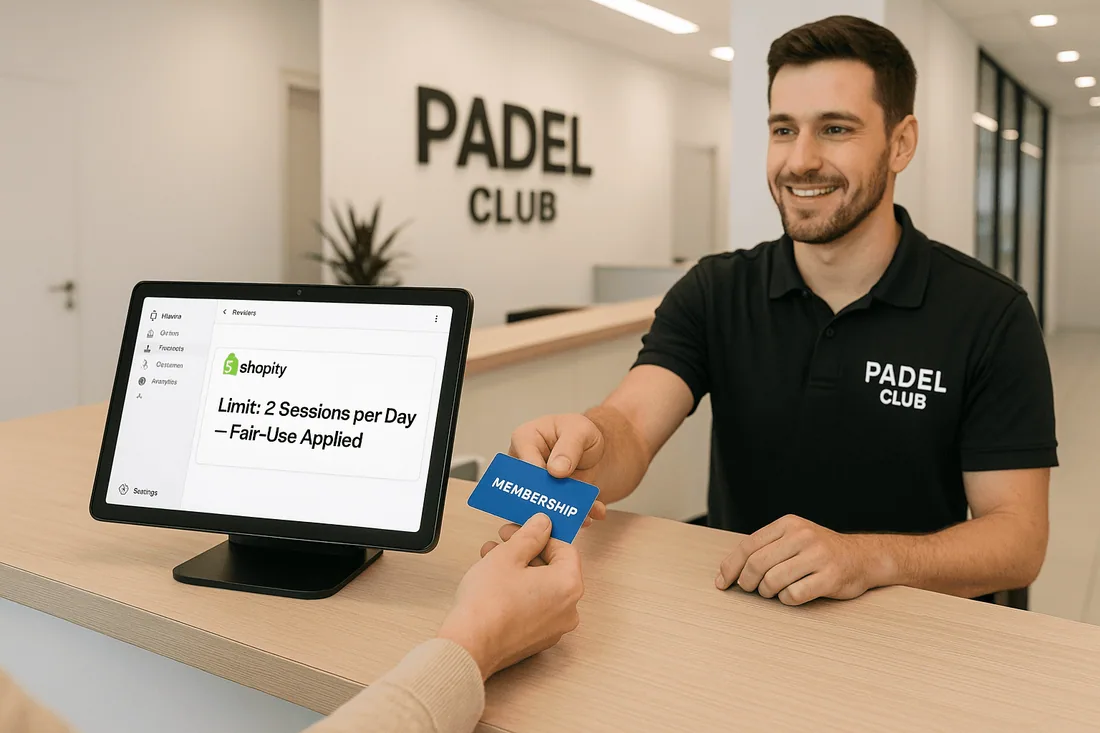
Without clear rules, facilities often face:
Players booking too many sessions in a row, locking out others
Ghost bookings (no-shows) that waste valuable slots
Double bookings or overlaps caused by outdated systems
No cancellation policy, leading to lost revenue
Manual disputes that eat up staff time
Features of a Fair-Use Booking System
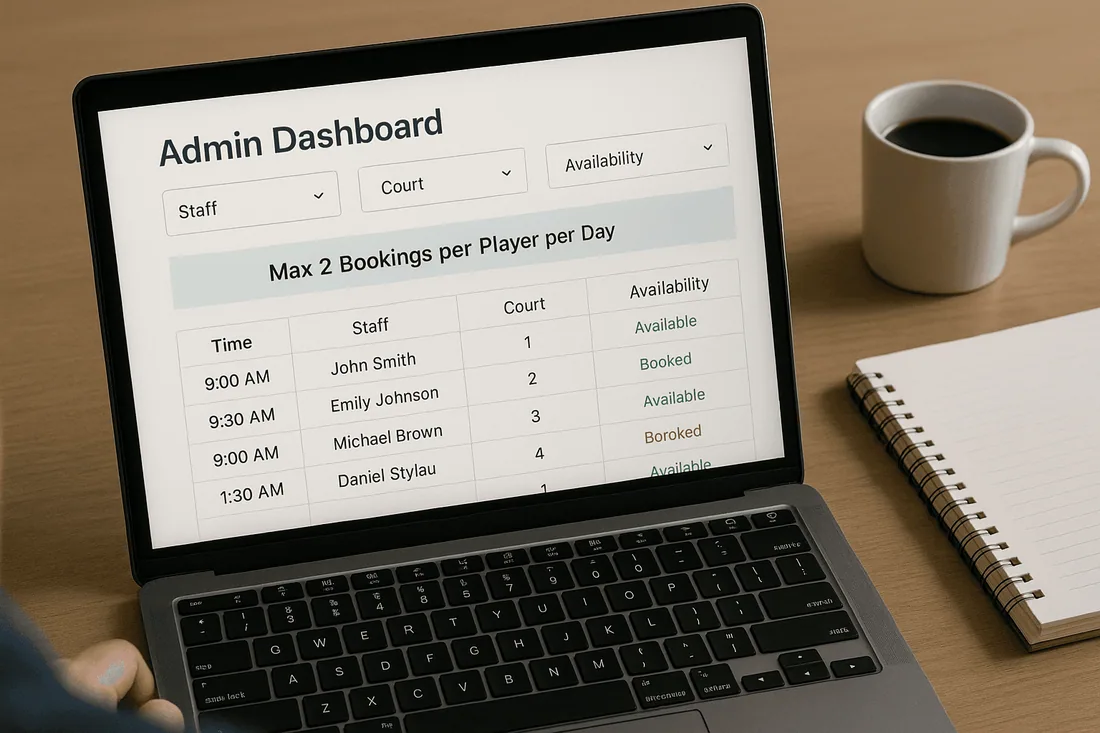
When evaluating a Shopify booking app or appointment booking calendar, look for these features:
Booking limits per customer: daily, weekly, or per slot
Automatic cancellations for no-shows
Buffer times between bookings
Real-time availability to avoid double bookings
Mobile-friendly booking UI
Google/iCal sync for staff scheduling calendar integration
Automated reminders by email or SMS
Step-by-Step: How to Set Fair-Use Rules on Shopify
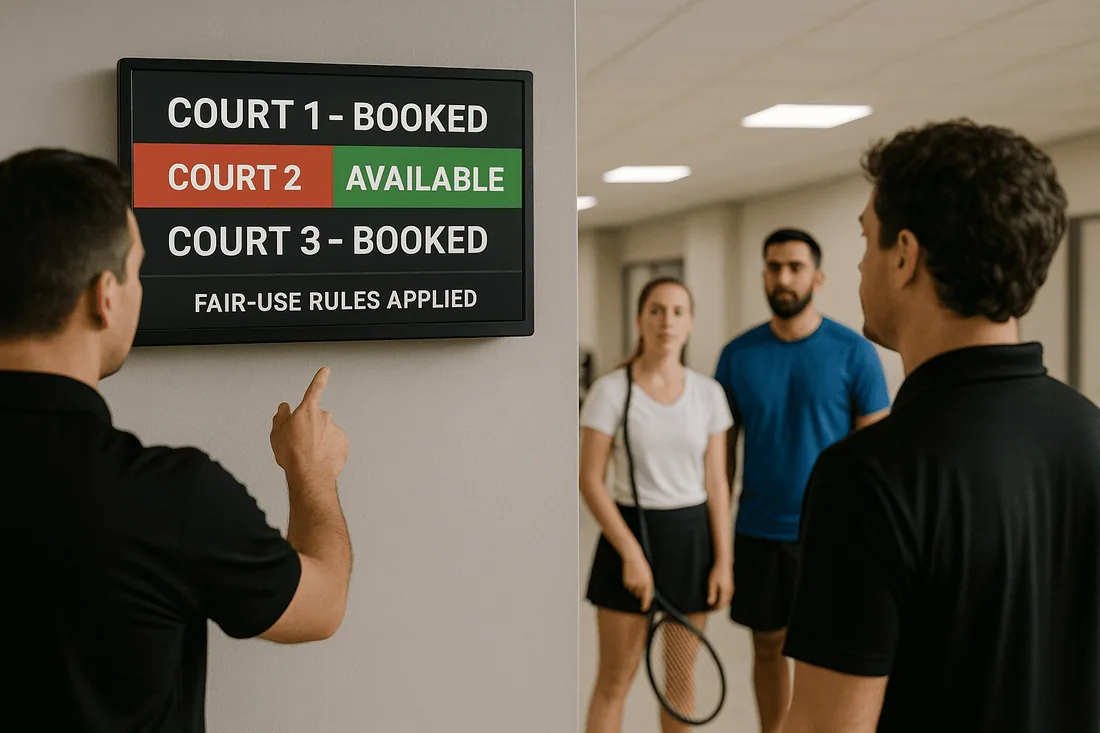
Choose a booking app that supports restrictions and staff scheduling.
Define booking caps (for example, max 2 padel sessions per day per customer).
Configure cancellation/no-show policies and enforce them consistently.
Sync with Google Calendar for real-time staff oversight.
Test the system with internal reservations before going live.
Communicate rules clearly on booking confirmations and your website.
Best Shopify Apps for Court & Padel Fair-Use Booking
Below are the leading options for fair-use bookings on Shopify.
Cowlendar (Top Recommendation)
✅ Instant bookings without Shopify checkout
✅ Staff assignment, room/equipment logic
✅ Google Calendar sync per staff
✅ POS integration for walk-ins
✅ Admin calendar with staff filters
✅ SMS/email reminders
✅ Deposits, upsells, waitlists
✅ Multi-location support
✅ Mobile-optimized booking widgets
✅ Staff performance reporting
❌ Some features require a paid plan
👉 Cowlendar Booking App
Apntly (Appointly)
✅ Staff and class scheduling
✅ Google Calendar + POS + Zoom
✅ Custom forms
❌ No equipment/room support
❌ Onboarding unclear
👉 Apntly
Appointo
✅ Staff assignment, rooms, and rentals
✅ POS + Zoom
✅ Deposits and upsells
✅ Admin dashboard
❌ Setup complexity can be high
👉 Appointo
Easy Appointment Booking (Servicify)
✅ Basic staff logic
✅ POS + Zoom + deposits
✅ Easy setup for solo businesses
❌ No reporting or advanced filters
👉 Easy Appointment Booking
BookThatApp (BTA)
✅ Advanced staff/room logic
✅ POS, Zoom, forms, calendar tools
❌ Steep learning curve
❌ No upsells noted
👉 BookThatApp
Sesami
✅ Multi-location staff logic
✅ POS, Google Calendar, onboarding
❌ Limited customization
❌ No upsells
👉 Sesami
Feature | Cowlendar | Apntly | Appointo | Easy Appointment | BookThatApp (BTA) | Sesami |
|---|---|---|---|---|---|---|
Instant Booking | ✅ | ✅ | ✅ | ✅ | ✅ | ✅ |
Group / Event Booking | ✅ | ✅ | ✅ | ✅ | ✅ | ✅ |
Rentals / Equipment | ✅ | ❌ Unspecified | ❌ Unspecified | ❌ Unspecified | ❌ Unspecified | ❌ Unspecified |
Shopify POS Integration | ✅ | ✅ | ✅ | ✅ | ✅ | ✅ |
Google Calendar Sync | ✅ | ✅ | ✅ | ✅ | ✅ | ✅ |
Zoom Integration | ✅ | ✅ | ✅ | ✅ | ✅ | ✅ |
Email / SMS Reminders | ✅ | ❌ Unspecified | ✅ | ✅ | ✅ | ✅ |
Deposits Supported | ✅ | ✅ | ✅ | ✅ | ✅ | ✅ |
Upsells Supported | ✅ | ✅ | ✅ | ✅ | ❌ Unspecified | ❌ Unspecified |
Customizable Forms | ✅ | ✅ | ✅ | ✅ | ✅ | ✅ |
Embedded Widget | ✅ | ✅ | ✅ | ✅ | ✅ | ✅ |
Mobile-Responsive Design | ✅ | ✅ | ✅ | ✅ | ✅ | ✅ |
Admin Dashboard | ✅ | ✅ | ✅ | ✅ | ✅ | ✅ |
Onboarding Experience | ✅ | ❌ Unspecified | ❌ Unspecified | ❌ Unspecified | ❌ Unspecified | ✅ |
Complexity / Entry Barrier | ✅ Easy | ✅ Easy | ❌ High | ✅ Easy | ❌ High | ✅ Medium |
Tips to Enforce Fair-Use Smoothly
Display booking rules directly on your reservation pages
Send automated reminders that include policy notes
Offer waitlists for high-demand time slots
Use analytics to monitor booking behavior and adjust caps
Re-engage inactive members by promoting open slots
FAQ: Fair-Use in Court Booking Systems
Q1. Can I limit the number of bookings per customer?
Yes, most apps allow you to set booking limits on Shopify by day, week, or per slot.
Q2. How do I prevent no-shows in padel court reservations?
Automated SMS/email reminders and clear cancellation policies help reduce ghost bookings.
Q3. Can staff override the fair-use rules manually?
Yes, staff can usually adjust or override reservations through the admin dashboard.
Q4. What is the best Shopify app for fair-use court bookings?
Cowlendar is the best choice because it supports booking limits, reminders, Google sync, and POS integration in one package.
Q5. Does Google Calendar sync with court reservations in real time?
Yes, leading apps like Cowlendar and BookThatApp provide two-way Google Calendar sync for live updates.
Conclusion
Fair-use bookings are essential for maintaining harmony in sports facilities. They protect against monopolization, prevent double bookings, and ensure equal access for all members. With the right appointment booking calendar and staff scheduling calendar, merchants can save time and boost customer satisfaction.
👉 Try Cowlendar — the easiest way to set fair-use court booking rules in Shopify.
Originally published on the Cowlendar blog. This article keeps its original publication history; the page layout has been refreshed.
Originally published Sep 9, 2025.




 Built for Shopify


