

Daniel runs a growing fitness studio on Shopify. His clients loved his classes, but one mistake nearly cost him his reputation. A client arrived for a yoga session, only to discover someone else had been booked for the same time slot. The double booking not only embarrassed Daniel but also made his store appear unprofessional.
Without a trustworthy booking system, mistakes like missed confirmations, messy scheduling, and slow responses erode customer confidence. By adopting a professional booking solution, Shopify merchants can display reliability, provide instant booking confirmation, and deliver the seamless experience clients expect.
Why Credibility Matters for Shopify Service Stores

Credibility is the foundation of every service-based Shopify store. Customers book appointments only if they believe the merchant will deliver on time, every time.
A professional, automated booking process improves trust and increases conversions. When paired with a Shopify booking app that shows service availability in real time and provides instant booking confirmation, merchants position themselves as reliable and professional. Credibility also drives repeat bookings, boosting long-term revenue.
Common Credibility Killers in Booking Management
Manual or messy scheduling
Using spreadsheets or pen and paper creates errors and makes your store appear unprofessional.
Double bookings
Failing to avoid double bookings Shopify undermines customer trust and wastes staff time.
No instant booking confirmation
If customers wait hours or days to confirm, they may lose patience and book elsewhere.
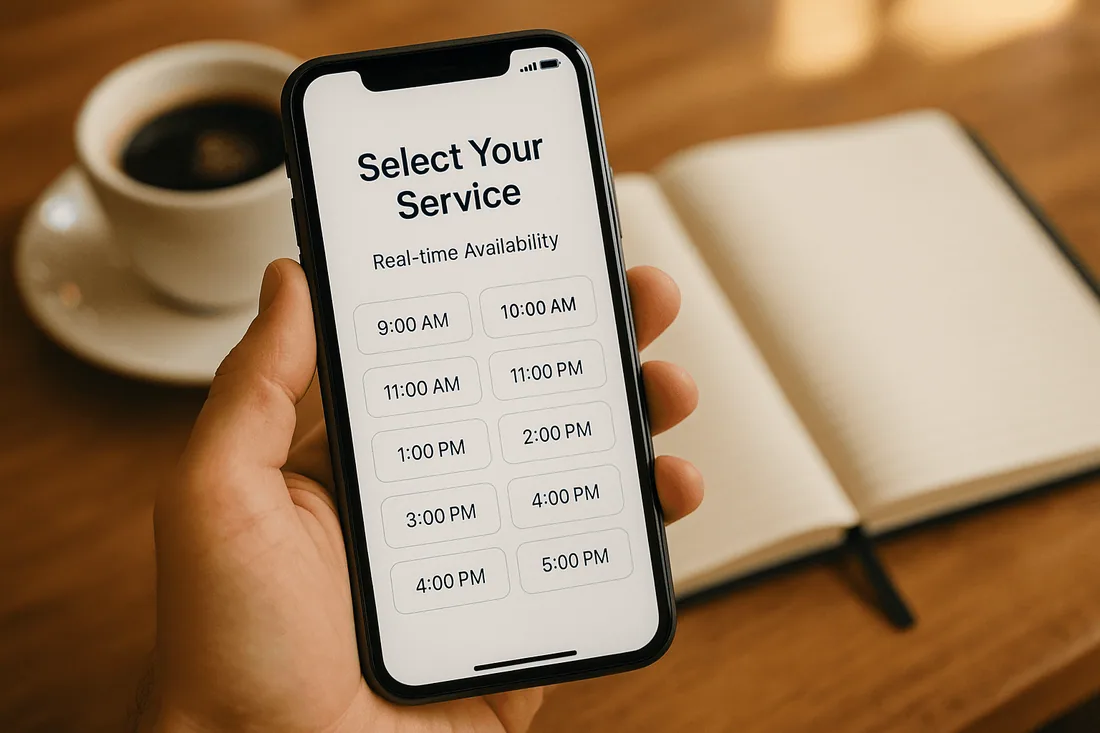
Lack of real-time availability
Without a booking system with calendar integration, customers cannot see accurate service slots.
Poor mobile booking experience
An outdated or unresponsive booking form frustrates clients on mobile devices.
Weak communication and no reminders
Missing reminders leads to no-shows, costing both time and money.
How Professional Booking Solutions Build Trust
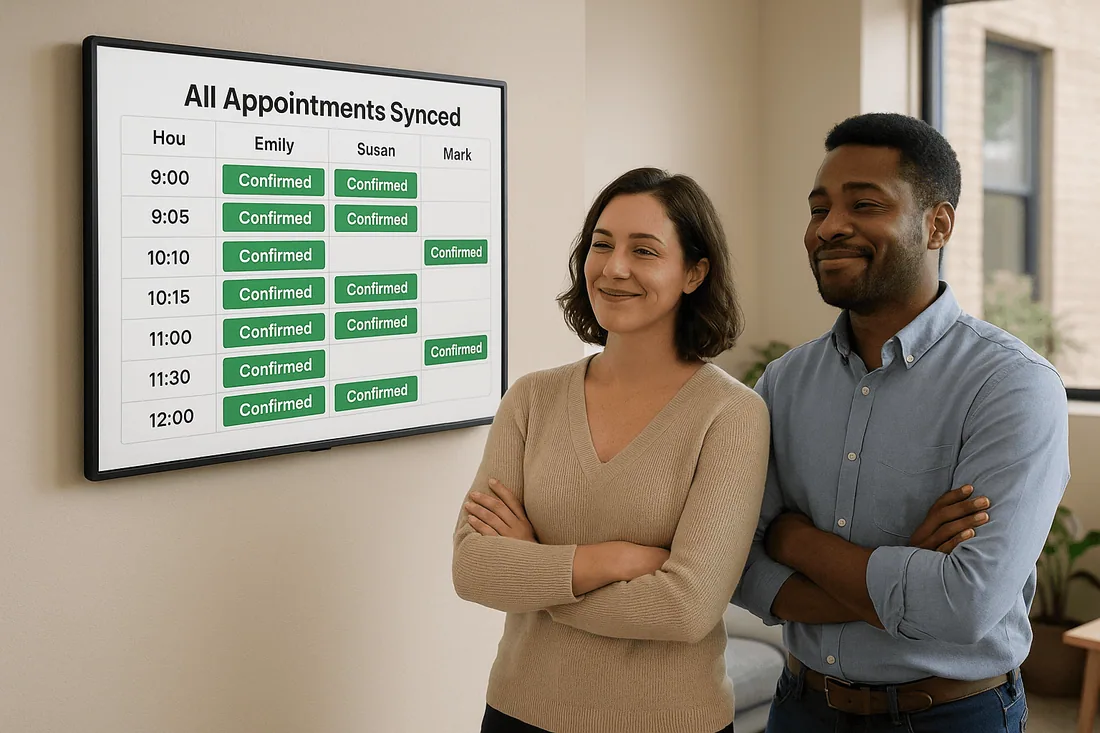
A professional booking solution signals reliability and builds confidence.
Automation creates efficiency: Customers can self-book without back-and-forth emails.
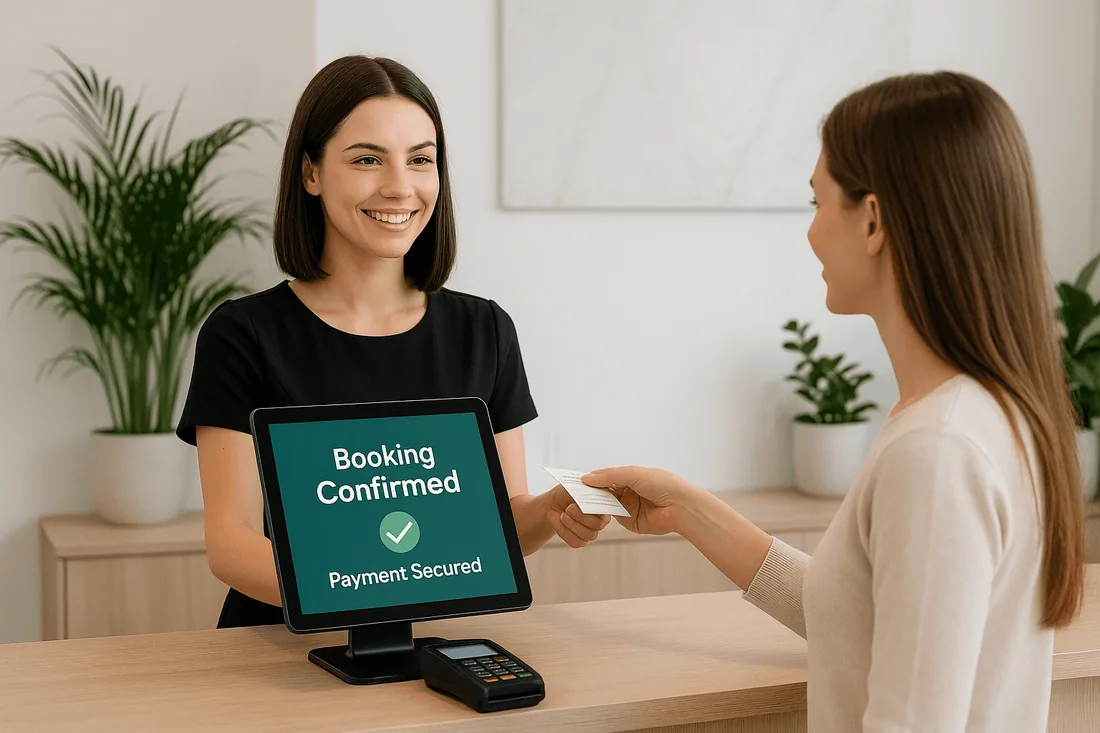
Clear confirmations inspire confidence: Instant booking confirmation reassures customers their spot is secure.
Google Calendar Shopify app sync ensures accuracy: Staff stay aligned through Shopify Google Calendar sync.
Reminders reduce no-shows: SMS and email notifications show professionalism and respect for clients’ time.
Key Features That Signal Professionalism
Custom branded booking calendar
A personalized appointment booking calendar reflects your brand and builds trust.
Staff scheduling calendar with filters
Assign staff, rooms, or equipment seamlessly, ensuring clear responsibilities.
Real-time service availability display
Clients always see accurate open slots, improving the booking experience.
Shopify Google Calendar sync
Sync appointments to a Google Calendar Shopify app for full accuracy across devices.
Instant booking confirmation
Give customers immediate peace of mind that their booking is locked in.
SMS/email reminders
Automated communication shows professionalism and prevents costly no-shows.
Mobile-responsive booking widget
A Shopify scheduling tool that works on any device makes booking convenient anywhere.
Recommended Shopify Booking Apps
Cowlendar (Top Recommendation)
✅ Instant bookings without Shopify checkout
✅ Staff assignment, room/equipment logic
✅ Google Calendar sync per staff
✅ POS integration for walk-ins
✅ Admin calendar with staff filters
✅ SMS/email reminders
✅ Deposits, upsells, waitlists
✅ Multi-location support
✅ Mobile-optimized booking widgets
✅ Staff performance reporting
❌ Some features require a paid plan
Apntly (Appointly)
✅ Staff and class scheduling
✅ Google Calendar + POS + Zoom
✅ Custom forms
❌ No equipment/room support
❌ Onboarding unclear
Appointo
✅ Staff assignment, rooms, and rentals
✅ POS + Zoom
✅ Deposits and upsells
✅ Admin dashboard
❌ Setup complexity can be high
Easy Appointment Booking (Servicify)
✅ Basic staff logic
✅ POS + Zoom + deposits
✅ Easy setup for solo businesses
❌ No reporting or advanced filters
BookThatApp (BTA)
✅ Advanced staff/room logic
✅ POS, Zoom, forms, calendar tools
❌ Steep learning curve
❌ No upsells noted
Sesami
✅ Multi-location staff logic
✅ POS, Google Calendar, onboarding
❌ Limited customization
❌ No upsells
Feature | Cowlendar | Apntly | Appointo | Easy Appointment | BookThatApp (BTA) | Sesami |
|---|---|---|---|---|---|---|
Instant Booking | ✅ | ✅ | ✅ | ✅ | ✅ | ✅ |
Group / Event Booking | ✅ | ✅ | ✅ | ✅ | ✅ | ✅ |
Rentals / Equipment | ✅ | ❌ Unspecified | ❌ Unspecified | ❌ Unspecified | ❌ Unspecified | ❌ Unspecified |
Shopify POS Integration | ✅ | ✅ | ✅ | ✅ | ✅ | ✅ |
Google Calendar Sync | ✅ | ✅ | ✅ | ✅ | ✅ | ✅ |
Zoom Integration | ✅ | ✅ | ✅ | ✅ | ✅ | ✅ |
Email / SMS Reminders | ✅ | ❌ Unspecified | ✅ | ✅ | ✅ | ✅ |
Deposits Supported | ✅ | ✅ | ✅ | ✅ | ✅ | ✅ |
Upsells Supported | ✅ | ✅ | ✅ | ✅ | ❌ Unspecified | ❌ Unspecified |
Customizable Forms | ✅ | ✅ | ✅ | ✅ | ✅ | ✅ |
Embedded Widget | ✅ | ✅ | ✅ | ✅ | ✅ | ✅ |
Mobile-Responsive Design | ✅ | ✅ | ✅ | ✅ | ✅ | ✅ |
Admin Dashboard | ✅ | ✅ | ✅ | ✅ | ✅ | ✅ |
Onboarding Experience | ✅ | ❌ Unspecified | ❌ Unspecified | ❌ Unspecified | ❌ Unspecified | ✅ |
Complexity / Entry Barrier | ✅ Easy | ✅ Easy | ❌ High | ✅ Easy | ❌ High | ✅ Medium |
FAQ
1. How can I increase store credibility with a Shopify booking app?
By using a professional booking solution with automation, real-time availability, and reminders, you show reliability and build customer trust.
2. What is the biggest credibility risk for service-based Shopify stores?
Failing to avoid double bookings Shopify or missing confirmations can make a business look unprofessional.
3. Why is instant booking confirmation important?
It reassures clients immediately that their appointment is confirmed, preventing frustration.
4. How does a staff scheduling calendar help my business?
It ensures accurate staff assignments, prevents overlap, and improves accountability.
5. Which Shopify booking app is best for professionalism?
The Cowlendar booking app offers branded calendars, deposits, upsells, reminders, and full integration to make your store look polished.
Conclusion
A trustworthy booking system is not just about managing appointments, it is about building credibility. Professional booking solutions with Shopify Google Calendar sync, instant booking confirmation, and service availability in real time help Shopify merchants deliver a polished, reliable experience.
👉 Boost your store’s credibility with Cowlendar, the most professional Shopify booking app.
Originally published on the Cowlendar blog. This article keeps its original publication history; the page layout has been refreshed.
Originally published Aug 20, 2025.




 Built for Shopify


