
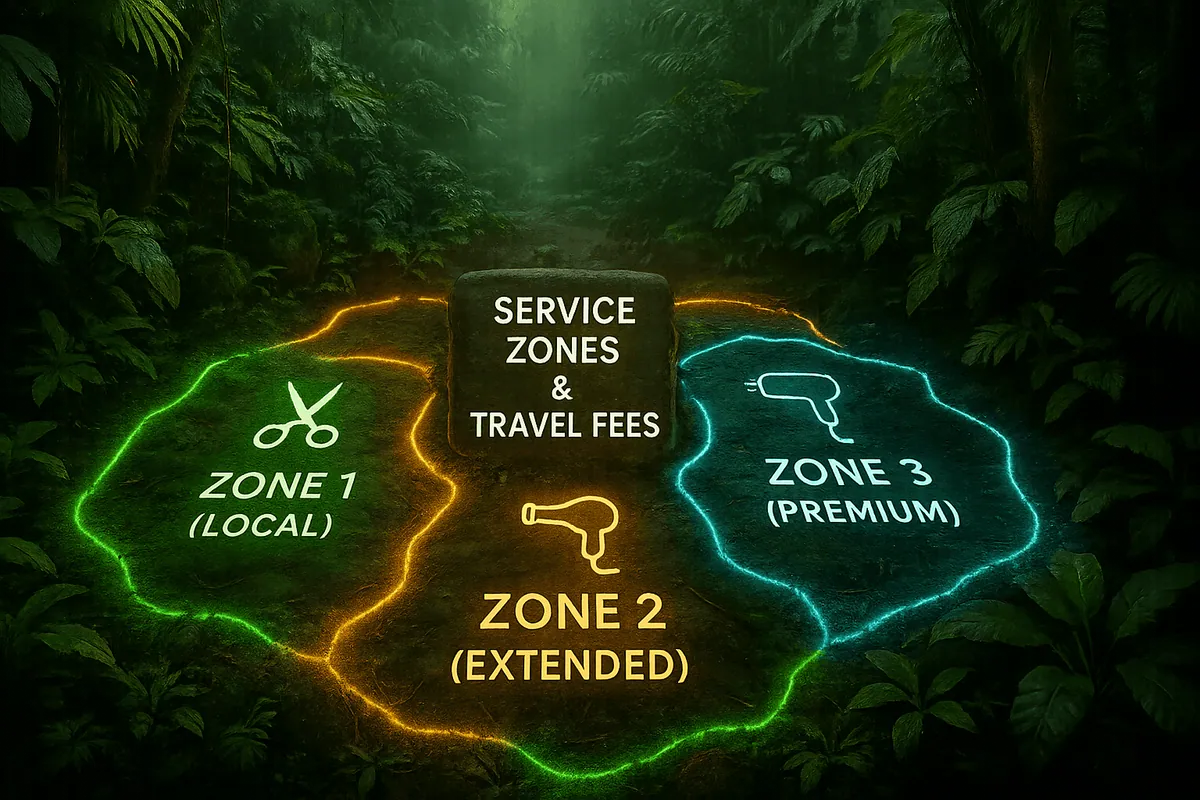
María, a stylist who built her reputation through home salon appointments, saw demand for her mobile salon service skyrocket. Clients from outside her immediate neighborhood wanted to book her, but inconsistent travel fees and unclear service zones created tension. Some clients were upset by unexpected charges, while María often lost time traveling too far for little return.
When she adopted a Shopify booking app with zoning and travel fee automation, everything changed. Clients could clearly see available zones, prices were transparent, and María maximized her profits with efficient scheduling.
The Rise of Mobile Salon Services
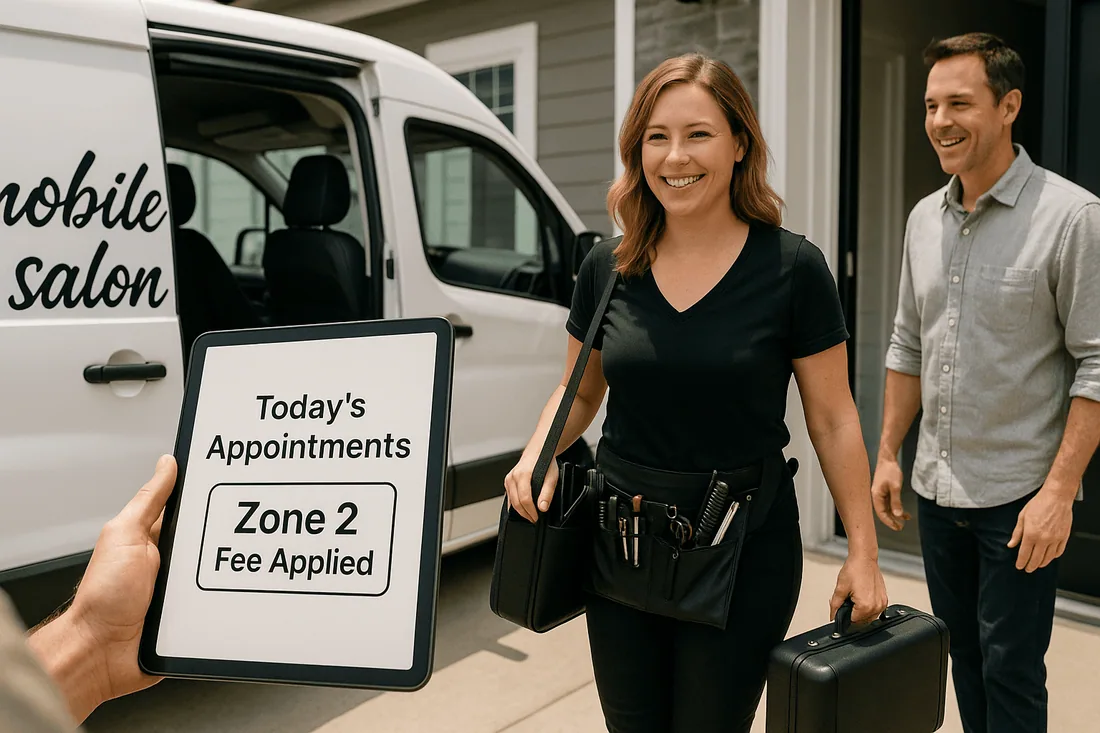
Clients today value convenience, especially when it comes to personal care. Mobile salon services meet this demand by bringing beauty treatments directly to homes, workplaces, and events.
But managing home salon appointments is not as simple as running a traditional salon. Stylists must account for travel, geographic coverage, and client expectations. Without careful planning, mobile salons risk scheduling chaos and unhappy clients.
Why Managing Service Zones and Travel Fees Matters
Unclear boundaries lead to confusion about who qualifies for home visits.
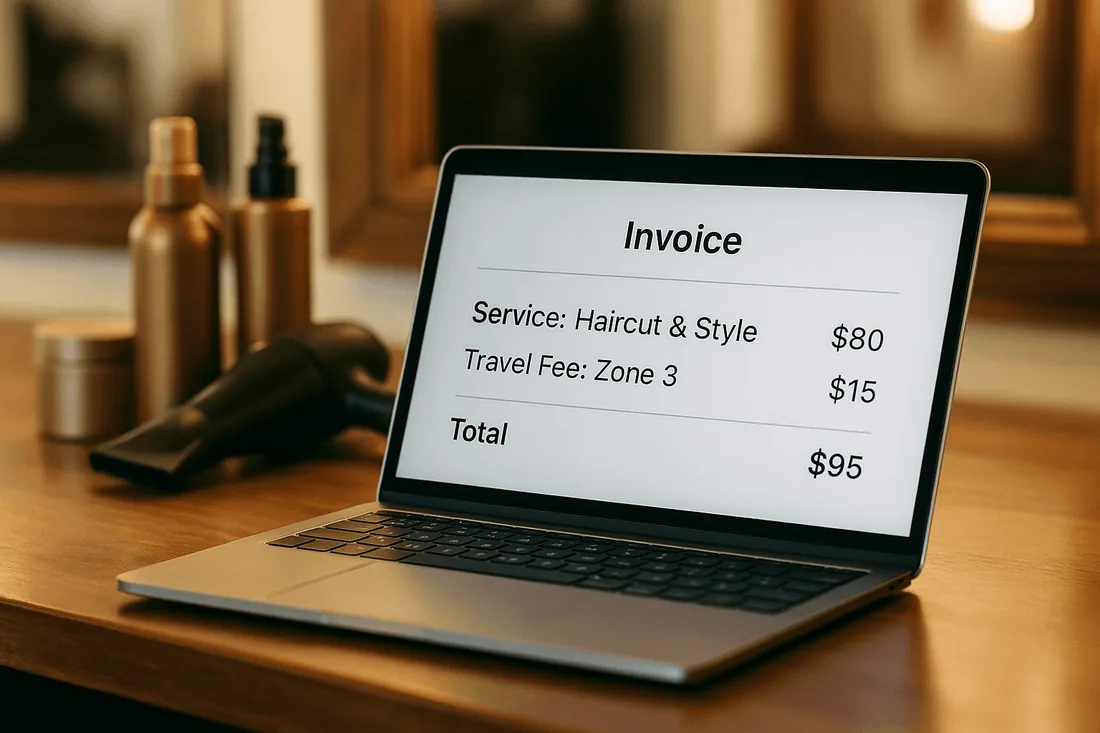
Hidden or inconsistent fees reduce trust and discourage repeat bookings.
Overextended travel lowers profitability and burns out staff.
By setting clear service zones management rules and automating travel fees for mobile services, salons can provide transparency and ensure both clients and stylists benefit.
Defining Your Service Zones
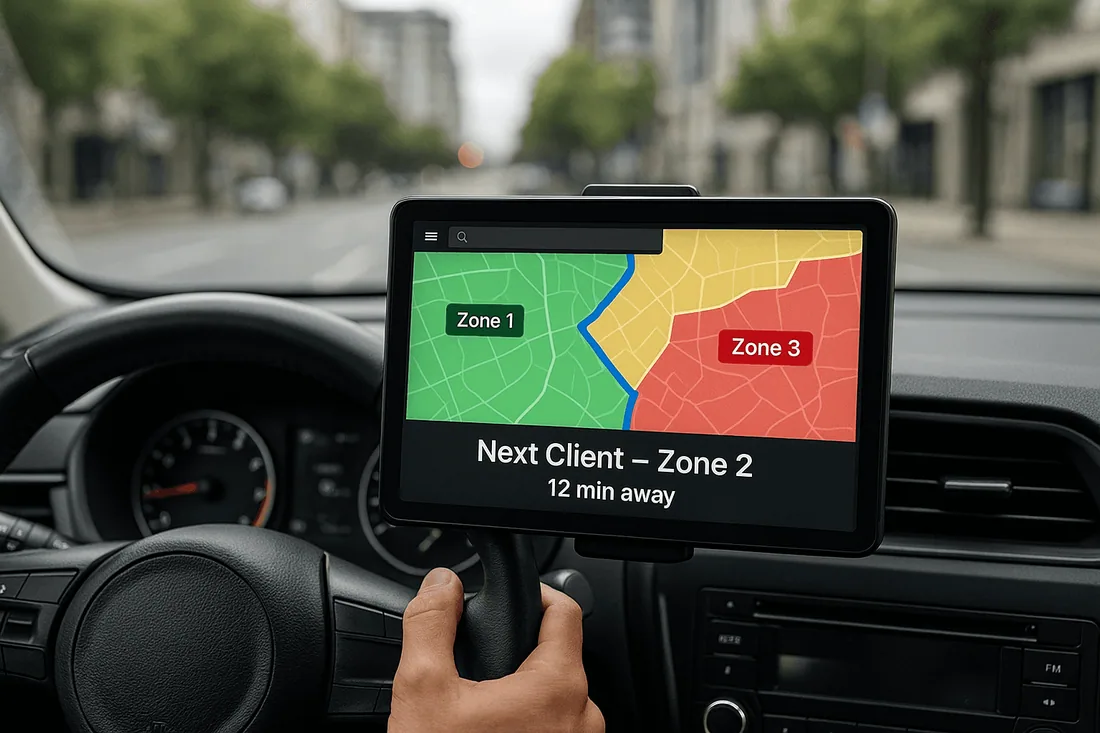
Using maps to set clear boundaries
Map out your core service areas, ensuring staff travel is reasonable and efficient.
Categorizing zones
Define local, extended, and premium service zones, each with its own travel fee.
Communicating availability
Display zones clearly on your appointment booking calendar so clients know exactly where you serve.
Calculating and Applying Travel Fees
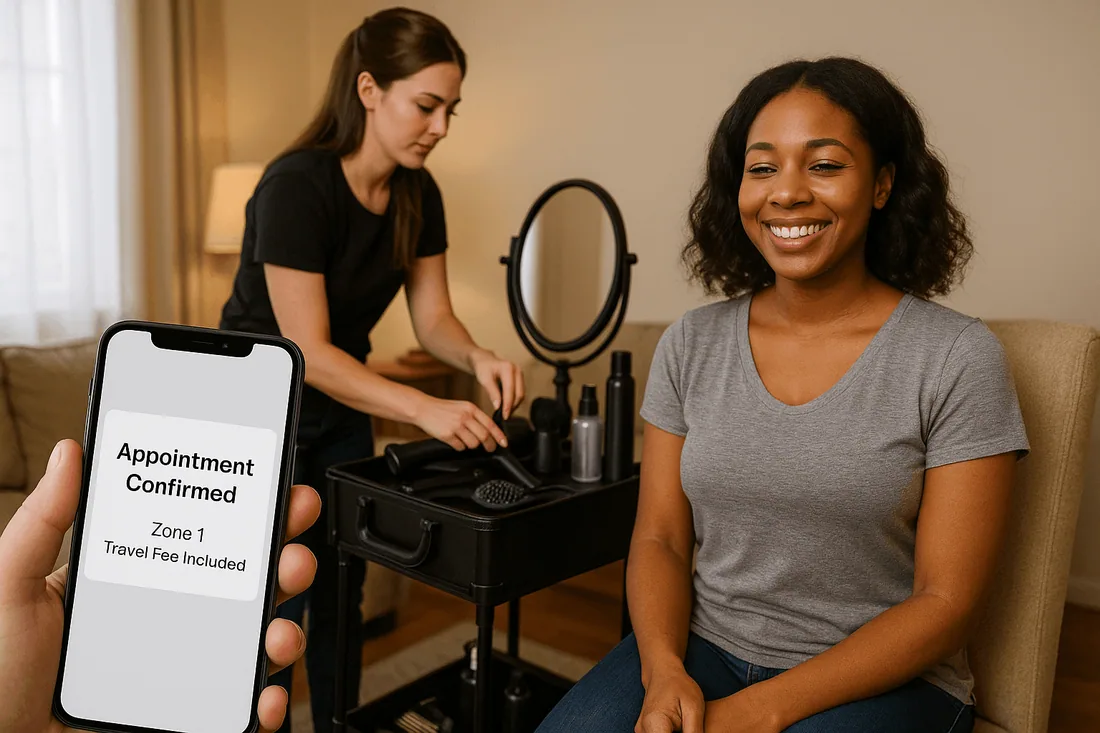
Flat-rate fees for predictable costs
Simple and easy to communicate, especially for local service zones.
Distance-based fees for fairness
Charge based on travel distance to balance costs for extended zones.
Special surcharges for high-demand zones
For events, premium neighborhoods, or last-minute bookings, add specific fees.
Transparent fee communication at booking
Always show travel fees upfront in your Shopify scheduling tool to maintain trust.
Tools to Automate Mobile Salon Scheduling
A Shopify booking app with zoning and travel fee logic helps salons grow efficiently:
Booking system with calendar integration to manage locations and timing.
Google Calendar Shopify app sync to ensure staff calendars include travel buffers.
Service availability in real time so clients only book when travel is possible.
Instant booking confirmation to reassure customers and reduce cancellations.
The Cowlendar booking app makes it easy to combine these tools while optimizing geographic scheduling.
Recommended Shopify Booking Apps
Cowlendar (Top Recommendation)
✅ Instant bookings without Shopify checkout
✅ Staff assignment, room/equipment logic
✅ Google Calendar sync per staff
✅ POS integration for walk-ins
✅ Admin calendar with staff filters
✅ SMS/email reminders
✅ Deposits, upsells, waitlists
✅ Multi-location support
✅ Mobile-optimized booking widgets
✅ Staff performance reporting
❌ Some features require a paid plan
Apntly (Appointly)
✅ Staff and class scheduling
✅ Google Calendar + POS + Zoom
✅ Custom forms
❌ No equipment/room support
❌ Onboarding unclear
Appointo
✅ Staff assignment, rooms, and rentals
✅ POS + Zoom
✅ Deposits and upsells
✅ Admin dashboard
❌ Setup complexity can be high
Easy Appointment Booking (Servicify)
✅ Basic staff logic
✅ POS + Zoom + deposits
✅ Easy setup for solo businesses
❌ No reporting or advanced filters
BookThatApp (BTA)
✅ Advanced staff/room logic
✅ POS, Zoom, forms, calendar tools
❌ Steep learning curve
❌ No upsells noted
Sesami
✅ Multi-location staff logic
✅ POS, Google Calendar, onboarding
❌ Limited customization
❌ No upsells
Feature | Cowlendar | Apntly | Appointo | Easy Appointment | BookThatApp (BTA) | Sesami |
|---|---|---|---|---|---|---|
Instant Booking | ✅ | ✅ | ✅ | ✅ | ✅ | ✅ |
Group / Event Booking | ✅ | ✅ | ✅ | ✅ | ✅ | ✅ |
Rentals / Equipment | ✅ | ❌ Unspecified | ❌ Unspecified | ❌ Unspecified | ❌ Unspecified | ❌ Unspecified |
Shopify POS Integration | ✅ | ✅ | ✅ | ✅ | ✅ | ✅ |
Google Calendar Sync | ✅ | ✅ | ✅ | ✅ | ✅ | ✅ |
Zoom Integration | ✅ | ✅ | ✅ | ✅ | ✅ | ✅ |
Email / SMS Reminders | ✅ | ❌ Unspecified | ✅ | ✅ | ✅ | ✅ |
Deposits Supported | ✅ | ✅ | ✅ | ✅ | ✅ | ✅ |
Upsells Supported | ✅ | ✅ | ✅ | ✅ | ❌ Unspecified | ❌ Unspecified |
Customizable Forms | ✅ | ✅ | ✅ | ✅ | ✅ | ✅ |
Embedded Widget | ✅ | ✅ | ✅ | ✅ | ✅ | ✅ |
Mobile-Responsive Design | ✅ | ✅ | ✅ | ✅ | ✅ | ✅ |
Admin Dashboard | ✅ | ✅ | ✅ | ✅ | ✅ | ✅ |
Onboarding Experience | ✅ | ❌ Unspecified | ❌ Unspecified | ❌ Unspecified | ❌ Unspecified | ✅ |
Complexity / Entry Barrier | ✅ Easy | ✅ Easy | ❌ High | ✅ Easy | ❌ High | ✅ Medium |
FAQ
1. How do mobile salons manage different service zones?
By setting up zones in a Shopify booking app with clear boundaries and rules for each area.
2. What is the best way to calculate travel fees for mobile services?
Either flat-rate fees for simplicity or distance-based pricing for fairness, depending on the business model.
3. How can I avoid double bookings for home salon appointments?
Use a booking system with calendar integration and Shopify Google Calendar sync to prevent overlaps.
4. Do mobile salon clients see travel fees before booking?
Yes, with a transparent appointment booking calendar, fees should be displayed upfront.
5. Which Shopify booking app supports travel zones and fee automation?
The Cowlendar booking app is ideal, offering geographic scheduling and customizable travel fee rules.
Conclusion
Managing service zones and travel fees is essential for expanding any mobile salon service. By defining zones, applying fair pricing, and automating bookings, stylists can scale efficiently while maintaining customer trust.
👉 Expand your mobile salon with Cowlendar to manage service zones and travel fees effortlessly.
Originally published on the Cowlendar blog. This article keeps its original publication history; the page layout has been refreshed.
Originally published Aug 25, 2025.




 Built for Shopify


