

A local spa was struggling with slow weekdays. While weekends were always packed, Tuesday and Wednesday often had empty treatment rooms. To fix this, the owner launched a 48-hour flash sale offering 20% off massages and facials booked during mid-week. The result? The spa’s empty slots filled up within hours, creating a steady flow of clients while boosting loyalty.
This example shows the power of limited-time promotions. With the right strategy, service businesses can fill slow days, increase revenue, and build stronger client relationships.
Why Limited-Time Promotions Work for Service Businesses
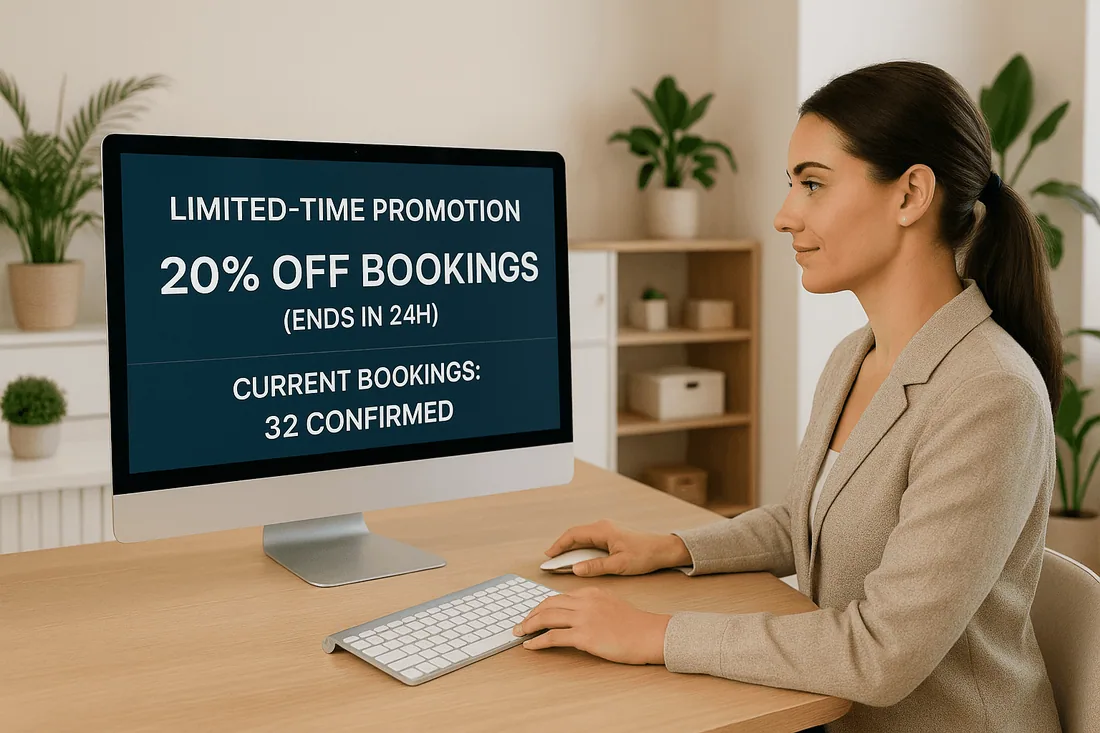
Scarcity and urgency drive action. When clients know they have a short window to book, they’re more likely to commit.
Creates urgency: Customers act quickly to avoid missing out.
Fills gaps in scheduling: Target slow times with limited offers.
Reduces hesitation: Immediate discounts reduce second-guessing.
Encourages loyalty: Customers appreciate exclusive, time-bound deals.
With a Shopify booking app, promotions can be linked to an appointment booking calendar, ensuring bookings align with real-time service availability.
Common Pitfalls with Promotions
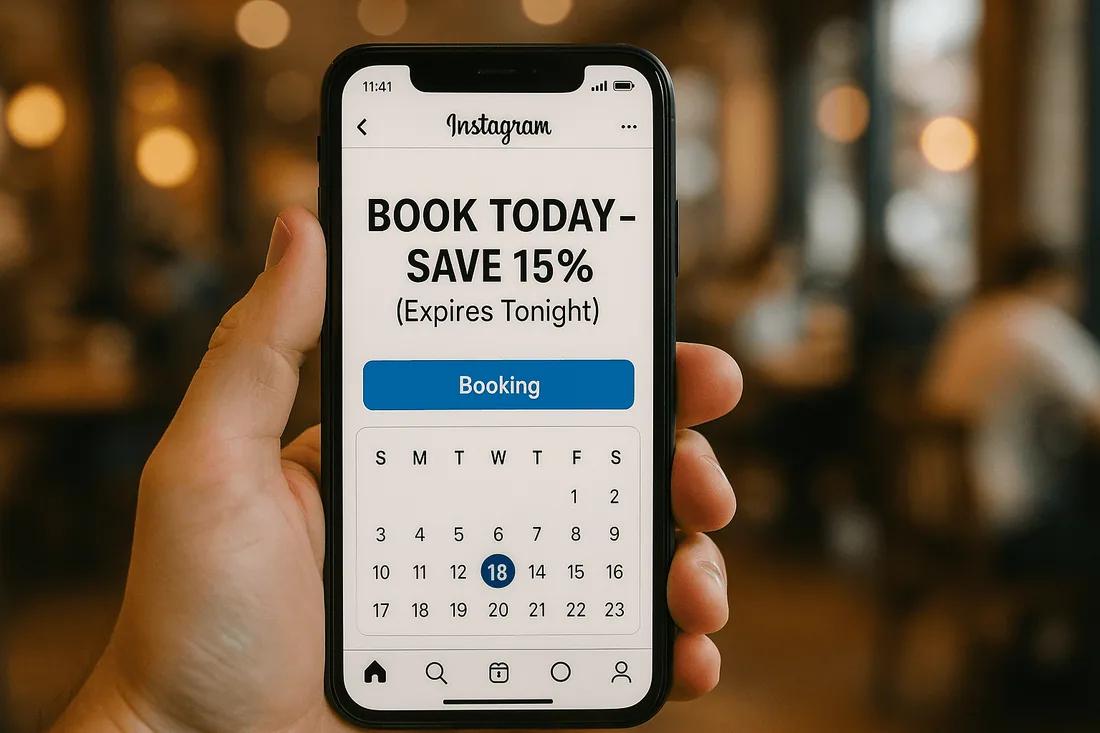
Overusing discounts that reduce perceived value
Running promotions too often can train customers to wait for discounts.
Not syncing promotions with actual availability
Without a booking system with calendar integration, you risk overselling services or creating conflicts.
Confusing terms that create frustration
If customers don’t understand eligibility, they may feel misled.
Failing to communicate expiration dates clearly
Lack of clarity about deadlines reduces urgency and leads to disputes.
Best Practices for Running Limited-Time Service Promotions
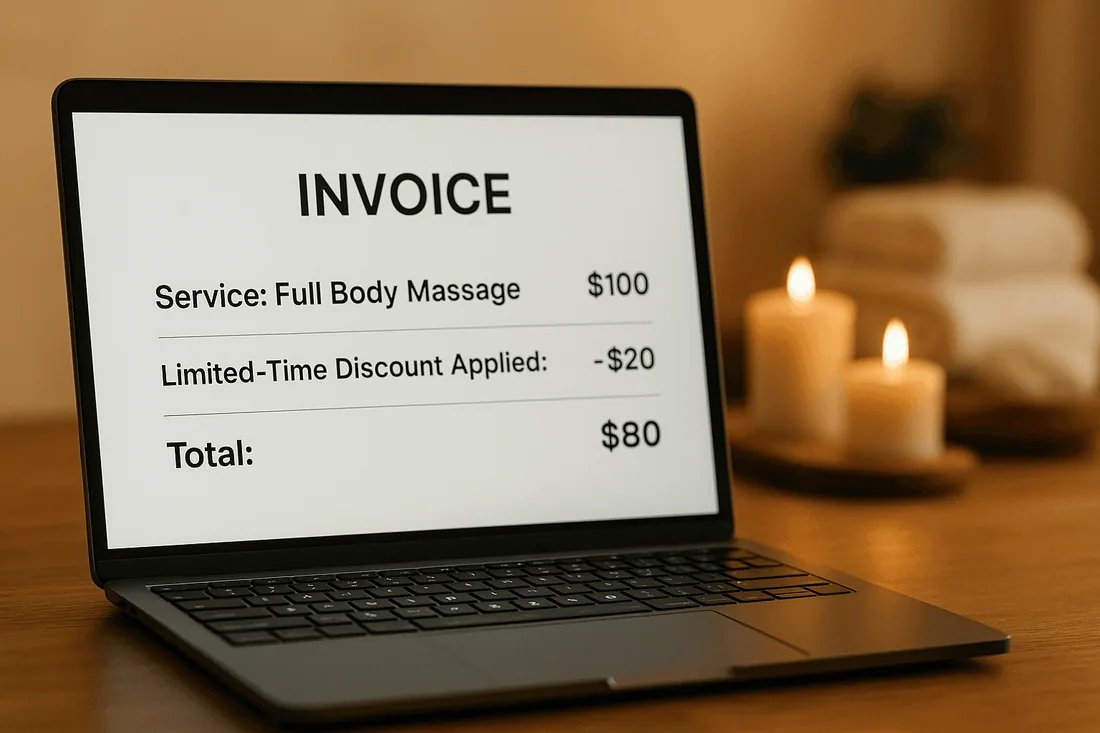
Offer time-bound deals (24–72 hours)
Short windows create urgency without devaluing your service.
Highlight instant booking confirmation
Customers should feel reassured that their booking is locked in.
Sync promotions with real-time availability
A Google Calendar Shopify app ensures schedules update automatically to avoid double bookings.
Use deposits or partial pre-payments
Encourage commitment while maintaining flexibility for clients.
Promote via social media ads and email campaigns
Boost visibility by reaching clients where they already engage.
How to Set Up Limited-Time Promotions in Shopify
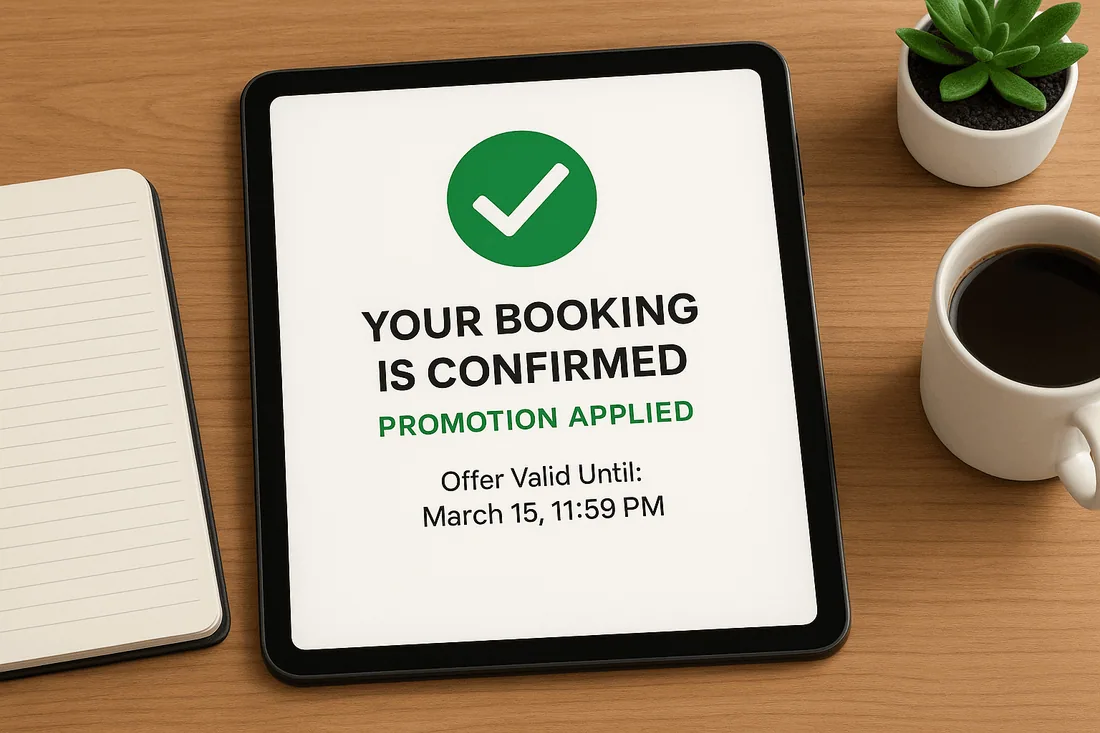
Choose a Shopify booking app that supports upsells and discount logic.
Define eligible services (e.g., weekday facials or weekday fitness classes).
Add a countdown timer in the booking widget to create urgency.
Sync with Shopify Google Calendar sync to ensure accurate staff scheduling.
Track bookings in the admin calendar to measure promotion success.
Case Example: Driving Demand with Flash Sales
A personal trainer noticed that mid-week mornings were always empty. They launched a “Book in the Next 48 Hours – 20% Off” promotion through their Shopify scheduling tool.
By highlighting service availability in real time and offering instant booking confirmation, the trainer doubled mid-week sessions while upselling nutrition consultations as add-ons.
Recommended Shopify Booking Apps
Cowlendar (Top Recommendation)
✅ Instant bookings without Shopify checkout
✅ Staff assignment, room/equipment logic
✅ Google Calendar sync per staff
✅ POS integration for walk-ins
✅ Admin calendar with staff filters
✅ SMS/email reminders
✅ Deposits, upsells, waitlists
✅ Multi-location support
✅ Mobile-optimized booking widgets
✅ Staff performance reporting
❌ Some features require a paid plan
Apntly (Appointly)
✅ Staff and class scheduling
✅ Google Calendar + POS + Zoom
✅ Custom forms
❌ No equipment/room support
❌ Onboarding unclear
Appointo
✅ Staff assignment, rooms, and rentals
✅ POS + Zoom
✅ Deposits and upsells
✅ Admin dashboard
❌ Setup complexity can be high
Easy Appointment Booking (Servicify)
✅ Basic staff logic
✅ POS + Zoom + deposits
✅ Easy setup for solo businesses
❌ No reporting or advanced filters
BookThatApp (BTA)
✅ Advanced staff/room logic
✅ POS, Zoom, forms, calendar tools
❌ Steep learning curve
❌ No upsells noted
Sesami
✅ Multi-location staff logic
✅ POS, Google Calendar, onboarding
❌ Limited customization
❌ No upsells
Feature | Cowlendar | Apntly | Appointo | Easy Appointment | BookThatApp (BTA) | Sesami |
|---|---|---|---|---|---|---|
Instant Booking | ✅ | ✅ | ✅ | ✅ | ✅ | ✅ |
Group / Event Booking | ✅ | ✅ | ✅ | ✅ | ✅ | ✅ |
Rentals / Equipment | ✅ | ❌ Unspecified | ❌ Unspecified | ❌ Unspecified | ❌ Unspecified | ❌ Unspecified |
Shopify POS Integration | ✅ | ✅ | ✅ | ✅ | ✅ | ✅ |
Google Calendar Sync | ✅ | ✅ | ✅ | ✅ | ✅ | ✅ |
Zoom Integration | ✅ | ✅ | ✅ | ✅ | ✅ | ✅ |
Email / SMS Reminders | ✅ | ❌ Unspecified | ✅ | ✅ | ✅ | ✅ |
Deposits Supported | ✅ | ✅ | ✅ | ✅ | ✅ | ✅ |
Upsells Supported | ✅ | ✅ | ✅ | ✅ | ❌ Unspecified | ❌ Unspecified |
Customizable Forms | ✅ | ✅ | ✅ | ✅ | ✅ | ✅ |
Embedded Widget | ✅ | ✅ | ✅ | ✅ | ✅ | ✅ |
Mobile-Responsive Design | ✅ | ✅ | ✅ | ✅ | ✅ | ✅ |
Admin Dashboard | ✅ | ✅ | ✅ | ✅ | ✅ | ✅ |
Onboarding Experience | ✅ | ❌ Unspecified | ❌ Unspecified | ❌ Unspecified | ❌ Unspecified | ✅ |
Complexity / Entry Barrier | ✅ Easy | ✅ Easy | ❌ High | ✅ Easy | ❌ High | ✅ Medium |
FAQ
1. What is the ideal length for a limited-time promotion?
Typically 24 to 72 hours is enough to drive urgency without devaluing your services.
2. How do I avoid double bookings during promotions?
Use a booking system with calendar integration like the Cowlendar booking app with Shopify Google Calendar sync.
3. Can I use promotions for specific services only?
Yes, you can set up discounts for selected services or time slots.
4. How can I promote my limited-time offers effectively?
Leverage social media ads, email marketing, and countdown timers on your appointment booking calendar.
5. Should I require deposits during promotions?
Yes, deposits or partial pre-payments secure the spot and reduce no-shows.
Conclusion
Limited-time promotions are one of the fastest ways to fill schedules, boost mid-week demand, and drive customer loyalty. When tied to a Shopify booking app, they become seamless, transparent, and highly effective.
👉 Drive more bookings with Cowlendar by creating limited-time promotions that convert followers into paying clients.
Originally published on the Cowlendar blog. This article keeps its original publication history; the page layout has been refreshed.
Originally published Aug 30, 2025.



 Built for Shopify


