
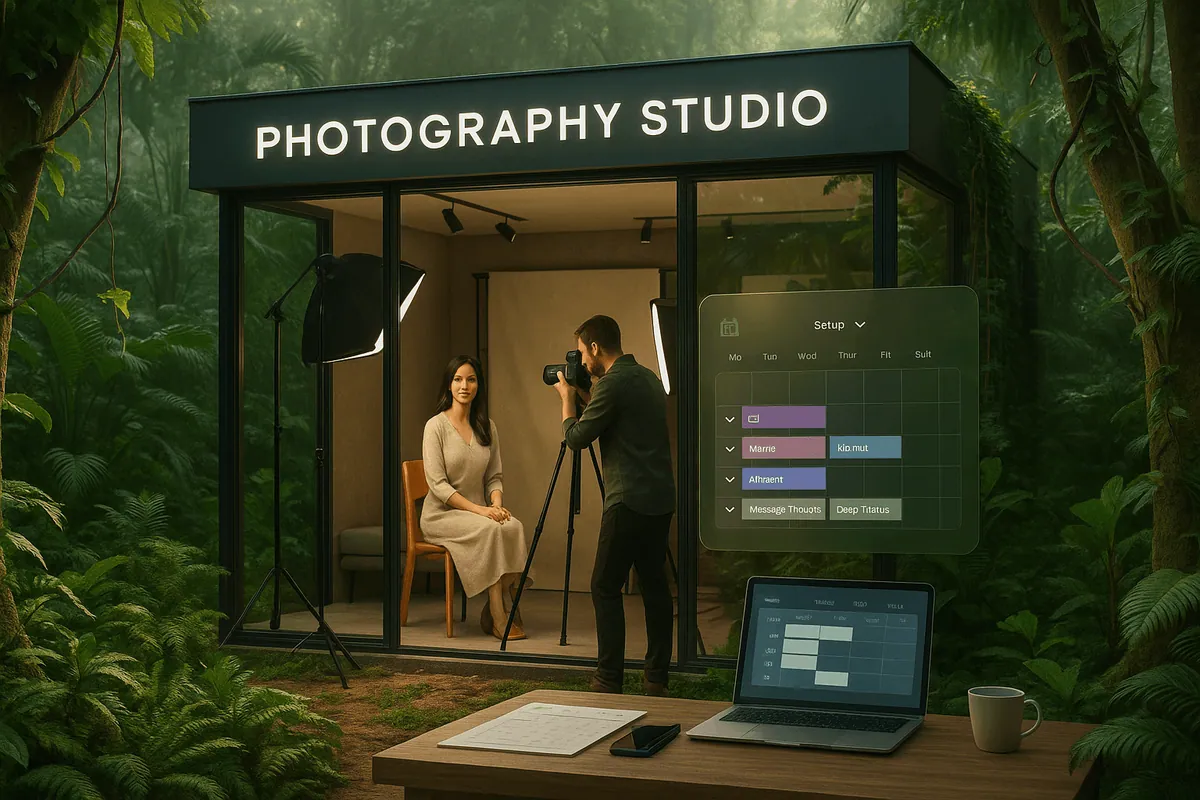
Emma is a passionate wedding photographer who has been in the business for over 6 years. During peak wedding season, she was always juggling a mix of emails, DMs, and Google Calendar to book her sessions. Everything worked fine when she was handling just a few shoots per week, but as demand grew, things quickly became chaotic. She found herself missing appointments, dealing with double-bookings, and constantly chasing clients for deposit payments.
Despite her best efforts, the lack of an automated system led to frustrated clients and missed opportunities. Emma realized that she needed a system to handle her bookings, payments, and client communications in a seamless, professional manner. That’s when she discovered Shopify booking apps — the key to turning her booking chaos into a smooth, automated workflow.
Why Photographers Need a Shopify Booking System
As a photographer, you likely face numerous challenges when relying on manual tools for scheduling. These challenges include:
Conflicting shoot times: Double bookings happen when there is no integration between different calendars or scheduling tools.
No automated confirmations: Without a reliable booking system, your clients might not receive confirmations, leading to confusion or missed appointments.
Forgetful details: Manual scheduling leaves room for mistakes, such as forgetting equipment or location details.
Getting paid late or chasing invoices: Without deposits or automated payment processing, you might find yourself constantly following up on payments.
Clients ghosting without deposit protection: Last-minute cancellations without deposits can lead to lost revenue.
Losing bookings due to poor UX: If your booking process is cumbersome or hard to navigate, clients might abandon the booking before completing it.
With Shopify, you can integrate a professional booking app that not only automates the booking process but also integrates with your store, allowing you to sell services, digital files, and physical products all in one place. By pairing Shopify with the right booking app, you can eliminate manual scheduling mistakes and provide your clients with a seamless booking experience.
Must-Have Features in a Photographer Booking System
Google Calendar Sync
Why it matters: Integrating your booking system with Google Calendar is crucial for keeping your schedule organized. Real-time calendar sync ensures that your availability is up to date across all platforms and helps avoid double bookings.
Example: If you’re a wedding photographer, having a synced calendar means that any time a client books a session, it automatically reflects in your Google Calendar, so you can see exactly when you’re available.
Staff or Equipment Assignment
Why it matters: Managing a team or ensuring you have the right equipment available for each shoot is essential. With staff and equipment assignment, you can assign specific photographers, assistants, or equipment to each booking.
Example: If you run a studio, you might assign one photographer to a portrait session while another handles event photography. Additionally, you can assign specific lighting kits or cameras to the corresponding session to ensure everything runs smoothly.
Shoot Duration & Buffer Control
Why it matters: When working with back-to-back appointments, you need to set custom shoot durations and add buffer time between appointments. This is important for allowing yourself time to reset, review the shots, or prepare for the next shoot.
Example: If you’re booking multiple mini photo shoots, you’ll need to set buffer time for equipment setup or to simply take a breather between sessions. This prevents back-to-back chaos and ensures you provide quality service to your clients.
Multi-location (e.g., indoor vs. outdoor)
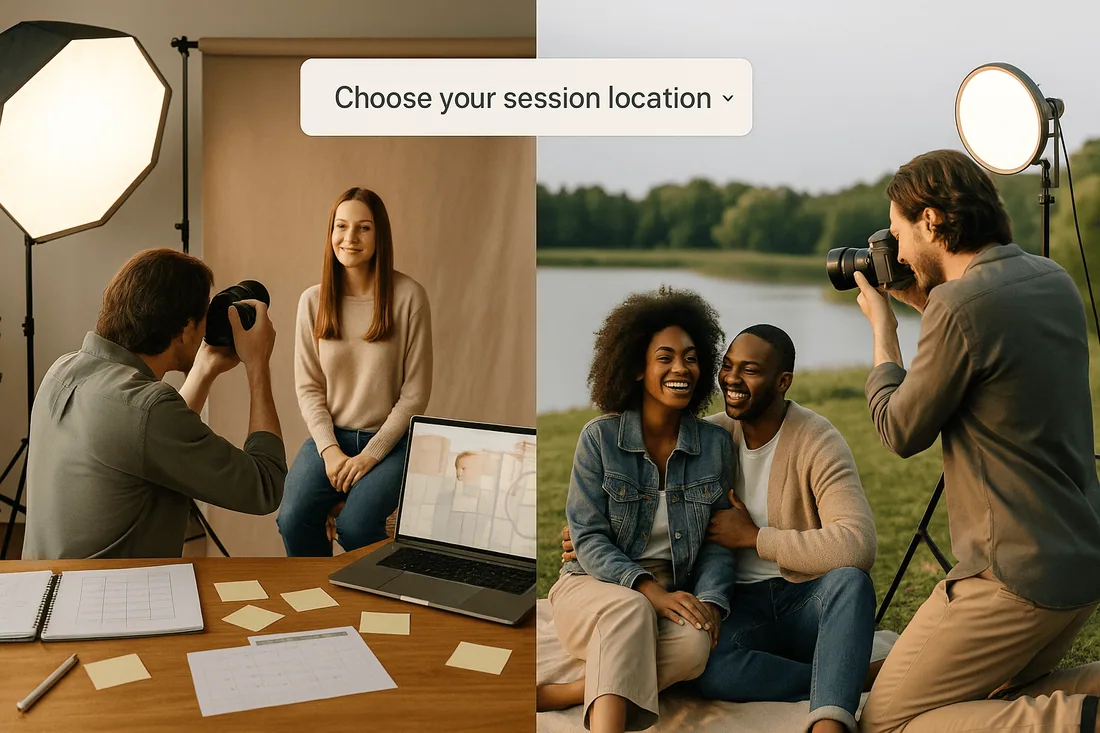
Why it matters: If you offer multiple locations (e.g., indoor studio shoots or outdoor location sessions), multi-location booking lets clients choose where they want to book their session, and ensures you're scheduling at the correct location.
Example: A wedding photographer can allow clients to choose between an indoor studio session or a beach shoot, and the system will ensure each location is correctly scheduled with available staff.
Real-Time Availability
Why it matters: Real-time availability ensures that clients can only book time slots that are truly available. This reduces confusion and overbooking, and ensures a smoother experience for both clients and staff.
Example: If you’re a portrait photographer with a set amount of available time for each session, your booking system will only display the time slots that are actually open, based on your existing bookings.
Self-Booking Experience
Why it matters: Giving clients the ability to book their own appointments through an intuitive self-booking system streamlines the process. This helps reduce manual work and provides your clients with control over their schedule.
Example: A product photographer offering commercial shoots can let clients book their shoot time, select package options, and pay directly on your Shopify store.
Mobile-Friendly Booking
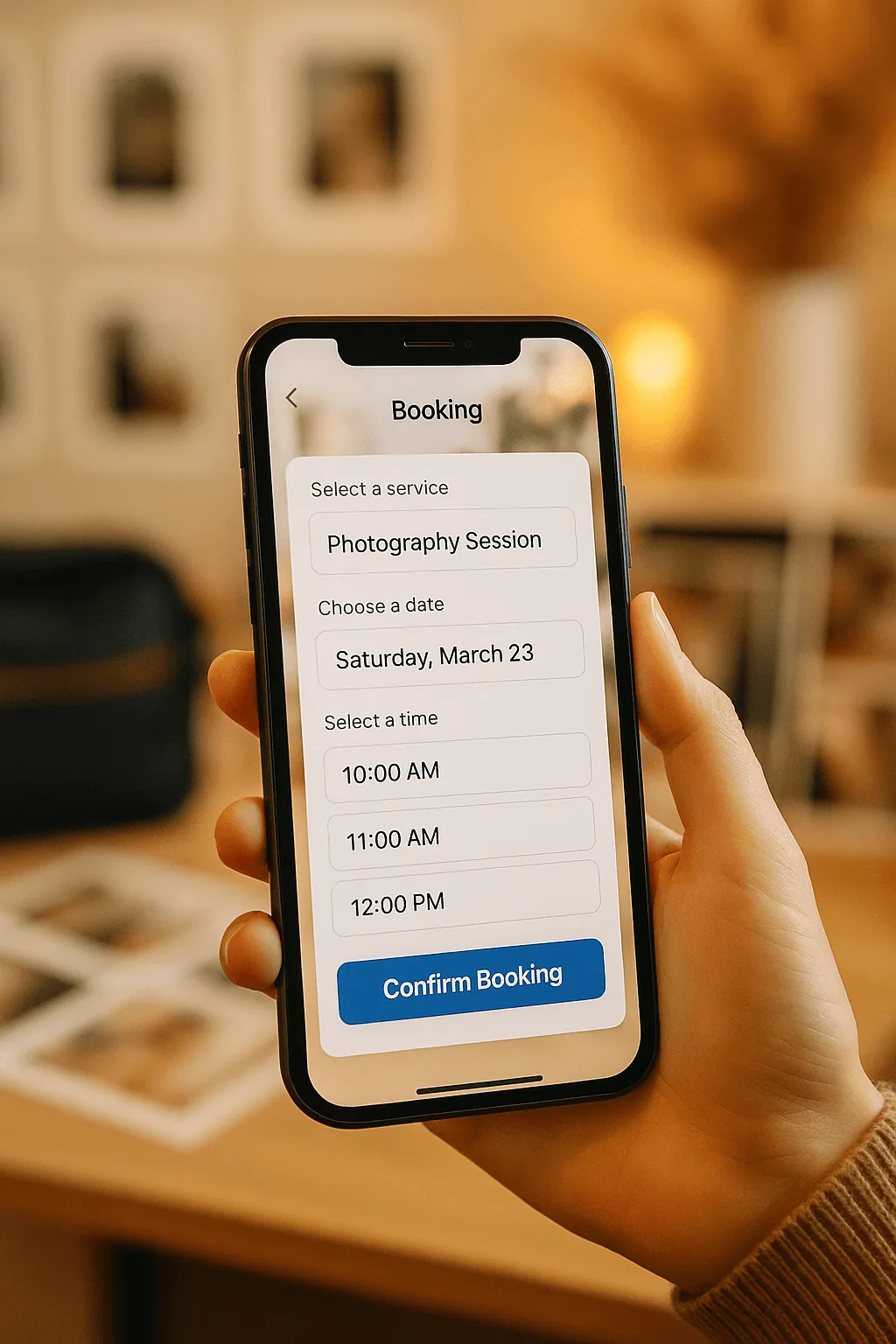
Why it matters: A mobile-responsive booking system ensures that clients can book services from their smartphones, making the booking process more accessible and convenient.
Example: A freelance photographer can have clients book photo shoots on the go, whether they’re at work or during lunch breaks, ensuring higher conversion rates.
POS Booking at Events or Studio
Why it matters: The ability to manage POS bookings allows you to easily handle in-person bookings and payments at events or in your studio.
Example: A wedding photographer attending a bridal fair can accept on-the-spot bookings and process payments seamlessly using POS integration.
Deposits & No-Show Protection
Why it matters: Deposits and no-show protection ensure that you are compensated for your time and effort, even when clients cancel last-minute or don’t show up.
Example: A portrait photographer can require clients to pay a deposit when booking and charge a no-show fee if the client misses the session.
Email & SMS Notifications
Why it matters: Automated email and SMS reminders help reduce no-shows and keep your clients informed about their appointments, while also offering easy rescheduling options.
Example: A wedding photographer can send an SMS reminder to clients the day before the shoot to confirm the details, ensuring a smooth experience.
Gallery or Add-On Integration
Why it matters: The ability to offer gallery or add-ons (like prints or albums) directly during the booking process creates additional revenue streams.
Example: A family photographer can offer clients the option to purchase prints or a digital gallery directly after the photo session.
POS Compatibility
Why it matters: With POS compatibility, your system integrates payment processing for both online bookings and in-person events seamlessly.
Example: A photographer at a trade show can offer on-the-spot bookings and process payments directly through POS.
Real-Time Availability
Why it matters: As discussed earlier, real-time availability helps ensure that clients can only book available time slots, streamlining the entire booking process.
Example: Clients will appreciate a booking system that accurately reflects your real-time availability, reducing frustration and mistakes.
Admin Dashboard with Calendar View
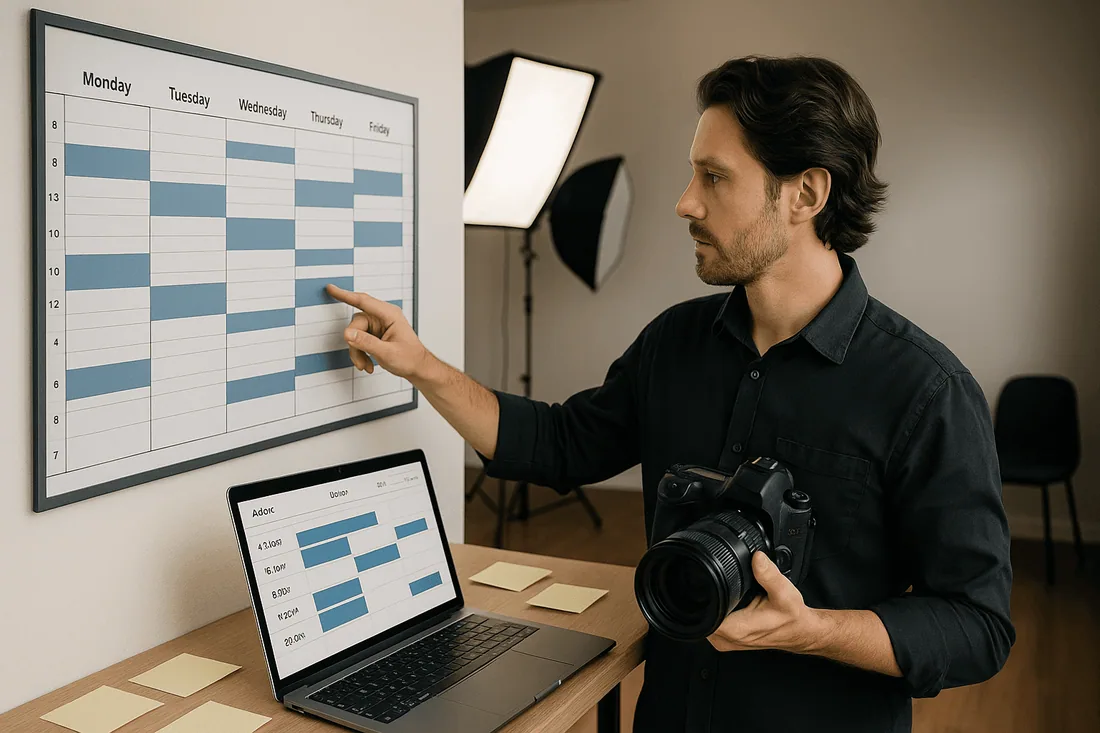
Why it matters: An admin dashboard with a calendar view provides a bird’s-eye view of all your bookings, upcoming shoots, and team schedules, making it easy to manage everything from one place.
Example: A studio owner can quickly see who’s booked for each session, what equipment is needed, and which photographer is assigned to each shoot.
Best Shopify Booking Apps for Photographers (Comparison)
1. Cowlendar (Top Recommendation)
✅ Instant bookings without Shopify checkout
✅ Staff assignment, room/equipment logic
✅ Google Calendar sync per staff
✅ POS integration for walk-ins
✅ Admin calendar with staff filters
✅ SMS/email reminders
✅ Deposits, upsells, waitlists
✅ Multi-location support
✅ Mobile-optimized booking widgets
✅ Staff performance reporting
❌ Some features require a paid plan
2. Apntly (Appointly)
✅ Staff and class scheduling
✅ Google Calendar + POS + Zoom
✅ Custom forms
❌ No equipment/room support
❌ Onboarding unclear
3. Appointo
✅ Staff assignment, rooms, and rentals
✅ POS + Zoom
✅ Deposits and upsells
✅ Admin dashboard
❌ Setup complexity can be high
4. Easy Appointment Booking (Servicify)
✅ Basic staff logic
✅ POS + Zoom + deposits
✅ Easy setup for solo businesses
❌ No reporting or advanced filters
5. BookThatApp (BTA)
✅ Advanced staff/room logic
✅ POS, Zoom, forms, calendar tools
❌ Steep learning curve
❌ No upsells noted
6. Sesami
✅ Multi-location staff logic
✅ POS, Google Calendar, onboarding
❌ Limited customization
❌ No upsells
Feature Comparison Table
Feature | Cowlendar | Apntly | Appointo | Easy Appointment | BookThatApp (BTA) | Sesami |
|---|---|---|---|---|---|---|
Instant Booking | ✅ | ✅ | ✅ | ✅ | ✅ | ✅ |
Group / Event Booking | ✅ | ✅ | ✅ | ✅ | ✅ | ✅ |
Rentals / Equipment | ✅ | ❌ | ❌ | ❌ | ❌ | ❌ |
Shopify POS Integration | ✅ | ✅ | ✅ | ✅ | ✅ | ✅ |
Google Calendar Sync | ✅ | ✅ | ✅ | ✅ | ✅ | ✅ |
Zoom Integration | ✅ | ✅ | ✅ | ✅ | ✅ | ✅ |
Email / SMS Reminders | ✅ | ❌ | ✅ | ✅ | ✅ | ✅ |
Deposits Supported | ✅ | ✅ | ✅ | ✅ | ✅ | ✅ |
Upsells Supported | ✅ | ✅ | ✅ | ✅ | ❌ | ❌ |
Customizable Forms | ✅ | ✅ | ✅ | ✅ | ✅ | ✅ |
Embedded Widget | ✅ | ✅ | ✅ | ✅ | ✅ | ✅ |
Mobile-Responsive Design | ✅ | ✅ | ✅ | ✅ | ✅ | ✅ |
Admin Dashboard | ✅ | ✅ | ✅ | ✅ | ✅ | ✅ |
Onboarding Experience | ✅ | ❌ Unspecified | ❌ Unspecified | ❌ Unspecified | ❌ Unspecified | ✅ |
Complexity / Entry Barrier | ✅ Easy | ✅ Easy | ❌ High | ✅ Easy | ❌ High | ✅ Medium |

Why Cowlendar Is the Best Booking App for Photographers
Cowlendar is the best Shopify booking app for photographers. It includes Google Calendar sync, POS integration, multi-location support, and real-time availability. It’s Shopify-native, meaning it integrates seamlessly with your store. You can assign staff or equipment to specific bookings, automate SMS and email reminders, and easily set up deposit and cancellation policies.
FAQ: Shopify Bookings for Photographers
Can I accept photo session bookings on Shopify?
Yes, you can use Shopify with a booking app to accept and manage photo session bookings seamlessly.
What’s the best Shopify app for mini sessions or headshots?
For mini sessions, Cowlendar allows you to set custom time slots and manage availability efficiently.
Can I charge deposits for photo shoots?
Yes, Cowlendar and other apps support deposit collection during the booking process.
Does Shopify integrate with my Google Calendar?
Yes, Shopify integrates with Google Calendar, allowing for real-time sync of appointments.
Can I book multiple team members (assistant, retoucher)?
Yes, most booking apps, including Cowlendar, support staff scheduling for multiple team members.
The right Shopify booking app helps photographers streamline shoot scheduling, reduce back-and-forth communication, and provide clients with a seamless experience. With features like real-time availability, Google Calendar sync, and deposits, you can ensure smooth operations, reduce no-shows, and protect your time and business.
👉 Try Cowlendar for photographers on the Shopify App Store
🔗 https://apps.shopify.com/cowlendar
Originally published on the Cowlendar blog. This article keeps its original publication history; the page layout has been refreshed.
Originally published Jul 13, 2025.




 Built for Shopify


